
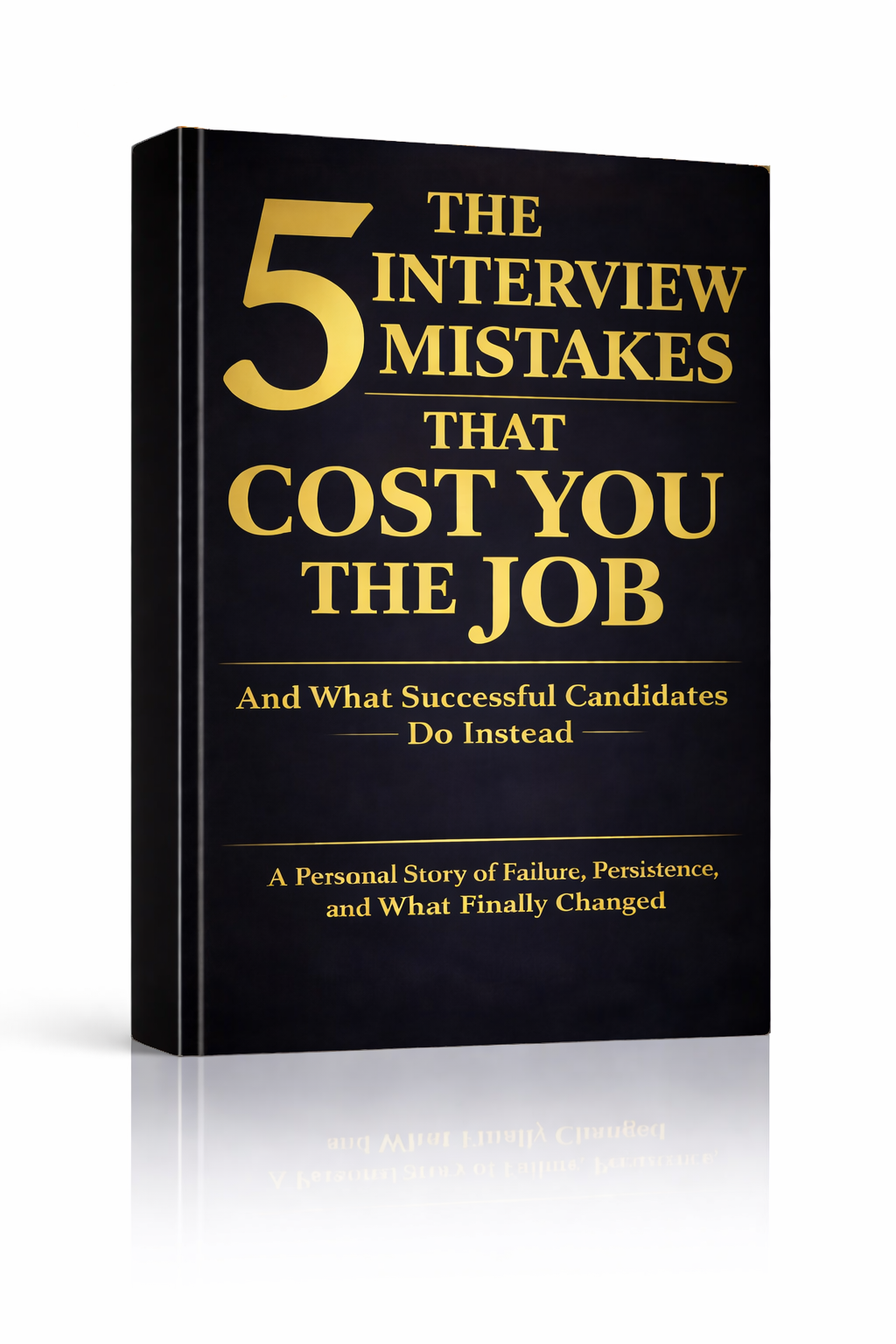
The 5 Interview Mistakes That Cost You the Job
What's silently killing your chances — and what top candidates do instead. Delivered instantly to your inbox.
No spam. Unsubscribe anytime. Privacy Policy & Terms
- Why "I'm a hard worker" destroys your chances
- What interviewers decide in the first 90 seconds
- How to handle tough questions with confidence
- The salary mistake almost every candidate makes
visit The Job Interview System for Job Seekers on Gumroad. A practical guide built for people who are serious about landing the job they want. For more interview guides, career tips, and job search resources, visit the Love PDF Guides home page.
Effective Strategies to Stop Wasting Time in Unnecessary Meetings
Meetings are often viewed as essential workplace activities. However, many of them turn out to be time-consuming without providing substantial value. If you find yourself sitting through an unnecessary meeting, you are not alone. Luckily, there are effective strategies to help you stop wasting time in these meetings.
Evaluate the Need for the Meeting
Before scheduling a meeting, ask yourself whether it is necessary. Determine if the information can be shared via email or a project management tool. Here are a few questions to consider:
- Do all participants need to be present?
- Can the topic be resolved with a brief update?
- Is it more efficient to communicate via messaging?
By critically evaluating the necessity of your meetings, you can eliminate those that add little value to your team’s objectives.
Set a Clear Agenda
Every meeting should have a specific purpose and agenda. Share this with attendees ahead of time. An agenda should include:
- The meeting topic
- Objectives to be achieved
- List of participants
- Time limits for each discussion point
With a clear roadmap, participants stay focused, leading to a more productive meeting.
Limit Attendance
Do you really need a full room? Limit the number of attendees to essential personnel. This not only encourages more meaningful contributions but also minimizes distractions. Consider creating a guideline for who truly needs to attend, which may include:
- Key decision-makers
- Subject Matter Experts (SMEs)
- Directly affected team members
Less crowded meetings can lead to quicker decisions and enhanced productivity.
Utilize Technology Effectively
In today’s digital age, there are countless tools available for efficient communication. Utilize virtual meeting platforms, such as Zoom, or project management tools like Trello. These tools can reduce the need for in-person meetings and streamline the workflow by:
- Allowing asynchronous updates
- Facilitating quick discussions via chat
- Enabling screen sharing for visuals
Time Management is Key
Respect everyone’s time by keeping meetings brief. Aim for a maximum duration of 30 minutes. This encourages participants to stay engaged and focused. During the meeting, adhere to the following time management tips:
- Start and end on time
- Use a timer to keep each segment within its allocated time
- Summarize discussion points and action items as you wrap up
Designate a Facilitator
Assign a facilitator for every meeting. This person’s role is crucial for keeping the discussion on track and ensuring all agenda items are covered. A good facilitator will:
- Encourage participation from all members
- Rein in any off-topic discussions
- Ensure conclusions are reached on every agenda item
Review and Revise Meeting Practices
After meetings, gather feedback from participants to understand how effective the meeting was. Conduct a quick survey or informal chat to assess what worked and what didn’t. Consider, for example:
- How valuable did participants find the meeting?
- Were the objectives met?
- Are there any suggestions for next time?
This iterative process helps refine future meetings and fosters an environment that prioritizes efficiency.
By following these strategies, you can successfully transform your approach to meetings, leading to less wasted time and more productive discussions. For more information and tips on effective meeting strategies, check out Forbes and Harvard Business Review.
The Impact of Meeting Culture on Workplace Productivity
The way meetings are conducted in a workplace can deeply affect overall productivity. Over the years, many companies have developed a culture where meetings are a common fixture, often without fully appreciating their impact. When meetings become routine and obligatory, they can overshadow essential work hours, leading to decreased employee morale and motivation.
One aspect of meeting culture is the frequency of gatherings. In some workplaces, it’s commonplace to have daily meetings, occupying valuable time that could be spent on productive tasks. Instead of fostering collaboration, excessive meetings can create a sense of overwhelm among employees. They leave less time for individuals to focus on their primary responsibilities, which can ultimately result in lower productivity levels.
Another element influencing the effectiveness of meetings is their duration. It’s not uncommon for meetings to drag on longer than necessary. Research indicates that meetings exceeding 30 minutes often lose focus and become unproductive. The key lies in setting clear agendas and time limits. For a meeting to be successful, participants should come prepared, knowing exactly what topics will be discussed and how long each item should take. This fosters a culture of efficiency.
Importance of a Defined Agenda
A well-structured agenda is critical to enhancing meeting effectiveness. Here are a few tips on creating one:
- Clearly Define Objectives: Outline the goals of the meeting to keep discussions on track.
- Limit Attendees: Only invite those who are essential to the discussion, ensuring that decision-makers are present.
- Allocate Time Wisely: Assign a specific timeframe to each topic to maintain focus and allow for productive dialogue.
- Follow-Up Action Items: Summarize decisions made and action items at the end of the meeting to ensure accountability.
Utilizing video conferencing and collaboration tools can also enhance the meeting experience. Utilizing platforms like Zoom or Microsoft Teams can save travel time and simplify scheduling. Video calls should also have agendas to keep discussions aligned. This modern approach creates a more flexible environment that suits the needs of today’s workforce.
The Balance Between Necessary and Unnecessary Meetings
It’s crucial to identify the meetings that are truly necessary compared to those that could be replaced with emails or quick check-ins. Consider asking yourselves:
- Does this meeting require live interaction?
- Can the same outcome be reached through an email update?
- Are all participants essential to the topic?
When preparing for a meeting, it may help to conduct a quick survey among team members to gauge their views on meeting effectiveness. Feedback can shine a light on which gatherings are viewed as useful and which may be deemed unnecessary. Adjusting the meeting culture based on these insights can significantly improve overall productivity.
Evaluating Meeting Success
Follow-up evaluations can aid in determining the effectiveness of meetings. Consider using a simple rating system where attendees can anonymously express whether they felt the meeting was productive. Gathering this data regularly can help to refine the meeting culture within the organization. Adopting a more streamlined approach can combat the fatigue that tends to accompany frequent, unproductive meetings.
| Meeting Aspect | Impact on Productivity |
|---|---|
| Frequency | High; too many meetings reduce focus time. |
| Duration | High; prolonged meetings lead to disengagement. |
| Agenda Clarity | Very High; a defined agenda keeps participants engaged. |
| Participant Involvement | Moderate; relevant attendees enhance meeting effectiveness. |
A shift in meeting culture can yield tremendous benefits for organizations striving for better productivity. Emphasizing clear objectives, reducing unnecessary gatherings, and employing modern tools will lead teams to become more efficient. Eliminating time-wasting meetings not only enhances individual performance but also promotes a general culture of respect for time within the workplace.
For further resources on improving meeting productivity, check out Forbes and Harvard Business Review.
How to Identify Meetings That Could Be Emails
Meetings can often feel like a necessary evil in the workplace. Many professionals find themselves sitting in long discussions that could have been condensed into a quick email. Identifying which meetings could simply be emails is crucial for fostering productivity and ensuring efficient use of time. Here are some strategies to recognize those meetings that might not warrant a physical gathering.
Evaluate the Agenda
Before attending a meeting, always look at the agenda. A well-structured agenda should clearly outline the purpose of the meeting. If the agenda includes points that can easily be communicated in a written format, you might want to consider suggesting a change to an email. Here’s what to look for:
- Information Sharing: If the meeting focuses solely on updating everyone on progress or sharing information, it could be shared via an email update instead.
- Decision Making: If the meeting mainly surrounds a decision that can be made individually, bring it to the table with an email summarizing the options.
- Reports and Updates: Regular reports or statuses can often be revamped into a simple email to avoid lengthy discussions.
Assess the Participants
The number of participants in a meeting can also be an indicator of its potential to be transformed into an email. For instance, if the meeting involves multiple people but only a few are necessary for the decision-making process, it likely doesn’t need to take place in person. Evaluate the participants with these points:
- Essential vs. Optional: Identify who needs to participate. If many attendees are optional, consider sending an email instead.
- Expert Input: If the discussion revolves around specialized knowledge and only one expert is involved, they can provide their input through an email.
- Feedback: If feedback is the focus and can be collected through an email chain or survey, there’s no need for a meeting.
Identify Time-Wasting Patterns
Be mindful of how time is spent in each meeting. If discussions veer off topic without achieving actionable results, it’s a red flag. Here are some patterns to consider:
- Overly Long Meetings: If meetings are consistently longer than necessary, it’s time to question their format.
- Unclear Goals: If a meeting lacks clarity on outcomes, this may indicate that the same information could be conveyed in writing.
- Repetition: If meetings often cover the same topics repeatedly, they could potentially be addressed through a consistent update email.
Utilize Technology
Communication tools have advanced, making it easier to share information quickly. Consider using modern tools that facilitate more efficient collaboration. Here are a few to explore:
- Project Management Tools: Use platforms such as Trello or Asana that allow teams to track progress and updates in real-time.
- Email Notifications: Rely on email threads for updates and decisions that don’t require face-to-face time.
- Instant Messaging: Platforms like Slack or Microsoft Teams provide communication without needing a formal meeting setup.
Feedback Loop
Be open to feedback regarding meetings from your team. Encourage your coworkers to express their opinions on the necessity of particular meetings. For example:
- Post-Meeting Surveys: Create quick surveys to gauge the effectiveness of a meeting and whether individuals found value in it.
- One-on-One Discussions: Engage in informal talks to better understand if the information shared could have been sent via email.
- Rotation of Roles: Delegate meeting facilitator roles to see if different perspectives lead to the realization that a meeting is not always necessary.
In the end, being mindful of meeting necessity can vastly improve productivity in the workspace. At any point, before scheduling or attending a gathering, ask yourself if the matter at hand could be more effectively addressed through email. For additional insights and strategies on this subject, visit Harvard Business Review or Forbes Coaches Council.
Tools and Technologies for Streamlining Team Communication
Effective communication within teams is essential for enhancing productivity and ensuring successful project execution. With various tools and technologies available today, teams can streamline their communication, making it easier to share information, collaborate, and stay connected. By leveraging the right tools, you can eliminate misunderstandings and reduce the time spent on unnecessary follow-ups. Below are some impactful tools and technologies that you can incorporate into your team workflow.
Instant Messaging and Collaboration Tools
Instant messaging platforms have transformed how teams communicate. They promote quick conversations and real-time updates, minimizing the need for lengthy email threads. Here are a few popular options:
- Slack – A versatile messaging app that allows channel-based communication, file sharing, and app integrations.
- Microsoft Teams – Part of the Microsoft 365 suite, Teams facilitates chat, video conferences, and file collaboration.
- Discord – Originally for gamers, this platform has evolved to support community and team discussions through voice, video, and text.
Project Management Software
Project management tools not only help in organizing tasks but also enhance team communication. They centralize updates, making it easier for everyone to stay informed.
- Trello – Visual task management that helps teams use boards, lists, and cards to track progress.
- Asana – Offers task assignments, deadlines, and project timelines to keep the team aligned.
- Jira – Ideal for software development teams, allowing for issue tracking and agile project management.
Video Conferencing Solutions
With remote work becoming the norm, video conferencing tools have become indispensable. They provide a personal touch that instant messaging lacks.
- Zoom – A popular choice for video conferencing with features like breakout rooms and screen sharing.
- Google Meet – Integrated with Google Workspace, it allows for easy conferencing with no additional software installation.
- Cisco Webex – A robust platform for video meetings and webinars, offering security features for enterprise users.
File Sharing and Cloud Storage
Secure and efficient file sharing is crucial for teams. Using cloud storage services ensures that everyone has access to the documents they need, without the hassle of attaching files in emails.
- Dropbox – Provides secure file storage and sharing capabilities with collaborative features.
- Google Drive – Integrates seamlessly with Google’s suite of applications for easy collaboration on various documents.
- Microsoft OneDrive – Cloud storage solution that works well with Microsoft applications and facilitates teamwork.
Integrations and Automations
To maximize efficiency, consider using integration tools that allow different platforms to communicate. Automation helps reduce repetitive tasks, freeing up your team’s time to focus on strategic work.
- Zapier – Connects over 2,000 apps to automate workflows, such as syncing tasks, schedules, and communications.
- IFTTT (If This Then That) – Automates interactions between apps based on triggers and actions.
Feedback and Survey Tools
Getting feedback is vital for continuous improvement. Utilize tools designed for surveys and feedback collection to gauge team sentiment and address any concerns.
- SurveyMonkey – Offers customizable surveys for gathering detailed feedback from team members.
- Google Forms – A simple way to create surveys and collect responses in real time.
By integrating these tools into your team’s communication strategy, you can significantly reduce wasted time and improve overall productivity. Choose the solutions that best fit your team’s needs, and watch as communication becomes more effective and streamlined. For more insights on team communication, check out resources on Harvard Business Review and Forbes.
Creating a Meeting Agenda: Key Elements for Success
Effective meetings can lead to productive outcomes, but without a clear structure, they can often lead to wasted time and decreased engagement. Creating a meeting agenda is a vital step toward ensuring that every meeting is focused, efficient, and valuable for all participants. By outlining the objectives, topics, and necessary materials, you set the stage for success. Below are key elements that can help you craft an agenda that keeps everyone on track.
1. Define the Purpose of the Meeting
Before you start drafting the agenda, clarify the main objective of the meeting. Are you brainstorming ideas, making decisions, or providing updates? A focused purpose aligns the team’s expectations and ensures that everyone is on the same page.
2. List Your Agenda Items
Once you know the purpose, jot down the topics that need discussion. Use a bullet-point list to keep it clear and organized. Here are some example agenda items you might include:
- Project updates and timelines
- Budget discussions
- Feedback on recent initiatives
- Brainstorming new marketing strategies
- Addressing any team concerns
3. Allocate Time for Each Topic
Time management is crucial in meetings. Assign specific time slots to each agenda item to avoid overrunning. This helps participants understand how long each topic will take and encourages more concise discussions. Here’s a template you might use:
| Agenda Item | Time Allotted |
|---|---|
| Project updates | 15 minutes |
| Budget discussion | 20 minutes |
| Feedback session | 10 minutes |
| Brainstorming session | 25 minutes |
| Addressing team concerns | 10 minutes |
4. Assign Roles
Designating roles can significantly enhance the meeting’s effectiveness. Assign a facilitator to guide the discussion, a timekeeper to monitor the allotted time, and a note-taker to capture important points. This structure empowers participation and keeps the meeting organized.
5. Determine the Required Materials
Identify materials participants will need to prepare ahead of time. This could be reports, presentations, or any documents relevant to the discussions. Providing these in advance allows attendees to come prepared, leading to a more constructive meeting.
6. Set a Follow-Up Plan
Your agenda should also include a strategy for follow-up. After the meeting, circulate minutes and outline the action items. Make sure to specify who is responsible for each task and the deadlines. This ensures accountability and keeps the momentum going.
7. Gather Feedback and Iterate
Seek feedback from participants on the effectiveness of the agenda and the meeting as a whole. Use this input to improve future agendas, adapting to the team’s preferences and needs. A continuous feedback loop fosters a culture of improvement and engagement.
These elements into your meeting agenda can transform how your team collaborates and communicates. By prioritizing clear objectives, structured topics, and efficient time management, you enhance productivity and create a more positive meeting experience. For more information on building effective agendas, visit MindTools and Wrike.
Setting Boundaries: When to Decline Meeting Invites
In today’s fast-paced work environment, meetings can easily consume vast amounts of your valuable time. If you find yourself drowning in an endless sea of calendar invites, it’s essential to learn when to decline a meeting. Knowing how to set boundaries effectively can significantly enhance your productivity and ensure that your time is spent on what truly matters.
Here are some key points to consider when you’re evaluating whether to accept or decline meeting invites:
Assess the Necessity of the Meeting
Before you accept a meeting invite, think about the purpose of the meeting. Ask yourself:
- Is my presence required to achieve the goals of this meeting?
- Can the information be shared through an email or a brief message instead?
- Are there alternative ways to collaborate on this topic, such as a shared document or chat?
If the answer to most of these questions is ‘no’, it’s likely a good reason to decline the invite.
Evaluate Your Current Commitments
Your calendar might be filling up quickly, but some meetings can truly disrupt your workflow. To evaluate your current commitments:
- Look at your schedule for the day and identify your high-priority tasks.
- Check if the meeting time overlaps with significant work deadlines.
- Consider whether your mental energy is focused on tasks that demand uninterrupted attention.
If attending the meeting detracts from completing essential work, don’t hesitate to express your inability to attend.
Identify Who Depending on You
Some meetings revolve around core team members who might rely on your input or decision-making abilities. In these cases:
- Determine your role and its importance. Will your absence impact the flow of information or decision-making?
- If you’re only a bystander or can be brought up to speed through brief meeting notes, this is a solid reason to decline.
- Reaching out to the organizer to suggest that they fill you in later could be a respectful way to handle declining without leaving them high and dry.
Criteria to Decline Meeting Invites
Based on the above criteria, you might find it helpful to have a mental checklist. Here are some situations where it’s perfectly acceptable to decline:
| Situation | Reason to Decline |
|---|---|
| Overlapping with another commitment | Time constraints prevent you from contributing effectively. |
| Non-critical updates | Information could be shared via an email instead of a meeting. |
| Unclear agenda | The lack of clear objectives makes the meeting unnecessary. |
| Too many attendees | Joining a large group may lead to distractions and make it hard for you to contribute. |
Communicating Your Decline
When you decide to decline a meeting, do so gracefully. Here are some tips for effective communication:
- Be polite and express appreciation for the invite.
- Provide a valid reason when possible but keep it concise.
- Offer alternatives, such as a brief chat afterward if needed.
This approach shows professionalism and respect for the organizer’s effort in planning the meeting.
Develop a Personal Strategy
Having a personal strategy for setting boundaries can be a game-changer. Consider the following:
- Establish specific times in your calendar for focused work without meetings.
- Create an “off-limits” policy for certain hours if necessary.
- Communicate your boundaries with your team to set expectations proactively.
Setting these boundaries allows you to protect your time while still being a team player.
For further insights on efficient meeting management and workplace productivity, you can explore Harvard Business Review or check the guidelines provided by Mind Tools.
Mastering when to decline meetings is essential for enhancing productivity. By implementing these strategies, you can take control of your schedule and focus on what truly matters in your work life.
The Role of Leadership in Optimizing Meeting Efficiency
In today’s fast-paced business world, inefficient meetings can severely impact productivity and employee morale. Leadership plays a crucial role in optimizing meeting efficiency, ensuring that every gathering is a valuable use of time. Strong leaders establish clear objectives, foster constructive communication, and implement strategies that dramatically reduce wasted time. Here are key elements of effective leadership that can transform meetings into focused and productive sessions.
Set Clear Objectives
A meeting without a purpose is often just a waste of time. Effective leaders start by defining the meeting’s goals clearly. This means you should ask yourself:
- What is the primary agenda?
- What outcomes are expected?
- Who needs to be present to contribute to these outcomes?
By establishing a clear purpose, leaders can guide discussions and maintain focus throughout the meeting. Make sure each participant knows these objectives before the meeting begins, giving everyone a chance to prepare.
Invite the Right People
Another important aspect of leadership in meetings is ensuring that attendees are relevant to the agenda. Too many people can lead to longer discussions and can dilute the effectiveness of the meeting. Consider these points:
- Only include team members whose contributions are vital to meeting objectives.
- Encourage those who will help achieve the goals to attend, but do not invite unnecessary personnel.
- Use virtual tools to gather insights from those who cannot attend, ensuring their opinions are still considered.
Keeping the guest list concise can significantly streamline discussions and decision-making processes.
Establish a Meeting Agenda
A clear agenda acts as a roadmap that guides the meeting. Leaders should distribute this agenda at least a day in advance. An effective agenda typically includes:
- Topics to be discussed
- The time allocated for each topic
- Designated speakers or team members responsible for each section
This structure not only keeps the meeting on track but also allows participants to prepare their thoughts ahead of time.
Set Time Limits
Leaders can optimize meeting efficiency by enforcing strict time limits. Allocating specific time slots for each agenda item encourages focused discussions. Here are some techniques to consider:
- Use a timer to keep everyone aware of the clock.
- Assign a “timekeeper” whose sole responsibility is to alert the group when time is running short.
- Schedule breaks for longer meetings to keep energy levels high.
Managing time effectively prevents attendees from straying from the topic at hand.
Promote Active Participation
A successful meeting requires input from all participants. Leaders should create an environment where everyone feels comfortable sharing their thoughts. Consider these strategies:
- Encourage questions and discussions.
- Utilize brainstorming sessions to draw out creative ideas.
- Rotate roles such as facilitator or note-taker among team members, fostering engagement.
Leaders should also be aware of body language and non-verbal cues, addressing any dominant voices that may stifle quieter participants.
Follow-Up Post-Meeting
Effective leaders know that the meeting does not end when everyone leaves the room. Follow-up actions are critical in reinforcing decisions made during meetings. Consider these follow-up practices:
- Send out an email summarizing key points and decisions made.
- Clearly outline action items and assign responsibilities.
- Set deadlines for task completion to maintain accountability.
This proactive approach ensures that the meeting’s discussions translate into real-world actions, maintaining momentum toward goals.
Leadership plays an instrumental role in creating efficient and productive meetings. By setting clear objectives, inviting the right people, establishing an agenda, setting time limits, promoting participation, and following up after discussions, leaders can ensure meetings are less about time wasting and more about meaningful collaboration.
For more insights on optimizing your meeting practices, check out resources from the Harvard Business Review and Forbes.
Key Takeaway:
Key Takeaway: Enhancing Workplace Productivity through Effective Meeting Management
In today’s fast-paced work environment, it’s crucial to maximize productivity by minimizing time spent in unnecessary meetings. The article highlights several effective strategies to help professionals stop wasting precious hours trapped in unproductive gatherings. One key insight is understanding the significant impact of meeting culture on overall workplace productivity. Organizations that foster a culture of respect for time can transform their operational efficiency.
Identifying which meetings could easily be replaced with emails is a practical approach to streamline communication. You must ask yourself whether the topics discussed require real-time interaction. If the answer is no, suggest sending detailed emails instead. This simple shift not only saves time but keeps everyone on the same page without the interruptions of a scheduled meeting.
Additionally, leveraging tools and technologies such as project management software or instant messaging platforms can enhance team communication. These technologies facilitate better collaboration and ensure that vital information is shared without the need for extensive meetings. Remote teams can particularly benefit from these tools, as they provide alternative avenues for engagement and discussion.
Creating a meeting agenda is another fundamental aspect of ensuring a meeting’s success. An agenda gives structure to discussions and keeps everyone focused on the core objectives. Break down essential elements like the meeting purpose, key topics, and designated speakers to keep the session on track and productive.
Setting clear boundaries for attending meetings is crucial. It is important to know when to decline invites that do not add value to your workflow. Learning to say no can free up your schedule for more meaningful work.
Leadership plays a critical role in optimizing meeting efficiency. Leaders who prioritize productive meeting practices set a tone that influences the entire team. By modeling effective scheduling and communication behaviors, they can help establish a culture where unnecessary meetings are minimized, empowering employees to make the best use of their time.
Transforming your approach to meetings can lead to improved productivity and job satisfaction. By utilizing these strategies and embracing a culture that respects time, you set your organization on the path to greater success.
Conclusion
Wasting time in unnecessary meetings can be a significant hurdle to productivity and employee satisfaction. By implementing effective strategies, you can transform your approach to meetings and reclaim valuable hours in your workweek. Understanding the impact of meeting culture is vital; it shapes how your team perceives productivity and can either foster or hinder collaboration. Identifying meetings that could simply be emails helps in minimizing time spent in discussion without substantial outcomes.
Utilizing the right tools and technologies streamlines communication, allowing for real-time updates without the need for a formal meeting. Equally important is the creation of a well-structured meeting agenda, which lays out clear objectives and promotes focus among participants. Setting boundaries is crucial; knowing when to decline meeting invitations protects your time and encourages others to respect it as well.
Leadership plays an essential role in optimizing meeting efficiency. Leaders should model effective meeting habits and actively encourage a culture where only necessary gatherings are prioritized. By fostering an environment that values productivity over prolonged discussions, teams can enhance their overall efficiency.
By embracing these principles, you pave the way for a more agile work environment where time is used effectively. You not only improve individual productivity but also contribute to a more engaged and motivated team. Ultimately, shifting your focus can lead to transformative changes in how your organization approaches meetings, paving the way for better results and a healthier work-life balance.
Your Next Chapter
Starts with the Right Guide
Three straight-talking PDF guides to help you win interviews, beat the first 90 days and thrive as an introvert. Instant download on Gumroad.
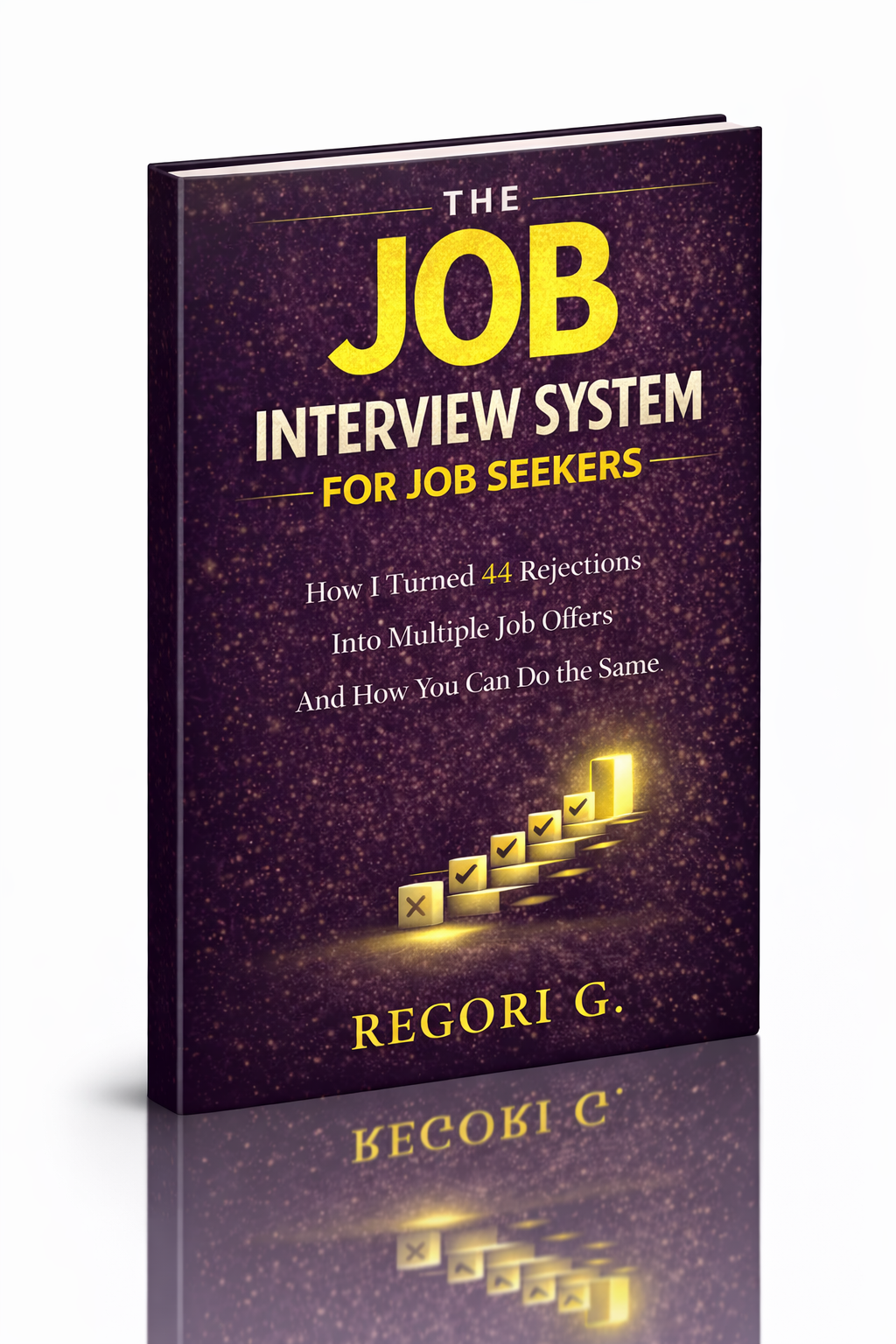
Guide 01
The Job Interview System
Step-by-step interview prep that turns nerves into confidence.
Get it →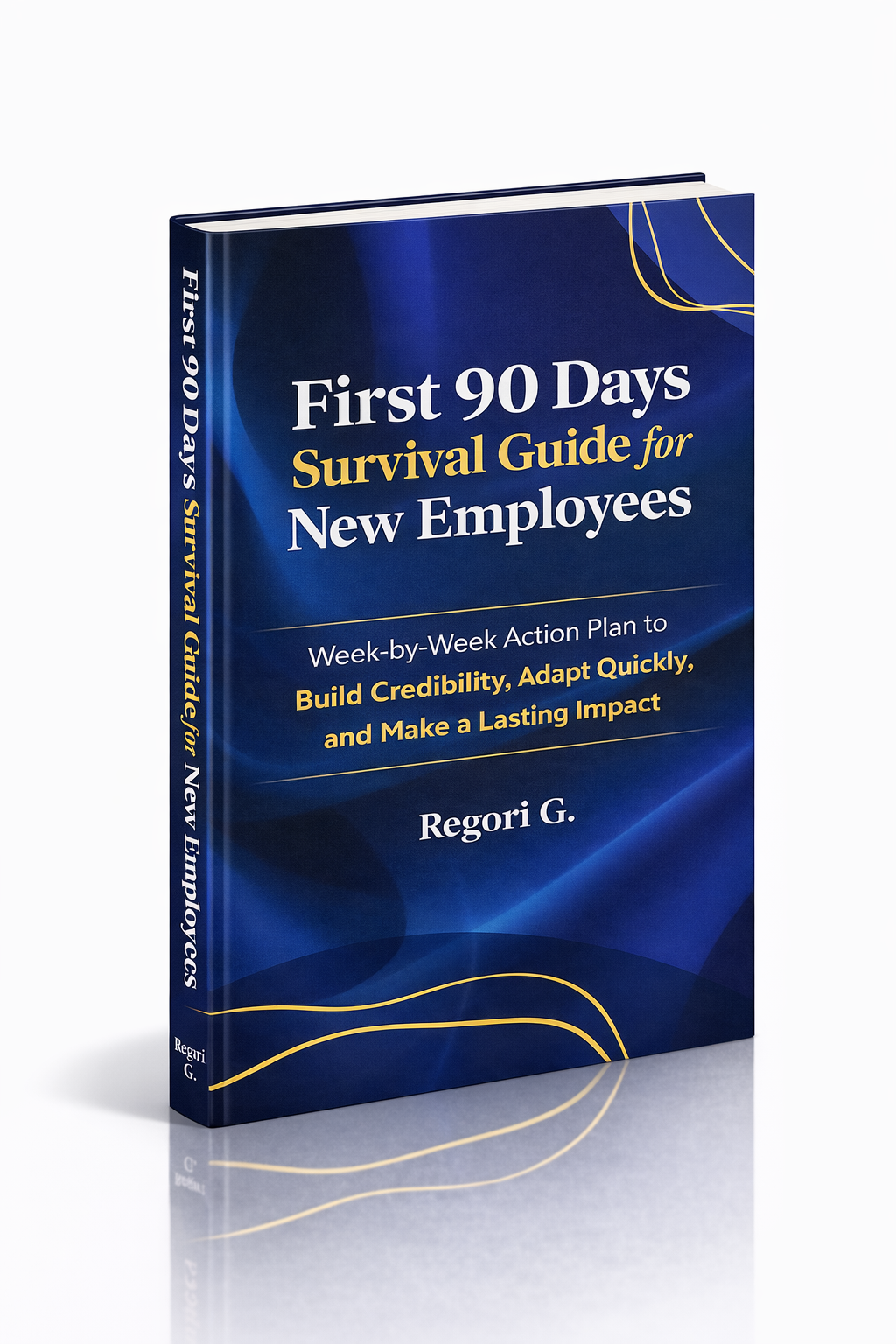
Guide 02
First 90 Days Survival Guide
Hit the ground running and make your mark from day one.
Get it →
Guide 03
Interview Success for Introverts
7 proven steps to shine in interviews — even if you hate the spotlight.
Get it →