

The 5 Interview Mistakes That Cost You the Job
What's silently killing your chances — and what top candidates do instead. Delivered instantly to your inbox.
No spam. Unsubscribe anytime. Privacy Policy & Terms
- Why "I'm a hard worker" destroys your chances
- What interviewers decide in the first 90 seconds
- How to handle tough questions with confidence
- The salary mistake almost every candidate makes
How to Handle Starting a New Job Fully Remotely
Starting a new job fully remotely can feel overwhelming, especially if it is your first time working from home. However, this fresh opportunity also opens up exciting avenues for professional growth and personal adaptation. To make a smooth transition into your new remote position, consider the following strategies.
Establish a Productive Workspace
Creating a dedicated workspace is essential for maintaining productivity while working remotely. Here are some tips to help you set up an effective workstation:
- Choose a quiet area in your home where you can focus.
- Invest in a comfortable chair and desk to improve posture.
- Make sure you have good lighting to reduce eye strain.
- Organize your workspace to minimize distractions. Keep necessary tools close at hand.
Leverage Technology for Communication
Effective communication is crucial when working remotely. Familiarize yourself with the tools your company uses for communication. Common platforms include:
- Slack – for team messaging and collaboration.
- Zoom – for video conferencing and virtual meetings.
- Trello – for project management and task tracking.
- Microsoft Teams – for both chat and video calls.
Make it a habit to check in regularly with your team members and supervisors to ensure that everyone stays aligned. Don’t hesitate to ask questions if you need clarification on tasks or expectations.
Set Clear Goals and Priorities
Starting a new job can come with a hefty workload. Setting clear goals and priorities is key. Here are steps to help you focus:
- Identify your key responsibilities and timelines.
- Break down larger tasks into smaller, manageable steps.
- Utilize a calendar or planner to schedule deadlines, meetings, and other important events.
- Revisit and adjust your goals based on feedback and your progress.
Cultivate Relationship Building
Building relationships with your new colleagues is vital, even when working remotely. Consider these approaches:
- Schedule virtual coffee chats with teammates to get to know them better.
- Participate in company events and team-building activities, even if they are hosted online.
- Be active in group chats—sharing fun personal updates can help create a friendly atmosphere.
- Send quick notes to thank your teammates for their help or input.
Embrace a Healthy Work-Life Balance
When working from home, it can be tempting to work longer hours. To avoid burnout, strive for a healthy work-life balance:
- Set clear work hours and stick to them.
- Take regular breaks to recharge—try the Pomodoro technique for managing your time.
- Avoid answering work emails or messages outside of your designated hours.
Also, make time for physical activity and hobbies to alleviate stress.
Stay Open to Learning Opportunities
Your new job is a chance to develop skills and expertise. Embrace continuous learning by:
- Asking for feedback from your supervisor.
- Participating in training sessions offered by your company.
- Utilizing online resources like Coursera or Udemy for courses related to your field.
Keep Your Mindset Positive
Starting a new position can be daunting. However, maintaining a positive outlook can enhance your performance and help you adapt quickly. Remember to celebrate small achievements and focus on progress rather than perfection.
Having a supportive network and utilizing resources effectively can significantly ease the transition. Emphasizing communication, goal-setting, and relationship building will enable you to thrive in your new role while working remotely.
For additional resources on handling remote work effectively, visit Remote.co and FlexJobs.
Building a Virtual Rapport with Colleagues
In today’s workplace, building strong relationships with colleagues is essential, even when working remotely. The virtual work environment can often feel isolating, making it crucial to establish rapport with your coworkers. Here are some strategies to help you foster these connections.
Start with informal interactions. Casual conversations are key to building relationships. Initiating small talk during video calls or utilizing chat functions can create a relaxed atmosphere. Share light-hearted anecdotes, hobbies, or weekend plans. This helps uncover shared interests that can strengthen bonds.
Use video calls to your advantage. Whenever possible, opt for video meetings instead of voice calls or emails. Facial expressions and body language significantly contribute to communication, making video chats an effective tool for building rapport. This visual connection can make conversations more engaging and personal.
Remember to communicate regularly. Consistency is important in building relationships. Schedule weekly one-on-ones with your team members to catch up and discuss work progress. Make it a point to reach out to colleagues you haven’t spoken to in a while, just to check in. Regular interactions help maintain a connection.
Establish a culture of sharing. Create a virtual space where everyone can share both work-related and personal achievements. This could be a dedicated chat channel or a segment during team meetings. Celebrating successes fosters a sense of community and encourages everyone to participate actively.
Participate in team-building activities. Many companies organize virtual games or team challenges to bring employees together. Make sure you engage in these activities, even if they seem trivial. They play a crucial role in easing tensions and creating a fun work environment that enhances rapport.
Leverage collaborative tools. Utilize platforms such as Slack, Microsoft Teams, or Zoom to collaborate effectively. Showcase your personality through avatars or team emojis to make exchanges feel lively. When using these tools, be responsive and maintain an open-door policy for communication.
| Communication Tool | Purpose | Link |
|---|---|---|
| Slack | Team communication and collaboration | Slack |
| Microsoft Teams | Video conferencing and group chats | Microsoft Teams |
| Zoom | Video meetings and webinars | Zoom |
Make an effort to learn about your colleagues. Take a few moments to review their professional backgrounds on platforms like LinkedIn. This knowledge can provide great topics for discussion and show your genuine interest in their work. Asking them about their skills or experiences can lead to enriching conversations.
Be mindful of time zones. If you’re part of a global team, understand the time differences and be considerate when scheduling meetings. Acknowledging this helps show your commitment and respect toward your colleagues’ time. This not only aids in cooperation but also demonstrates your attentiveness.
Incorporate fun elements like virtual coffee breaks. Setting aside time for casual chats over a cup of coffee can simulate a break room experience. You can decide on specific days or times for these breaks, allowing everyone to unwind and interact casually. This can have a positive effect on team dynamics.
Encourage feedback. Asking for feedback or offering constructive criticism fosters open communication. Regularly check in with your team members to see how they feel about current projects or processes. Not only does this build trust, but it allows everyone to feel heard and valued.
Stay positive and affirming. Acknowledge the contributions of your colleagues openly. Expressing gratitude for their efforts, whether through a simple message or during a meeting, creates a supportive environment. This positivity can be infectious and promotes a culture of appreciation within the team.
Be patient in your efforts. Rapport takes time to build, especially in a virtual space. Allow relationships to develop naturally, as this can lead to more meaningful connections. With the right attitude and strategies, you can successfully create a strong network of colleagues who feel connected despite the distance.
For more insights on building virtual relationships, visit Forbes Human Resources Council. This resource provides valuable tips for nurturing professional relationships in a remote setting.
Setting Up an Effective Home Workspace
Creating a productive home workspace is essential for anyone working fully remotely. When you have a dedicated area that fosters creativity and efficiency, you set yourself up for success. Here are some tips on how to establish an effective home workspace.
Choose the Right Location
Your workspace location is crucial. Find a quiet area in your home that minimizes distractions. Ideally, it should be away from high-traffic areas and noise. Consider spaces such as:
- A spare room that can be converted into an office
- Corners of your living room or bedroom
- A cozy nook in your basement or attic
Having a specific area devoted to work can help signal your brain to focus when you enter that space.
Invest in Quality Furniture
Comfort and ergonomics are vital when it comes to choosing furniture. Here are some essential items:
- Desk: Select a desk that provides enough space for your computer, documents, and personal items.
- Chair: An ergonomic chair will support your back during long hours of work.
- Storage solutions: Use shelves, filing cabinets, or organizers to keep your space tidy.
Good quality furniture not only contributes to comfort but also improves your overall work experience.
Optimize Your Tech Setup
Having the right technology is crucial for remote work. Make sure you have the necessary equipment to stay connected with your team and clients:
- Reliable Internet: A fast and stable internet connection keeps you connected without interruptions.
- Computer: Choose a computer that meets your needs, whether it’s for heavy software or just basic tasks.
- Accessories: Invest in headphones, webcams, and additional monitors, if needed, to enhance your productivity.
Light Up Your Workspace
Lighting plays a critical role in your ability to focus. Natural light is best, so try to position your desk near a window. If that’s not possible, consider the following:
- Task lighting: Use desk lamps with adjustable brightness for when you’re working late.
- Ambient lighting: Soft overhead lights create a comfortable atmosphere.
Good lighting reduces eye strain and keeps you alert during work hours.
Add Personal Touches
Your workspace shouldn’t feel sterile. Add elements that inspire you and make you feel comfortable:
- Artwork: Hang artwork or motivational quotes that resonate with you.
- Plants: Incorporate greenery. Plants can boost mood and air quality.
- Personal items: Include a few personal touches like family pictures or souvenirs to create a warm environment.
Implement a Productivity System
Staying organized is essential for effective work. Here are a few methods to consider:
- To-do lists: Write daily or weekly lists to keep track of your tasks.
- Time blocking: Use a calendar to allocate time for specific tasks to enhance focus.
- Apps: Utilize productivity apps like Todoist or Trello to manage projects efficiently.
Establish Clear Boundaries
When working from home, separating your work and personal life is key. Make these distinctions clear:
- Set specific work hours and communicate them to your family or housemates.
- Take breaks regularly to refresh your mind.
- Establish a closing routine to signal the end of your workday.
For additional resources and insights about setting up a home workspace, consider looking at Forbes and HuffPost. These sites offer further tips and expert advice on creating the ideal workspace.
By carefully considering your location, furniture, technology, lighting, personal touches, organization, and boundaries, you can create an efficient home workspace that is conducive to success in your remote job.
Time Management Strategies for Remote Work
Remote work offers flexibility, but it also presents unique challenges when it comes to managing your time effectively. Adopting the right strategies can help you balance work and personal life, remain productive, and maintain focus throughout your day. Here are some actionable time management strategies specifically tailored for remote workers.
Set Clear Boundaries
Creating a distinct separation between work and personal time is essential for effective time management. Here are some ways to establish those boundaries:
- Create a Dedicated Workspace: Designate a specific area in your home for work. A separate workspace helps signal to yourself and others that you’re in ‘work mode.’
- Establish Working Hours: Set clear start and end times for your workday. This structure helps you stay focused during work hours and genuinely disconnect afterward.
- Communicate with Family or Roommates: Let others know your work schedule. This minimizes distractions and interruptions throughout your day.
Utilize Time-Blocking Techniques
Time blocking is a powerful method to enhance your productivity. Here’s how to get started:
- Plan Your Day in Advance: Choose a day to outline your tasks for the week, breaking them down into specific time slots.
- Assign Tasks to Each Block: Whether it’s answering emails, completing reports, or attending virtual meetings, assign a specific duration for each task to maintain focus.
- Review and Adjust: At the end of the week, review how well you met your time blocks and adjust accordingly for more productivity in the next week.
Leverage Technology
Technology offers numerous tools designed to help manage your time efficiently. Some recommended tools include:
- Trello: An easy-to-use task management tool that lets you visualize your tasks and projects.
- Todoist: A straightforward task list app that allows you to create projects and set deadlines.
- Focus@Will: A music service that provides tracks designed to improve focus and productivity.
Prioritize Tasks
Learning how to prioritize tasks is vital in remote work. Use these principles to focus your efforts on what truly matters:
- The Eisenhower Matrix: Divide tasks into four quadrants based on urgency and importance, which helps you decide what to focus on immediately and what to delegate or eliminate.
- Daily Top Three: Each morning, list the three most important tasks you wish to complete that day to keep yourself on track.
Take Regular Breaks
Though it may seem counterintuitive, taking breaks can significantly boost your productivity. Try these methods:
- Pomodoro Technique: Work in 25-minute intervals followed by a 5-minute break. After four Pomodoros, take a longer break (15-30 minutes) to recharge.
- Micro-Breaks: Stand up, stretch, or walk around your home every hour to refresh your mind and body.
Establish a Routine
Developing a daily routine helps create a rhythm for your workday. Consider incorporating these elements:
- Morning Rituals: Start your day with a consistent routine, such as exercise or meditation, to set a positive tone.
- Evening Reflection: Spend time at the end of the day reviewing your accomplishments and planning for the next day to improve your time management.
By implementing these time management strategies, you can thrive in a remote work environment. Remember to experiment with different techniques to find what works best for you. For more tips on maximizing productivity in remote work settings, explore resources from the Remote.co and FlexJobs.
Navigating Company Culture in a Remote Environment
Starting a new job remotely can be exciting and daunting at the same time. One of the most critical aspects to navigate in this situation is understanding the company culture. Recognizing how your organization operates and how people interact can significantly impact your experience and effectiveness in your new role. Here are key strategies to help you acclimate to your company’s culture in a remote environment.
Get Familiar with the Company’s Mission and Values
Before you dive into your tasks, spend some time understanding the company’s mission and values. These elements often shape the culture and guide employee behavior. Here are some ways you can learn about them:
- Review the company’s website and internal resources.
- Watch any introductory videos or presentations available.
- Ask your manager about what the company stands for during your one-on-one meetings.
Engage in Virtual Meetings Early
Participating in virtual meetings early on helps you become familiar with the team dynamics. Here’s how to approach it:
- Join team meetings and add your thoughts when appropriate.
- Use video when possible; nonverbal cues can help in understanding the team dynamics better.
- Be proactive in asking questions, which shows you’re engaged and interested.
Build Relationships with Colleagues
Strong relationships can help you navigate the organizational culture effectively. Focus on building rapport with your co-workers. You can do this by:
- Scheduling virtual coffee breaks or informal catch-ups.
- Participating in team-building activities organized by HR.
- Joining social channels or forums where employees share personal or professional interests.
Observing and Emulating
Every organization has unspoken rules about communication, decision-making, and conflict resolution. To get a handle on these nuances:
- Observe how others communicate in chats and emails.
- Take note of how decisions are made and shared within your team.
- Understand the informal networks in your organization by attending different team meetings or project updates.
Participate in Learning Opportunities
Many companies offer training sessions, webinars, or workshops. Engaging in these opportunities not only improves your skills but also allows you to meet other employees and understand the culture better. Consider:
- Webinars on industry trends relevant to your role.
- Skill enhancement workshops that align with your career goals.
- Networking events to meet peers from different departments.
Utilize Available Resources
Your organization may have various resources to help you understand the company culture more deeply. Be proactive in using them:
- Employee handbooks often outline expectations regarding culture.
- Intranet resources can facilitate access to training materials and updates.
- Mentorship programs can connect you with experienced employees who can guide you.
Seek Feedback Regularly
As you settle into your new position, seeking feedback is crucial. This helps you understand how well you’re adapting to the cultural norms. Consider these approaches:
- Schedule regular check-ins with your manager to discuss your progress.
- Ask colleagues how you can improve working collaboratively.
- Request constructive criticism to facilitate your professional growth.
To truly understand your new work environment, it’s essential to invest time in navigating the company culture. As you embrace your remote position, these strategies will help you build a network and integrate into your team, fostering a sense of belonging in your new workplace.
For more information on handling remote jobs and company culture, you can visit sites like Harvard Business Review or Forbes.
Effective Communication Tools for Remote Teams
In today’s fast-paced digital world, effective communication tools are crucial for remote teams. Whether you’re working from home, a co-working space, or even a coffee shop, having the right tools can enhance collaboration and productivity. Here, we explore some of the best communication solutions tailored for remote teams.
Instant Messaging Platforms
Instant messaging platforms have become a staple for remote teams. They allow for quick exchanges of information, enabling team members to stay connected throughout the workday. Here are some of the leading choices:
- Slack – Known for its user-friendly interface, Slack offers various features such as channels, direct messages, and integrations with other tools.
- Microsoft Teams – This tool combines messaging, video conferencing, and file sharing, making it exceptional for companies using Microsoft Office products.
- Mattermost – An open-source alternative that ensures your messaging data remains controlled and secure within the company.
Video Conferencing Solutions
Face-to-face interactions help foster relationships and build trust among team members. Video conferencing tools bridge the gap of distance, making virtual meetings more personal. Popular options include:
- Zoom – A market leader known for its ease of use, allowing meetings up to 1,000 participants.
- Google Meet – Perfect for teams already utilizing Google Workspace, offering high-security standards and integration with other Google services.
- Cisco Webex – Offers robust security features and is ideal for larger organizations conducting regular meetings.
Project Management Tools
Managing projects remotely can be challenging. Having an effective project management tool can streamline workflows and enhance accountability. Consider these options:
- Trello – A visual tool that uses boards and cards to organize tasks, making it great for smaller teams and projects.
- Asana – This tool allows teams to track project progress visually, assign tasks, and set deadlines efficiently.
- Zoho Projects – Designed for larger teams, Zoho offers comprehensive planning, scheduling, and monitoring tools.
File Sharing Services
Storing and sharing files is critical in remote work environments. These services make collaboration hassle-free:
- Dropbox – Provides reliable file sharing and storage solutions with easy-to-use syncing options.
- Google Drive – Offers ample storage space and seamless integration with Google Workspace for document collaboration.
- Box – Focused on businesses, Box ensures enhanced security and functionality for team collaboration.
Collaborative Document Editors
When working on documents as a team, collaborative editing tools are essential. They allow multiple users to work on projects simultaneously, enhancing real-time collaboration. Consider these tools:
- Google Docs – A well-known option that enables real-time editing and easy sharing with team members.
- Microsoft Word Online – Ideal for those who prefer working in the Microsoft ecosystem, offering seamless sharing and collaboration features.
- Quip – Combines documents, spreadsheets, and chat in one platform, streamlining teamwork.
Choosing the Right Tools for Your Team
Selecting the right communication tools for your remote team involves considering your specific needs and workflows. It’s essential to seek tools that enhance collaboration, facilitate clear communication, and provide a user-friendly experience. Regularly assess your communication tools to ensure they remain effective as your remote team evolves.
Effective communication is vital for remote teams. The right blend of instant messaging platforms, video conferencing solutions, project management tools, file-sharing services, and collaborative document editors can set your team up for success. By investing in these tools, you can create an efficient, engaging, and productive remote work environment.
Balancing Work and Personal Life When Working Remotely
Finding the right balance between work and personal life is crucial when you’re working remotely. The flexibility offered by remote work comes with its own set of challenges. Here are some effective ways to ensure you maintain that vital equilibrium.
Establish a Dedicated Workspace
Creating a specific area in your home to work will help you separate your job from personal life. This designated workspace should be comfortable, well-lit, and organized.
- Choose a quiet location: Find a spot in your home that is free from distractions.
- Ergonomic furniture: Invest in a good chair and desk to promote good posture.
- Personalize your space: Add personal touches to make the environment enjoyable.
Set Clear Boundaries
It’s essential to communicate your working hours to others in your household. Let them know when you are available and when you need uninterrupted time for work. This helps reduce interruptions and encourages respect for your working hours.
Use a Schedule
Establishing a daily routine can greatly enhance work-life balance. Here’s a simple structure you might follow:
| Time | Activity |
|---|---|
| 8:00 AM – 9:00 AM | Morning Routine |
| 9:00 AM – 12:00 PM | Work Blocks |
| 12:00 PM – 1:00 PM | Lunch Break |
| 1:00 PM – 5:00 PM | Afternoon Work Blocks |
| 5:00 PM onwards | Unwind and Personal Time |
Having a set schedule helps you stay productive while allowing time for personal activities.
Prioritize Tasks
Use tools like to-do lists or digital task managers to prioritize your work. Knowing what tasks are urgent and which can wait will make your workday much more effective. Consider breaking tasks down into smaller, manageable steps. This will not only help you stay organized but also reduce the feeling of being overwhelmed.
Take Regular Breaks
Short breaks throughout the day are essential to recharge your mind and body. They can increase your productivity and enhance your creativity. Consider using techniques such as the Pomodoro Technique, which involves working for 25 minutes followed by a 5-minute break.
Stay Connected with Colleagues
Remote work can feel isolating at times. Make an effort to connect with your coworkers regularly. Here are some ways to do this:
- Schedule virtual coffee breaks: This can break up the monotony of the workday.
- Engage in team activities: Participate in virtual team-building exercises.
- Use collaboration tools: Utilize platforms like Slack or Zoom to stay in touch.
Engage in Personal Activities
Make sure to carve out time for hobbies and interests outside of work. Whether it’s reading, exercising, or spending time with family, engaging in non-work-related activities can help rejuvenate your mind and bring joy into your life.
Establish a Wind-Down Routine
At the end of your workday, create a wind-down routine to signal to your brain that it’s time to switch off from work. This can include activities like meditation, a workout, or simply spending time with family.
Achieving a balance between work and personal life while working remotely is a continuous journey. By implementing these strategies, you can create a more fulfilling and health-conscious lifestyle.
For more insights on remote work-life balance, check out The Balance Careers and Remote.co.
Key Takeaway:
Starting a new job fully remotely can be both exciting and daunting. One of the key takeaways from this experience is that while working from home offers unique freedoms, it comes with the necessity for intentional effort in various aspects of your professional life. Here’s a breakdown of several strategies to help you navigate this transition smoothly.
Firstly, building a virtual rapport with your colleagues is crucial. You won’t have the benefit of casual office interactions, so make it a point to connect via video calls, instant messages, or online team-building activities. Taking the initiative to reach out and introduce yourself can break down barriers and help foster a collaborative atmosphere.
Setting up an effective home workspace is another critical element. Your workspace should be designated and free from distractions, equipped with all the necessary tools to complete your tasks. This not only boosts productivity but also mentally prepares you for work. A well-organized workspace can help signal to your brain that it’s time to focus.
Time management strategies play an essential role in maximizing your efficiency. Create a structured schedule that aligns with your employer’s expectations while also allowing for personal breaks. Utilize tools like calendars and task managers to keep track of your duties and deadlines. This can help prevent burnout, which is common in remote workers who struggle to separate work from personal time.
Navigating your company culture in a remote environment may seem challenging. Familiarize yourself with the company’s values and practices through documentation or informal conversations. Understanding the nuances of communication and expected behaviors can help you integrate better.
Effective communication tools are vital for remote teams to stay connected. Familiarize yourself with these platforms, whether they are for video conferencing, messaging, or project management. Strong communication improves collaboration and helps maintain team spirit.
Ensure you are balancing work and personal life. Set boundaries to protect your time and make sure you carve out moments for relaxation and social interactions. This balance is essential for both your well-being and job performance.
Starting a new remote job requires proactive engagement in building relationships, creating an organized workspace, managing time effectively, and upholding personal boundaries. Implementing these strategies will not only help you integrate into a new role but also promote a healthy work-life balance, essential for long-term success in a remote setting.
Conclusion
Starting a new job fully remotely can be a fulfilling but challenging experience. Embracing the opportunity to build virtual rapport with your colleagues is crucial. Making connections through video calls, group chats, and virtual team-building activities helps foster relationships that can enhance your work environment. Setting up an effective home workspace is equally important; creating a designated area that promotes productivity can make a significant difference in your performance and focus.
Time management strategies are essential in a remote setting. Creating a structured schedule and setting clear boundaries between work and personal life allows you to maintain balance and avoid burnout. Understanding and navigating company culture can seem daunting, but engaging with colleagues and participating in virtual meetings helps you feel more integrated into the team, ensuring you align with the organization’s values and practices.
Utilizing effective communication tools tailored for remote teams can streamline your workflow and enhance collaboration. Platforms for messaging, video conferencing, and project management can bridge the gap between team members, making it easier to share ideas and updates.
Finding the right balance between work and personal life is vital for long-term success in a remote role. Prioritizing self-care and setting aside time for personal interests can help maintain enthusiasm and motivation in your new position. Remember, every step you take in this journey contributes to a successful and rewarding remote work experience. Embrace the flexibility and autonomy that comes with remote work, and you’ll likely find that it opens doors to new opportunities and personal growth.
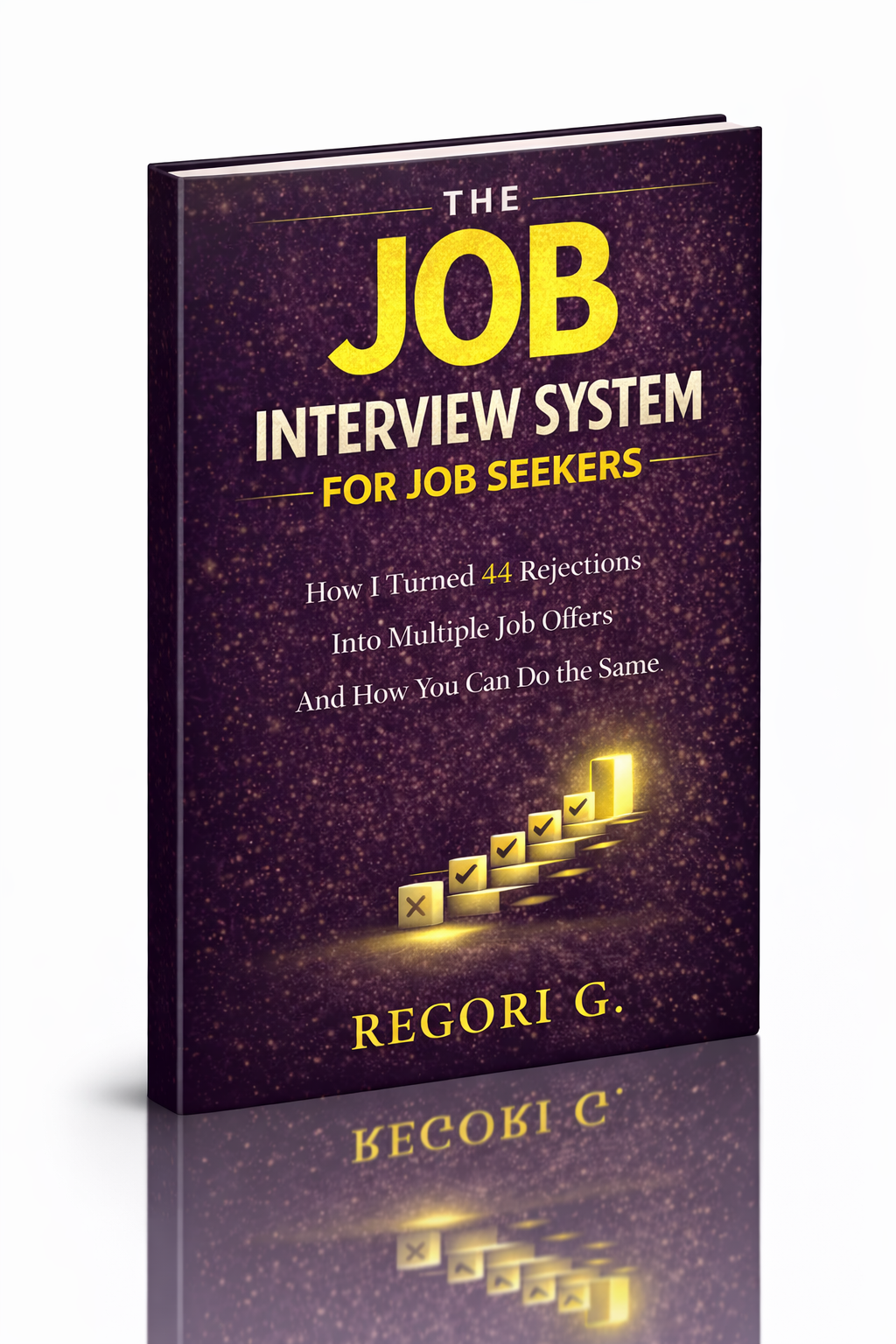
visit The Job Interview System for Job Seekers on Gumroad. A practical guide built for people who are serious about landing the job they want. For more interview guides, career tips, and job search resources, visit the Love PDF Guides home page.
Your Next Chapter
Starts with the Right Guide
Three straight-talking PDF guides to help you win interviews, beat the first 90 days and thrive as an introvert. Instant download on Gumroad.
Guide 01
The Job Interview System
Step-by-step interview prep that turns nerves into confidence.
Get it →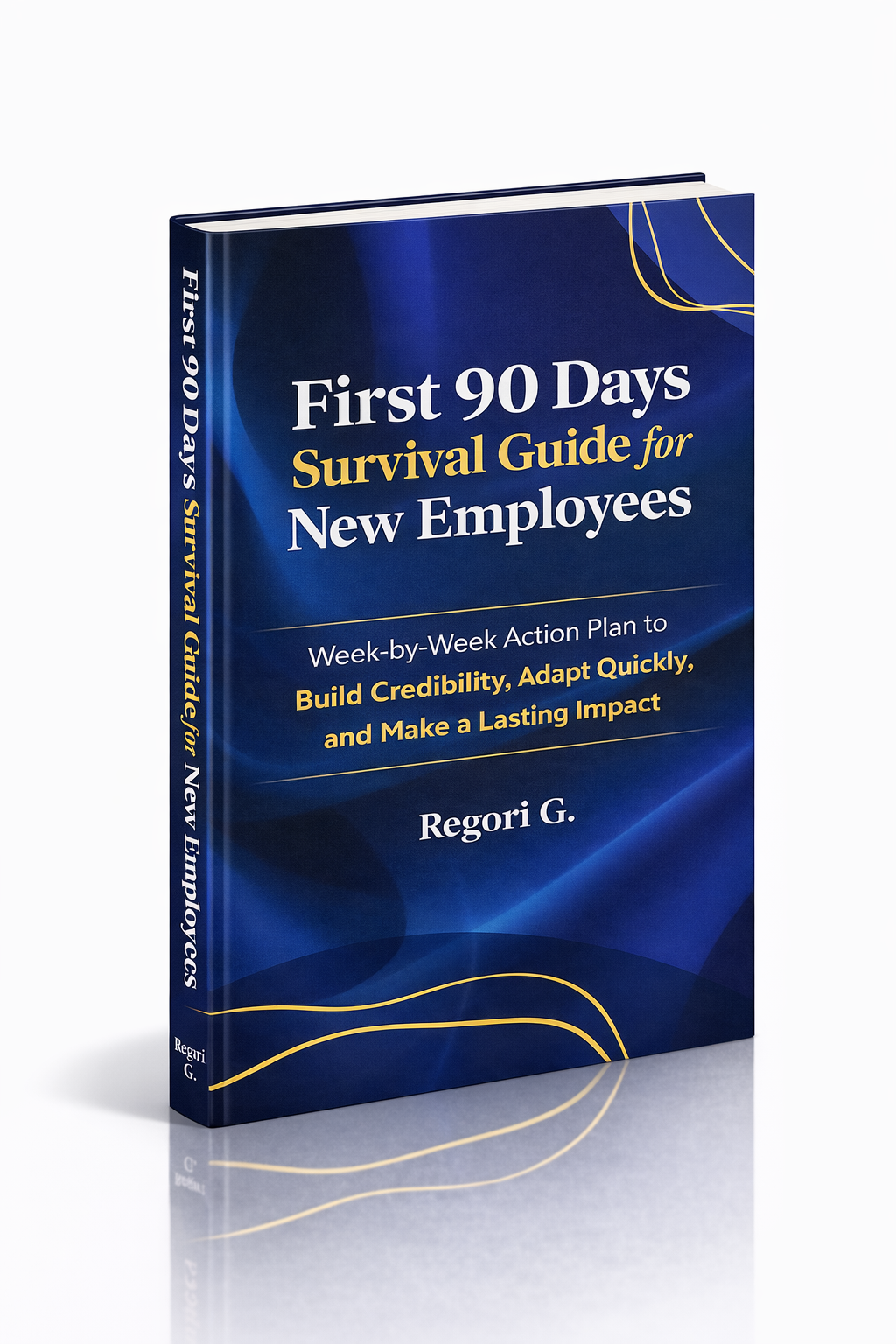
Guide 02
First 90 Days Survival Guide
Hit the ground running and make your mark from day one.
Get it →
Guide 03
Interview Success for Introverts
7 proven steps to shine in interviews — even if you hate the spotlight.
Get it →