

The 5 Interview Mistakes That Cost You the Job
What's silently killing your chances — and what top candidates do instead. Delivered instantly to your inbox.
No spam. Unsubscribe anytime. Privacy Policy & Terms
- Why "I'm a hard worker" destroys your chances
- What interviewers decide in the first 90 seconds
- How to handle tough questions with confidence
- The salary mistake almost every candidate makes
Effective Strategies for Remote Work When You Have No Dedicated Space
In today’s world, remote work is becoming increasingly common, but what happens when you don’t have a dedicated space? Working from a couch, kitchen table, or even your bed can present unique challenges. Here are some effective strategies to help you thrive in a remote work environment without a designated workspace.
Establish a Routine
Creating a daily routine can help you draw a line between work and personal life. Consider the following elements:
- Set Consistent Hours: Start and end your workday at the same time each day.
- Incorporate Breaks: Schedule short breaks to refresh your mind.
- Morning Ritual: Start your day with a ritual that prepares you for work, like a cup of coffee or a short walk.
By sticking to a routine, you signal to your brain that it’s time to focus, even in non-traditional spaces.
Create a Mobile Workspace
If you don’t have a dedicated office, crafting a mobile workspace can transform any area into a productive environment. Consider these tips:
- Designate a Work Zone: Choose a spot in your home that you can clear for work, even if it’s on a temporary basis.
- Portable Supplies: Keep essential supplies like a notebook, pens, and charging cables in a portable bag to make transitioning easy.
- Use Noise-Cancelling Headphones: Block out distractions with headphones to help you concentrate.
A mobile workspace allows you to shift your environment when needed, which can stimulate creativity and focus.
Utilize Technology
When working remotely, technology can be your best friend. Here are a few tech tools that can enhance your productivity:
- Virtual Collaboration Tools: Use platforms like Slack for real-time communication with teammates.
- Task Management Apps: Consider tools like Trello or Asana to keep track of projects and deadlines.
- Time Management Software: Tools such as Toggl can help you track how much time you spend on each task.
Integrating technology into your workflow ensures that you stay organized and connected, which is essential when working from non-traditional spaces.
Minimize Distractions
Distractions can be rampant when working outside of a traditional office. Here are some tips to help you stay focused:
- Set Boundaries: Communicate your working hours to family or housemates to minimize interruptions.
- Turn Off Notifications: Switch off non-essential notifications on your phone to limit distractions.
- Use Focus Techniques: Try methods such as the Pomodoro Technique, where you work for 25 minutes, then take a 5-minute break.
By managing distractions, you create an environment that promotes productivity, even in a makeshift workspace.
Maintain Work-Life Balance
Balancing work and personal life can be challenging when your home is your office. Here are some strategies to help:
- Designate Shutdown Time: Plan a time to finish work and stick to it, avoiding after-hours emails or calls.
- Engage in Post-Work Activities: Have a hobby or activity that you do after work to signal the end of your workday.
- Take Care of Yourself: Self-care is essential. Engage in regular exercise or mindfulness practices.
A healthy work-life balance will reduce stress and improve your overall well-being, even when working in limited spaces.
Working from home without a dedicated space can be challenging, but with these effective strategies, you can create an environment that fosters efficiency and creativity. Remind yourself to stay adaptable; sometimes, the best ideas come from unexpected places. For more insights on remote work and productivity, check out Remote.co and FlexJobs.com.
Creating a Productivity Routine in a Shared Environment
In today’s world, many people find themselves working in shared environments, whether it’s at home with family members or in communal workspaces. This can make establishing a productivity routine challenging. Understanding how to adapt to these shared spaces is essential for maximizing your efficiency and maintaining focus. Below are some strategies to help you create an effective productivity routine.
Establish Clear Boundaries
Creating physical and psychological boundaries is crucial when working in a shared environment. Here are some effective methods:
- Set Specific Hours: Define your work schedule and communicate it to others. This helps others know when you are unavailable.
- Create a ‘Do Not Disturb’ Signal: Use items like headphones or a sign at your workspace to indicate you are focused and should not be interrupted.
Designate a Work Zone
No matter how limited your space, try to establish a specific area that you can associate with work. This helps your brain switch into ‘work mode’ more easily. Here are some ideas:
- Choose a Spot: Select a spot that feels distinct from your relaxation areas. This could be a corner of your dining room table or a specific chair.
- Use a Consistent Setup: Arrange your work materials consistently, so you create a habit of entering a ‘work zone’.
Prioritize Tasks with Lists
Using a task list helps you prioritize your workload effectively, which is beneficial in shared environments where distractions may arise. Follow these tips:
- Daily To-Do List: Write down your top three or five tasks each morning. This keeps you focused.
- Use Digital Tools: Consider tools like Todoist or Microsoft To Do to manage your tasks.
Implement Timed Work Sessions
Using techniques like the Pomodoro Technique can bolster your productivity amid distractions. Here’s how:
- Work for 25 Minutes: Concentrate fully on your tasks for this time period.
- Take a 5-Minute Break: After each work session, allow yourself to step away and recharge.
- After Four Sessions: Take a longer break, around 15 to 30 minutes, to refresh.
Maintain a Healthy Lifestyle
Boosting your productivity isn’t solely about work habits; your overall well-being plays a vital role. Consider the following:
- Stay Hydrated: Keep a water bottle nearby to stay hydrated while you work.
- Exercise Regularly: Incorporate short workouts or stretches into your break times to refresh your body and mind.
Communicate Effectively
Communication is essential in a shared environment. Here are some strategies to enhance communication:
- Check-in with Others: Have regular brief check-ins with your housemates or co-workers to discuss schedules and expectations.
- Provide Feedback: Be open about what works for you and what doesn’t, helping everyone adapt to shared rules.
Minimize Distractions
Distractions in shared environments can hinder your productivity. Here are ways to minimize them:
- Use Noise-Canceling Headphones: These can help block out background noise, making it easier to focus.
- Limit Phone Notifications: Silence notifications to reduce the temptation to check your device frequently.
Setting up a productive routine in a shared environment may require creativity and flexibility. Developing a personalized plan each day can help you adjust effectively. Remember, it’s all about establishing boundaries, staying organized, and maintaining a clear communication channel with those around you. By implementing these strategies, you can enhance your productivity even when working alongside others.
For more tips on creating efficient workspaces and productivity habits, consider visiting resources like The New York Times or Forbes HR Council.
Tips for Setting Boundaries in a Flexible Workspace
Working in a flexible workspace can offer numerous advantages, from increased mobility to a varied work environment. However, it also presents challenges, especially when it comes to setting boundaries. Here are some practical tips to help you establish clear boundaries that enhance your productivity while respecting your personal space.
Create a Schedule
Having a structured schedule can significantly help in managing your time and establishing boundaries. A consistent routine makes it easier for you to communicate your availability to others. Consider the following:
- Set Specific Work Hours: Designate specific hours each day to focus solely on work. Share these hours with your team to foster understanding.
- Include Breaks: Don’t forget to schedule regular breaks. This will help you recharge and maintain high productivity levels.
- Use a Shared Calendar: Utilize tools like Google Calendar to display your availability, making planning easier for both you and your colleagues.
Designate a Workspace
If possible, carve out a specific area in your home dedicated to work. Even if it’s a small corner of your living room or a desk in your bedroom, having a designated workspace can encourage focus and discipline. Make sure to:
- Minimize Distractions: Surround yourself with items that help you focus and take away unnecessary distractions. Use noise-canceling headphones or soft music to create an optimal work atmosphere.
- Personalize Your Space: Add personal touches to your workspace. This can make it more inviting and encourage productivity.
Communicate Clearly
Establishing boundaries relies heavily on effective communication. It’s essential to convey your needs and expectations clearly to your peers and other family members. Here’s how:
- Set Expectations: Inform your family about your work schedule and the importance of minimizing interruptions during that time.
- Use Status Indicators: Use signage or digital statuses (like “Do Not Disturb”) to signal when you’re working and when you’re available for social interaction.
- Regular Check-Ins: Schedule regular check-ins with your team to maintain communication without it being too intrusive.
Embrace Technology
Technology offers numerous tools to help manage your work-life balance effectively. Consider using apps and software that can facilitate this balance. For example:
- Project Management Tools: Tools like Trello or Asana can help keep track of tasks and deadlines while allowing you to set specific working hours.
- Focus Apps: Leverage applications like Forest or StayFocusd that encourage you to stay on task during work hours.
Maintain a Work-Life Balance
It’s crucial to make time for personal activities even while working from home. This keeps you motivated and refreshed. Here are a few tips to maintain the balance:
- Set Boundaries for After-Hours Work: Avoid checking emails or completing tasks after designated working hours to prevent burnout.
- Engage in Leisure Activities: Make sure to incorporate hobbies or relaxation techniques into your daily routine.
Seek Guidance
If you find it challenging to set boundaries, consider reaching out for help. Engaging with professional organizations or resources can be beneficial. Websites such as Workplace Fairness provide articles and guides that can offer more insights.
Adjust as Needed
Boundaries should evolve with your changing work environment and circumstances. Regularly evaluate what is and isn’t working, and adjust accordingly to improve your productivity and well-being.
Remember, setting and maintaining boundaries in a flexible workspace is a critical skill in today’s work culture. Be proactive and intentional about your work environment to foster both productivity and personal satisfaction.
The Importance of Ergonomics Without a Home Office
Remote work has transformed the way we operate, leading to more flexibility and the opportunity to work from anywhere. However, the convenience of working from home can come with challenges, especially when it comes to establishing an ergonomic setup. Without a dedicated home office, maintaining good posture and comfort can seem daunting. Here’s why understanding the importance of ergonomics is essential even when you lack a formal workspace.
Understanding Ergonomics
Ergonomics is the study of how our bodies interact with our environment. In a work context, it means creating a workspace that promotes comfort, efficiency, and productivity while reducing the risk of strain or injury. When you work from home and lack a designated office, this becomes incredibly significant for several reasons:
1. Reducing Physical Strain
- When you’re working from a couch or kitchen table, you may not have the ideal setup for your body. This can lead to physical ailments such as back pain, wrist issues, and eye strain.
- Creating an ergonomic workspace—at least part-time—can significantly reduce these issues.
2. Creating a Habit of Good Posture
Working in casual settings can lead to sloppy postures. Sitting on a soft couch or slouching over a laptop can profoundly affect your well-being. Here are a few tips for maintaining good posture:
- Choose a firm chair when possible.
- Keep your feet on the ground and your knees at a right angle.
- Use cushions to support your back and maintain proper alignment.
Innovative Ergonomic Solutions for Small Spaces
While a dedicated office space is ideal, there are innovative solutions to create an ergonomic environment even in tight quarters. Here are some practical tips:
1. Portable Desks and Surfaces
Investing in a portable standing desk or a laptop stand can change how you work. Opt for options that are adjustable. This helps alleviate strain from sitting too long.
2. Use of Supportive Seating
Your chair doesn’t have to be a traditional office chair. Here are some alternatives:
- Stability ball
(encourages engagement of core muscles) - Dining chairs with proper lumbar support
- Floor cushions for a more casual setup
3. Smart Device Usage
Many remote workers find themselves relocating to different parts of their homes. Utilize ergonomically friendly devices like:
- Bluetooth keyboards and mice
- Tablet stands
- Noise-canceling headphones for concentration
Time Management and Breaks
Even with the best ergonomic setup, you can still face burnout if you’re not taking regular breaks. Here, some strategies to incorporate mini-breaks into your routine:
| Break Type | Duration | Suggestions |
|---|---|---|
| Micro-break | 1-2 minutes | Stretch, adjust your position, or close your eyes to relax. |
| Short Break | 5-10 minutes | Walk around, grab a drink, or take a few deep breaths. |
| Long Break | 20-30 minutes | Use this time for lunch or to take a longer walk outside. |
Online Resources for Ergonomic Equipment and Guidelines
For anyone working remotely, especially without a dedicated station, keeping up-to-date with ergonomic research is essential. There are many excellent resources available to help you stay informed:
- Ergonomics4Schools – Offers advice on ergonomics tailored for various settings.
- Ergonomic Trends – Reviews on the best ergonomic products available.
- OSHA Ergonomics – Guidelines and resources for safer workplace practices.
By incorporating these strategies and resources into your daily routine, you can maintain your productivity and health. Even without a dedicated office, the right ergonomic practices can make all the difference in your remote work experience.
Managing Distractions While Working Remotely
Working remotely comes with many advantages, but it can also lead to distractions that make it challenging to focus. Whether you’re a full-time remote worker or someone who occasionally takes work home, knowing how to manage distractions is crucial for staying productive.
Identify the Common Distractions
To effectively manage distractions, you first need to recognize what they are. Here are some common interruptions you might face at home:
- Household chores
- Television and streaming services
- Family members or pets seeking attention
- Social media notifications
- Emails and phone calls
Create a Productive Environment
While you may not have a dedicated workspace, you can still create an environment that is conducive to productivity. Here’s what you can do:
1. Choose a Designated Area
Find a specific spot in your home where you can work consistently. This could be a corner of your dining room table, a space in your living room, or even a small nook in your bedroom. Make this spot professional by keeping it organized and free of clutter.
2. Limit Personal Items
While it can be comforting to have personal mementos around, too many can distract you. Keep only a few meaningful items nearby that won’t take your focus away from work.
Set Specific Work Hours
Define your work hours clearly. This not only helps you manage time better but also lets others know when you’re not to be disturbed. Sharing your schedule with family members can help minimize interruptions.
Implement a “Do Not Disturb” Signal
Using a physical signal, like a sign on your door or desk, can quickly communicate to others when you’re busy. This is especially useful if you live with family or roommates who may not always recognize when you’re in the middle of an important task.
Utilize Technology Wisely
Technology can be both a friend and a foe. Here are some tips to manage tech-related distractions:
Turn Off Notifications
Limit interruptions by turning off non-essential notifications from your phone, desktop, and apps. Consider setting your devices to “Focus Mode” during your work hours.
Use Productivity Apps
Several apps help enhance productivity and minimize distractions. Applications like Forest and Toggl can help you track your time and manage your focus. Using these tools effectively can encourage you to stay on task.
Schedule Breaks
Ironically, taking breaks can improve focus. Schedule regular breaks using techniques like the Pomodoro Technique, which demands a 25-minute work session followed by a 5-minute break. Use this time to stretch, drink water, or simply step away from your workspace.
Practice Mindfulness
Mindfulness can enhance your focus. Simple practices such as meditation, deep breathing, and remaining present in the moment help to clear your mind and reduce distractions. Apps like Headspace can guide you through quick meditation sessions that fit into your work life.
Stay Organized
Clutter can lead to a distracted mind. Spend a few minutes organizing your workspace before starting your day. Keep notebooks, tools, and documents in designated areas to ensure everything is where it needs to be.
Communicate Your Needs
Don’t hesitate to communicate with family or housemates about your remote work needs. Letting them know when you’ll be unavailable can help everyone share the space more effectively.
Evaluate and Adjust
Remember to evaluate your strategies regularly. What works for you now may change as your work evolves. Stay flexible and make adjustments as needed to ensure you can maintain productivity.
Managing distractions while working remotely can be challenging, but with the right strategies and tools, you can create a focused work environment. For more tips on optimizing your remote work experience, check resources from Forbes or Mind Tools.
Tools and Technology to Enhance Remote Work Efficiency
Working remotely offers many advantages, but it can also come with unique challenges, especially without a dedicated workspace. Thankfully, various tools and technologies can significantly enhance your work efficiency, making remote work a more productive experience. Here are some of the most effective resources to consider.
Communication Tools
Clear communication is vital for remote teams. Efficient communication tools can help you stay connected with your colleagues and clients. Here are a few popular options:
- Slack – A versatile messaging platform that offers channels, direct messaging, and integration with other tools.
- Zoom – Ideal for video conferencing, it allows for virtual meetings and webinars, enhancing face-to-face connection.
- Microsoft Teams – A collaboration tool that combines workplace chat, meetings, and file integration into one platform.
Project Management Software
Keeping track of projects becomes simpler with project management tools. They help teams assign tasks, set deadlines, and monitor progress. Consider these options:
- Trello – A user-friendly board that allows for task organization using cards and lists.
- Asana – Helps teams manage work by enabling task assignments and tracking progress with ease.
- ClickUp – An all-in-one tool that combines tasks, docs, goals, and chat features into a single interface.
Time Management Tools
Managing your time effectively is essential when working remotely. These tools can help you stay on track:
- Toggl – A simple time-tracking tool that helps you see where your time goes.
- Clockify – A free time tracker and timesheet app that boosts productivity through analytics and reporting.
Document Collaboration Platforms
When working with team documents, having a platform for collaboration is crucial. Here are some popular choices:
- Google Docs – A cloud-based document editing tool that allows real-time collaboration and easy sharing.
- Microsoft Word Online – A web version of the popular word processing software that supports online collaboration.
Focus and Productivity Tools
Staying focused in a remote environment can be challenging. The following tools can enhance your productivity:
- Forest – An app that encourages focus through a gamified approach, allowing you to grow a virtual tree when you stay on task.
- Tomato Timer – A simple Pomodoro Timer to help you manage work sessions and breaks efficiently.
Cloud Storage Options
Reliable cloud storage is essential for keeping your files organized and accessible from anywhere. Here are some notable options:
- Dropbox – A popular cloud storage service that allows file sharing and synchronization across devices.
- Google Drive – Provides ample free storage and seamless integration with Google Docs and other applications.
- Microsoft OneDrive – Part of the Microsoft 365 suite, it offers excellent integration with other Microsoft apps.
By leveraging these tools and technologies, remote workers can dramatically improve their efficiency and productivity. Find the right combination that suits your workflow, and create an environment that enhances your ability to work effectively from anywhere. With the right tech support, remote work can be as seamless and productive as working from a traditional office.
Finding Balance: Work-Life Harmony in Non-Dedicated Spaces
Remote work has become a common practice for many, but it often presents unique challenges, especially when you lack a dedicated workspace. Finding harmony between your professional and personal life can be daunting in such scenarios. However, with the right strategies, you can cultivate a productive environment that balances both worlds.
Establish a Routine That Works for You
Creating a routine is crucial for anyone working from home, particularly when your space isn’t dedicated to work. Here are some tips to help you set a reliable schedule:
- Set specific work hours: Stick to a start and end time each day to create boundaries.
- Plan breaks: Incorporate short breaks to recharge your mind and body.
- Use tools: Digital calendars can help you stay organized. Tools like Google Calendar can notify you of upcoming tasks.
Designate Zones in Your Home
Even if you don’t have a separate office, you can create distinct areas for work and relaxation. This spatial separation can help your brain transition between tasks. Consider these ideas:
- Use furniture: If you have a table or corner that can serve as your work zone, utilize it consistently for work activities.
- Visual cues: Different décor or organizational items can help define non-working areas. For example, a colorful plant might signal your cozy space versus a work desk.
Minimize Distractions
Distractions can be a significant hurdle when working in a non-dedicated space. Here are some methods to help you stay focused:
- Communicate: Let those at home know your work hours and ask for minimal interruptions.
- Limit technology distractions: Use apps like Freedom or Cold Turkey to limit social media and other distracting sites during work hours.
- Create a quiet environment: Use noise-canceling headphones or play soft background music to drown out disturbances.
Leverage Technology to Enhance Productivity
Utilizing technology can greatly enhance your remote work experience. Consider these tools and resources:
- Project management software: Tools like Trello or Asana help you keep track of tasks and deadlines.
- Communication platforms: Tools such as Slack or Zoom facilitate effective communication with team members.
- Cloud storage: Services like Google Drive or Dropbox allow easy access to files from anywhere, promoting collaboration.
Incorporate Healthy Practices
Maintaining physical and mental well-being is essential for achieving work-life balance. To nurture this aspect, consider the following:
- Exercise regularly: Allocate time for exercise, which can improve mood and cognitive function. Simple stretching or yoga can be effective.
- Stay hydrated: Keep a water bottle nearby to encourage hydration throughout the day.
- Practice mindfulness: Techniques such as meditation can help manage stress, fostering a clear mind for work.
Connect with Others
Isolation can creep in, particularly when working from home in a non-dedicated space. Make an effort to connect with others:
- Join virtual coworking spaces: Platforms like Coworking.com connect remote workers, facilitating opportunities for collaboration and idea exchange.
- Network with peers: Engage with professional groups on social media or LinkedIn, which can offer support and shared experiences.
- Participate in online events: Look for webinars and workshops to expand your skills and meet like-minded individuals.
Evaluate and Adjust Regularly
Take time to assess your work-life balance frequently. What’s working? What’s not? Adjust your strategies as necessary to ensure that your remote work remains both productive and enjoyable.
By implementing these strategies, you can create a fulfilling remote work experience, even without a dedicated space. Finding balance takes time, but with consistent effort, your work-life harmony will flourish.
Key Takeaway:
Key Takeaway: Mastering Remote Work Without a Dedicated Space
The modern work landscape has embraced remote work, yet not everyone is fortunate enough to have a dedicated space. However, even in shared or flexible environments, you can foster efficiency and productivity. Here are effective strategies and insights to help you navigate remote work when you don’t have a dedicated workspace.
Effective Strategies for Remote Work
Adaptability is key when working remotely in a non-dedicated space. Emphasize flexibility by establishing a makeshift workstation that suits your needs. This might be a corner of your dining table or a clear area on your couch. The goal is to create a recognizable work zone that helps signal your brain that it’s time to focus, even amid household activities.Creating a Productivity Routine
Developing a consistent routine can enhance your productivity. Start your day with a morning ritual that mentally prepares you for work. This can include coffee, a brief walk, or a few minutes of stretching. Consistency helps establish a work mindset, making it easier to transition into your tasks.Setting Boundaries
In a shared environment, it’s crucial to communicate your work hours and needs. Use visual cues like headphones to signal that you are unavailable or set specific hours where interruptions should be minimized. This fosters respect for your work time and enables better concentration.Importance of Ergonomics
Even without a dedicated home office, consider your comfort and health. Invest in ergonomic accessories such as a portable laptop stand or an external mouse. Good posture is essential, as it helps prevent discomfort during long hours of work.Managing Distractions
Identify common distractions and develop strategies to minimize them. This might mean creating a "do not disturb" signal for housemates or designating certain times of the day for deeper focus when the environment is quieter.Tools and Technology
Leverage technology to improve your remote work experience. Utilize task management apps like Trello or Asana to organize your workload efficiently. Video conferencing tools enhance communication, allowing for seamless collaboration, even from a distance.Finding Balance
achieving work-life harmony is essential in non-dedicated spaces. Set clear cutoff times for work and make a concerted effort to engage in leisure activities after hours. This balance helps prevent burnout and maintains your well-being amidst a dynamic work environment.While remote work without a dedicated space can be challenging, implementing effective strategies around routine, boundaries, ergonomics, and technology can lead to a successful and fulfilling work experience. Prioritizing your productivity and well-being will ultimately lead to greater satisfaction in both your personal and professional life.
Conclusion
Navigating remote work without a dedicated space can be challenging, but with the right strategies, it can also be rewarding. By implementing effective approaches tailored to your environment, you can create a productivity routine that thrives, even in shared spaces. Establishing clear boundaries is crucial; it allows you to communicate your working hours and minimize interruptions.
Prioritizing ergonomics is vital, especially when working from places not designed for long hours. Simple adjustments can enhance your comfort and overall productivity. Additionally, managing distractions is essential. Identifying potential interruptions ahead of time can help you develop techniques to keep your focus intact.
Utilizing tools and technology designed for remote collaboration can further bolster your efficiency and connection with your team. From task management applications to video conferencing tools, these resources can make a significant difference in how you work from varied settings.
Ultimately, finding balance is the key to thriving in a non-dedicated workspace. By creating a workflow that honors both your professional responsibilities and personal life, you can maintain harmony amid the chaos of shared environments. With a proactive mindset and a few adaptable strategies, you can transform any space into a productive work hub, allowing you to excel in your remote career, no matter where you are. Embrace the flexibility it brings and enjoy the journey of working remotely.
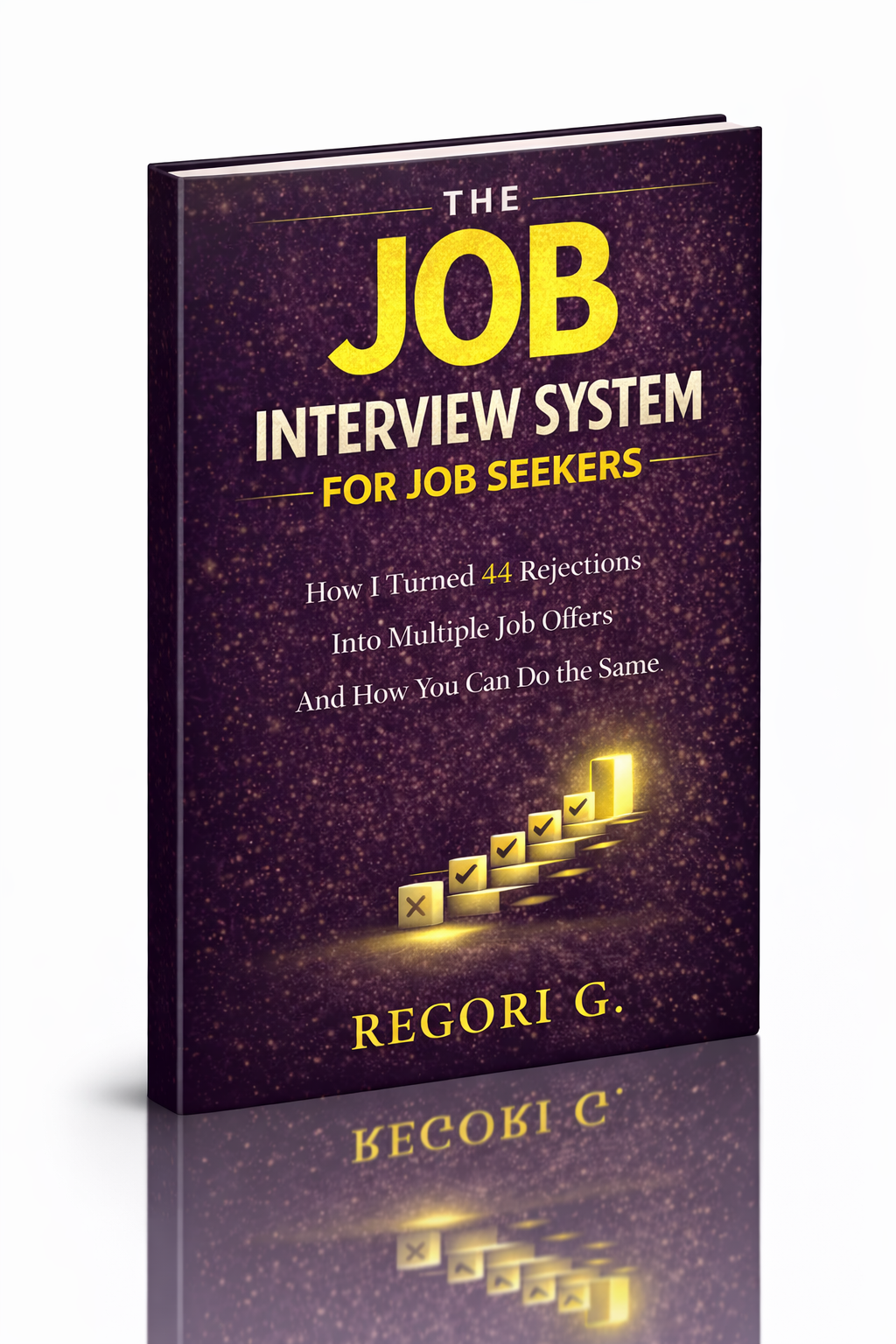
visit The Job Interview System for Job Seekers on Gumroad. A practical guide built for people who are serious about landing the job they want. For more interview guides, career tips, and job search resources, visit the Love PDF Guides home page.
Your Next Chapter
Starts with the Right Guide
Three straight-talking PDF guides to help you win interviews, beat the first 90 days and thrive as an introvert. Instant download on Gumroad.
Guide 01
The Job Interview System
Step-by-step interview prep that turns nerves into confidence.
Get it →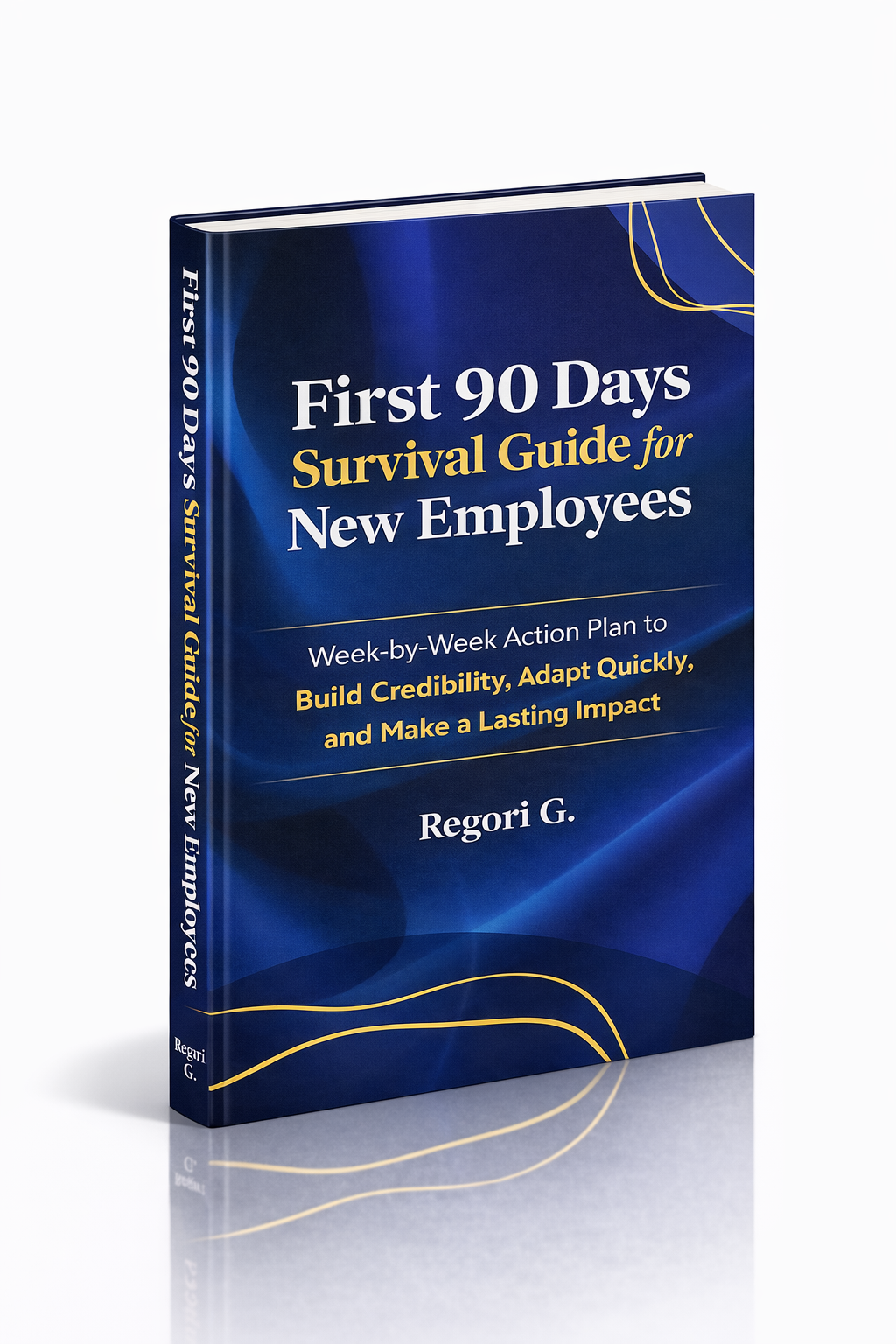
Guide 02
First 90 Days Survival Guide
Hit the ground running and make your mark from day one.
Get it →
Guide 03
Interview Success for Introverts
7 proven steps to shine in interviews — even if you hate the spotlight.
Get it →