

The 5 Interview Mistakes That Cost You the Job
What's silently killing your chances — and what top candidates do instead. Delivered instantly to your inbox.
No spam. Unsubscribe anytime. Privacy Policy & Terms
- Why "I'm a hard worker" destroys your chances
- What interviewers decide in the first 90 seconds
- How to handle tough questions with confidence
- The salary mistake almost every candidate makes
How to Stay Connected With Your Team When Remote
Working remotely can be a challenge when it comes to maintaining strong connections with your team. However, with intentional strategies, you can ensure that teamwork thrives even from a distance. Here are effective ways to stay connected with your team while working remotely.
Utilize Video Conferencing Tools
Video conferencing tools such as Zoom or Microsoft Teams can bridge the gap caused by physical distance. Regular video calls help maintain face-to-face interaction, enhancing engagement and communication. Consider scheduling:
- Weekly team meetings to discuss progress and challenges.
- Daily check-ins for quick updates and support.
- Virtual coffee breaks to foster casual interactions.
Leverage Collaboration Platforms
Adopting collaboration platforms like Slack or Asana can streamline communication and project management. These tools offer various features:
- Instant Messaging: Quickly connect with team members for immediate assistance.
- Document Sharing: Collaborate on files in real-time.
- Task Management: Keep everyone on track with project deadlines.
Using these platforms not only enhances productivity but also cultivates a sense of teamwork despite the distance. Engage with dedicated channels to discuss specific projects or interests.
Encourage Social Interactions
Creating opportunities for informal conversations can strengthen relationships within your team. Consider these activities:
- Virtual Happy Hours: Host a weekly gathering where team members can relax and chat about non-work topics.
- Online Games: Organize friendly competitions that foster teamwork and fun.
- Celebrate Milestones: Recognize personal and professional achievements with shout-outs during meetings or through internal messages.
Establish Clear Communication Guidelines
It’s essential to set clear expectations for communication. Establish guidelines such as:
- Preferred communication channels for different types of information.
- Response times for emails and messages.
- Protocols for sharing feedback and ideas.
By creating a structured communication system, you can reduce misunderstandings and increase team cohesion. Encourage team members to share their preferred communication styles to cater to everyone’s needs.
Use Project Management Tools
In a remote setting, it’s crucial to keep everyone aligned on projects. Tools like Trello or ClickUp can help track tasks and progress. Consider implementing:
- Shared Kanban Boards: Visualize workflows and monitor task statuses.
- Regular Checkpoints: Use these tools to schedule updates and assess where projects stand.
- Goal Trackers: Set and monitor individual and collective goals for increased accountability.
Foster a Culture of Feedback
Encouraging an ongoing dialogue about performance and strategies can enhance team dynamics. Incorporate feedback mechanisms such as:
- Monthly or quarterly performance reviews.
- Anonymized feedback forms to gather honest opinions without the fear of repercussions.
- Peer recognition programs, where team members celebrate each other’s contributions.
Prioritize Well-being
Caring for your team’s mental and physical well-being is vital for productivity. Introduce wellness initiatives that promote a healthy work environment, such as:
- Flexible Work Hours: Allow employees to work during their most productive hours.
- Wellness Challenges: Encourage physical activity by organizing challenges that promote health.
- Mental Health Resources: Provide access to therapist services or stress management resources.
Staying connected with your team while working remotely requires intentional actions. By employing these strategies, you can create an environment where everyone feels valued and engaged, regardless of location.
For more tips on improving remote team dynamics, you can visit Slack for collaboration suggestions or check out Microsoft Teams for effective communication solutions.
Effective Communication Tools for Remote Collaboration
In the modern work environment, effective communication is key to successful remote collaboration. Thanks to technology, teams can now work together from different locations without losing the connection that is crucial for productivity. Here’s a look at some of the most effective communication tools that can enhance collaboration among remote team members.
Instant Messaging Tools
Instant messaging tools are essential for quick communication. They allow team members to share updates, ask questions, and collaborate in real-time. Here are some popular messaging platforms:
- Slack: This tool features channels, direct messaging, and file sharing to keep conversations organized.
- Google Chat: Part of the Google Workspace suite, it integrates seamlessly with Google Docs and other applications.
- Microsoft Teams: A robust tool combining messaging with video and file sharing capabilities.
Video Conferencing Tools
When you need to discuss complex topics or hold meetings, video conferencing tools are indispensable. They help replicate face-to-face interactions and foster team bonding. Here are some effective options:
- Zoom: Known for its ease of use, Zoom allows for large meetings and webinars.
- Webex: A reliable option for businesses, featuring high-quality video and security measures.
- Google Meet: Part of Google Workspace, it’s great for video calls integrated with your calendar.
Project Management Software
Project management software helps teams stay organized and on track with tasks. These tools offer features such as task assignments, deadlines, and progress tracking:
- Trello: Uses boards and cards to manage projects visually.
- Asana: Designed for team collaboration, it allows you to set priorities and deadlines.
- Jira: Mainly used for software development, this tool helps teams plan, track, and manage projects.
File Sharing Services
Access to files is critical for remote teams. File-sharing services allow teams to store and share documents securely:
- Dropbox: Offers cloud storage and file synchronization for easy access.
- Google Drive: Offers ample storage and integrates with Google applications for seamless collaboration.
- Box: High-level security for files, suitable for businesses that require confidentiality.
Collaborative Document Editing
When working on projects, teams need to edit documents collectively in real time. Here are top choices for collaborative editing:
- Google Docs: Enables multiple users to write and edit documents simultaneously.
- Microsoft Word Online: Offers similar functionality to Google Docs with integration to the Microsoft ecosystem.
- Quip: A collaborative document tool that integrates chat and spreadsheets.
Time Management and Scheduling Tools
Keeping track of everyone’s availability can be tricky in remote work. Time management tools can help with scheduling meetings and deadlines:
- Calendly: Simplifies scheduling by allowing others to book slots based on your availability.
- Doodle: Helps teams find the best meeting times through polls.
Engaging with your team while working remotely can be seamless and effective using the right communication tools. Not only do these tools improve productivity, but they also enhance team dynamics and collaboration, ensuring that everyone stays connected.
Building Trust and Team Bonding in a Virtual Environment
In a remote work setting, the challenge of building trust and fostering team bonding can feel daunting. However, it is crucial for maintaining a cohesive and productive team. When team members are not physically together, establishing strong relationships requires intentional effort and creativity.
Communication is the foundation of any successful team. Utilize various communication tools to keep conversations flowing. Platforms like Zoom and Microsoft Teams allow for real-time discussions and foster a sense of presence. Regular check-ins and updates not only keep everyone informed but also strengthen relationships through shared dialogue.
Types of Virtual Communication Tools
- Video Conferencing: Tools such as Zoom allow face-to-face interaction, crucial for building personal connections.
- Instant Messaging: Platforms like Slack facilitate informal chats, helping team members feel more connected.
- Email: Although often formal, it remains a key tool for detailed communication and sharing important documents.
- Project Management Software: Using tools like Trello keeps everyone on the same page and encourages collaboration.
Creating a culture of openness is vital. Encourage team members to share not only their work-related updates but also personal stories or experiences. This sharing can lead to deeper connections among team members. You might try dedicating a part of your team meetings for personal sharing, creating moments of laughter and relatability.
Building Trust Through Transparency
Transparency enhances team trust. Ensure everyone understands the team’s goals, challenges, and achievements. Regularly share updates on company developments and individual contributions, making all team members feel valued and informed. Implementing an open-door policy via messaging apps can encourage team members to voice their concerns, leading to a more unified atmosphere.
Team Building Activities
Team-building activities can significantly foster connections in a virtual environment. Here are some ideas:
- Virtual Coffee Breaks: Schedule informal gatherings for team members to connect over coffee or snacks.
- Online Games: Engage in fun games like Skribbl or virtual trivia that encourage teamwork and laughter.
- Book Club: Start a monthly book club where team members can read and discuss shared interests, building camaraderie and intellectual engagement.
These activities not only lighten the mood but also help break down barriers between team members. Investing time in such practices will create a more harmonious working environment.
Engaging Remote Team Members
To truly bond a remote team, focus on engagement strategies. Here are some effective approaches:
- Recognition Programs: Celebrate achievements and milestones, big or small. Publicly recognizing team members helps boost morale.
- Peer Mentoring: Encourage experienced team members to mentor less-experienced ones, fostering a sense of care and support.
- Feedback Loops: Regularly seek input on processes and team dynamics. Showing that you value their opinion can strengthen trust.
These strategies can lead to a happier and more connected remote team. A great tool for feedback is Officevibe, which helps craft engagement surveys to assess team morale and trust levels.
Utilizing Technology for Better Connections
The right technology can bridge the gap between remote team members. Use collaborative tools such as Microsoft Teams or Jira to streamline workflows and encourage real-time collaboration. Video sharing through platforms like Loom can also enhance understanding and rapport among team members.
A Sample Weekly Schedule for Team Bonding Activities
| Day | Activity | Time |
|---|---|---|
| Monday | Team Stand-Up Meeting | 10:00 AM |
| Wednesday | Virtual Coffee Break | 3:00 PM |
| Friday | Online Game Session | 4:00 PM |
By incorporating these actionable strategies into your remote work routine, you can effectively build trust and foster team bonding. Remember, consistent effort in communication, engagement, and transparency will turn your virtual team into a connected and dynamic unit.
Strategies for Maintaining Productivity While Working Remotely
In today’s fast-paced world, working remotely has become a norm for many professionals. While remote work offers flexibility, it can also lead to distractions that hinder productivity. Here are some effective strategies to maintain your productivity while working from home.
Establish a Dedicated Workspace
Your environment plays a crucial role in your productivity. Set up a space in your home specifically for work. This not only helps you focus but also mentally distinguishes professional time from personal time. Make sure your workspace is comfortable, well-lit, and organized. Having the right setup reduces distractions and enhances your ability to concentrate.
Set a Consistent Routine
Creating a daily routine can provide structure to your day. Start work at the same time every day and incorporate breaks. Consider the following steps:
- Wake up at a consistent time.
- Dress for work, even if you’re at home.
- Plan your day with specific tasks to accomplish.
- Include short breaks to recharge your mind.
A consistent routine helps you establish a work-life balance, keeping you focused during working hours.
Leverage Technology for Communication
To stay connected with your team while remote, utilize various communication tools. Options such as Slack or Zoom can facilitate seamless interaction regardless of location. Regular video conferences or team meetings keep everyone on the same page, encouraging collaboration and engagement.
Prioritize Task Management
Staying organized can significantly improve your productivity. Use task management tools like Trello or Asana to keep track of your projects and deadlines. These platforms help you visualize your tasks and monitor your progress over time.
Take Regular Breaks
Taking breaks is essential to maintain high levels of productivity. Research suggests that short, frequent breaks actually improve focus and efficiency. Try the Pomodoro Technique, which involves working for 25 minutes and then taking a 5-minute break. This can help maintain your energy levels throughout the day and reduce burnout.
Set Clear Goals
Having clear and measurable goals is crucial for staying motivated. Break down your larger projects into smaller tasks and set deadlines for each one. This approach allows you to celebrate small wins and provides a sense of accomplishment. Regularly reviewing your goals can keep you aligned and focused.
Avoid Multitasking
While it may seem efficient, multitasking can hinder your productivity. Focus on completing one task at a time for better results. This helps improve the quality of your work and decreases the chances of errors. By concentrating solely on your current task, you’ll likely find that you finish it faster and with better quality.
Stay Healthy and Active
Your physical health directly impacts your mental productivity. Incorporate exercise into your daily routine—take short walks or do quick workouts during breaks. Staying physically active boosts energy levels and enhances concentration. Additionally, maintain a balanced diet and stay hydrated to keep your mind sharp.
Seek Feedback and Limit Distractions
Regular feedback from your supervisor or colleagues can provide insights to improve your performance. Schedule time for constructive conversations to address challenges and identify areas for growth. At the same time, minimize distractions in your work environment. Use noise-canceling headphones or create a “do not disturb” signal for family members or housemates during work hours.
By implementing these strategies, you can boost your productivity while working remotely. Each person’s work style is unique, so adapt these methods to fit your individual needs and preferences. Experiment with different approaches until you find what works best for you.
For more detailed insights on remote work techniques, visit Forbes and Harvard Business Review.
Creative Ways to Celebrate Team Milestones Online
Celebrating team milestones online can be both fun and engaging, especially when you bring creativity into the mix. These celebrations are essential for fostering team spirit, kindness, and camaraderie, even from a distance. Here are some innovative ideas to help your team recognize achievements, no matter where they are.
Virtual Parties
One of the most popular ways to celebrate online is through a virtual party. This could be done via video conferencing platforms like Zoom or Microsoft Teams. Here are some ideas for organizing a successful virtual party:
- Themed Gatherings: Choose a theme like ’80s retro, pajama party, or even a costume event for added excitement.
- Games and Trivia: Incorporate interactive games or trivia that relate to your team or company’s history. Platforms like Kahoot can help you set this up.
- Music and Dance: Use Spotify to create a playlist and allow team members to share their favorite songs. Organize a dance-off for a physical, lighthearted experience.
Recognition Wall
Creating a virtual recognition wall can be a wonderful way to celebrate individual and team milestones. Use tools like Padlet to create a digital space where team members can post messages and shout-outs.
- Share Achievements: Encourage everyone to add personal milestones or achievements of their colleagues.
- Visual Elements: Incorporate photos, videos, and even GIFs to keep it lively.
- Spotlights: Each week, choose one team member to highlight for their contributions and allow them to share a few words.
Online Awards Ceremony
Host a fun and engaging online awards ceremony. You can create categories that relate specifically to your team’s accomplishments, such as ‘Most Creative Idea’ or ‘Best Team Player.’
- Voting System: Use tools like Mentimeter to let team members cast their votes for the awards.
- Ceremony Script: Plan a scripted flow for the ceremony which includes announcing nominees, allowing team members to share testimonials, and presenting awards.
- Digital Trophies: Design customized digital badges or trophies to send via email or social media.
Creative Shared Experiences
Shared experiences can be hard to replicate online, but with a bit of creativity, they can be achieved. Think about hosting activities that everyone can participate in regardless of their location.
- A Virtual Team Building Activity: Platforms like Outback Team Building offer various remote team building activities that cater to different group sizes and interests.
- Cooking Classes: Invite a guest chef for a virtual cooking class, where team members can cook the same dish from their kitchens.
- Virtual Escape Room: Engage the team in a virtual escape room challenge to promote teamwork while having fun.
Monthly Newsletter
Sending out a monthly digital newsletter can also serve as a milestone celebration. This allows you to compile stories and achievements of your team into one cohesive package.
- Highlight Achievements: Include personal milestones, completed projects, or any accolades received.
- Fun Facts: Feature fun facts about the team members to create a personal bond.
- Spotlight on Next Goals: Use this platform for team members to share what they are looking forward to accomplishing next.
Engaging your team digitally can enhance communication and morale. Take advantage of creative methods to ensure that every milestone is celebrated and remembered. These innovative approaches not only uplift team spirits but also keep your team connected and aligned, even when physically apart. Get creative and make the next milestone celebration one to remember!
Managing Time Zones: Tips for Global Teams
If you’re part of a global team, managing time zones can present a unique set of challenges. As workforces become increasingly distributed, understanding how to navigate different time zones is crucial for maintaining collaboration and productivity. Here are some practical tips to help you manage these time differences effectively.
Utilize Time Zone Tools
In today’s digital world, various tools can assist in time zone management. Consider using:
- TimeAndDate.com: This website provides an easy way to see the current time in different locations around the world.
- World Time Buddy: A handy tool that allows you to compare time zones and schedule meetings accordingly.
- Time Zone Converter: Use this site to convert the current time from one zone to another effortlessly.
Set a Standard Time for Meetings
To avoid confusion, establish a standard time for meetings that is convenient for the majority. Using a particular time zone as a reference point, such as UTC or GMT, can simplify scheduling. Make sure to communicate this standard to all team members, ensuring everyone understands when meetings will take place. It can be helpful to send calendar invites that automatically adjust for different time zones.
Rotate Meeting Times
To be fair to all team members, consider rotating meeting times. If meetings are consistently held at times that favor one particular region, it can lead to frustration for those in less favorable time zones. By rotating the meeting schedule occasionally, you create a more equitable environment where every member feels included and valued.
Communicate Clearly and Frequently
Regular communication is key in a global team. Utilize chat tools and collaboration platforms to keep everyone in the loop. Tools like Slack or Microsoft Teams facilitate ongoing communication. Try to set aside specific times for team check-ins that accommodate various time zones. Here’s how to ensure effective communication:
- Schedule regular updates – Aim for a weekly team update.
- Utilize asynchronous communication – Share updates via email or chat, allowing team members to respond when they can.
- Leverage video calls – Use video conferencing tools to maintain a personal connection during meetings.
Encourage Flexibility in Work Hours
Promoting flexibility allows team members to work at times when they are most productive. Encourage your global team to agree on core hours during which all members should be available. Outside of these hours, they can manage their schedules based on their local time zones. This approach helps in accommodating personal work styles and fosters a healthy work-life balance.
Keep Cultural Differences in Mind
Understanding cultural differences, including work habits, is vital in a global context. Some cultures may prioritize time management differently than others. Always approach scheduling and deadlines with openness and empathy. Engaging in open discussions about cultural norms can enhance collaboration and improve working relationships.
Embrace Technology for Collaboration
Leveraging technology can ease the time zone challenges. Collaboration tools like Google Workspace and Trello allow for seamless project management regardless of location. Make sure everyone is familiar with the technology being used, which helps to ensure efficient communication and project tracking.
Document Everything
Documentation can serve as an important resource for all team members. Create a central repository for all important information – meetings notes, project updates, and deadlines. This ensures that everyone, regardless of their time zone, has access to essential information whenever they need it.
By implementing these strategies, you can manage time zone differences effectively within your global team. The goal is to promote collaboration, and by utilizing various tools and approaches, your team can remain engaged and productive, regardless of where they are in the world.
For more insights on managing teams across different time zones, visit Team Communication for tips and best practices tailored for global teams.
The Importance of Regular Check-ins for Remote Teams
In today’s work environment, where remote teams are becoming the norm rather than the exception, regular check-ins have emerged as a crucial component for maintaining team cohesion. These structured interactions are not merely time fillers; they play a vital role in enhancing communication, providing support, and ensuring that tasks align with team goals.
The benefits of regular check-ins include fostering relationships, encouraging accountability, and boosting morale. These meetings provide an opportunity for team members to express concerns, share successes, and brainstorm collaboratively. When everyone knows they can connect regularly, their motivation to contribute often increases, resulting in a more engaged workforce.
Fostering Relationships
Building strong relationships in a remote setting can be challenging due to the lack of face-to-face interactions. Regular check-ins can mitigate this by:
- Encouraging Open Communication: When teams meet consistently, members feel more comfortable sharing ideas and concerns.
- Creating a Sense of Belonging: Regular check-ins help everyone feel included, even if they are working from their homes.
- Building Trust: Frequent interactions build trust among team members, which can lead to increased collaboration.
Encouraging Accountability
Accountability is crucial in any work environment, but it takes on added importance with remote teams. Regular check-ins help in various ways:
- Tracking Progress: These meetings allow team members to report on their progress, ensuring everyone remains on track with their tasks.
- Setting Clear Expectations: Check-ins can clarify responsibilities and deadlines, reducing confusion about who is accountable for what.
- Offering Support: Identifying roadblocks during check-ins gives team leaders the opportunity to provide necessary support promptly.
Boosting Morale
In remote work, feelings of isolation can become common. Regular check-ins help address this by:
- Recognizing Achievements: Use check-ins to celebrate milestones, boosting team spirit.
- Encouraging Feedback: Open dialogues can lead to constructive feedback, making team members feel valued.
- Building Camaraderie: Incorporate informal chat into meetings; this helps create a relaxed environment where members can bond.
| Benefits of Regular Check-Ins | Description |
|---|---|
| Enhanced Communication | Regular updates foster clarity and understanding among team members. |
| Increased Team Cohesion | Team members feel connected, which can prevent feelings of isolation. |
| Improved Performance | Accountability leads to better performance as team members stay committed to goals. |
| Positive Work Environment | A supportive atmosphere encourages team members to stay motivated and engaged. |
To maximize the effectiveness of these check-ins, here are a few best practices:
- Schedule Regular Meetings: Decide on a frequency that works best for the team, whether it’s weekly or bi-weekly.
- Utilize Technology: Tools like Zoom, Microsoft Teams, or Slack can facilitate easy check-ins regardless of location.
- Set an Agenda: Having a clear agenda can help meetings stay on track and make them more productive.
- Follow Up: After each meeting, send a summary with key takeaways and action items to keep everyone accountable.
Regular check-ins are essential for remote teams to thrive. By focusing on fostering relationships, encouraging accountability, and boosting morale, these meetings can transform a disparate group into a cohesive and productive unit.
For more insights on team management and remote work strategies, check out Remote.co and Gallup’s Workplace.
Key Takeaway:
Staying connected with your team while working remotely is crucial for fostering collaboration, trust, and productivity. As you navigate the challenges of working from home or any location far from your colleagues, it’s important to utilize effective communication tools and strategies to ensure everyone is on the same page. To enhance your remote work experience, consider using popular communication platforms, such as Slack or Microsoft Teams, which provide instant messaging, video calling, and project management capabilities. These tools facilitate real-time collaboration and keep conversations organized, allowing team members to access important information quickly.
Building trust and team bonding in a virtual environment may require consistent effort, but it is worthwhile. Organizing regular team-building activities or casual catch-up sessions can help create a sense of camaraderie. Engaging in informal conversations fosters deeper connections among team members, leading to a more cohesive unit.
Maintaining productivity while working remotely poses its challenges. Setting clear goals and expectations ensures everyone understands their responsibilities. Encouraging the use of productivity tools, such as Trello or Asana, can help team members stay organized and accountable. Additionally, promoting a healthy work-life balance is essential. Encourage your team to take regular breaks to recharge and set boundaries to avoid burnout.
Celebrating team milestones can be a fun way to strengthen relationships and maintain morale. Whether it’s a virtual happy hour, online games, or shout-outs during meetings, recognizing achievements builds a positive team culture even from a distance.
For global teams, managing different time zones can be tricky. Use scheduling tools like World Time Buddy to facilitate meeting planning. This not only shows respect for each team member’s time but also optimizes collaboration.
Regular check-ins are vital for remote teams. Schedule weekly meetings to discuss progress, roadblocks, and goals. These check-ins enhance communication, allow for feedback, and create an open line for discussing any issues that may arise.
Staying connected with your remote team is achievable through effective tools, encouragement of team bonding, recognition of achievements, and maintaining regular communication. Implementing these strategies will not only help keep your team engaged but will also enhance overall productivity.
Conclusion
Staying connected with your team in a remote work environment is crucial for fostering collaboration, building trust, and maintaining productivity. By effectively utilizing communication tools, such as video conferencing and instant messaging, teams can eliminate feelings of isolation and create an open channel for ideas and feedback. These tools help to bridge the gap, encouraging an ongoing dialogue that enhances team dynamics.
As you work towards building trust and camaraderie in a virtual space, remember that personal connections can lead to stronger teamwork. Creative methods, like online celebrations for milestones, can boost morale and make everyone feel included, contributing to a positive company culture.
Managing different time zones also plays a significant role in keeping team members engaged. Implementing strategies that respect everyone’s working hours helps to ensure that each member feels valued and connected, regardless of location. Regular check-ins serve as a powerful reminder of your commitment to transparency and support, allowing for timely feedback and team alignment.
By integrating these strategies into your remote working routine, you can create an environment that not only promotes efficiency but also strengthens relationships among team members. Focus on open communication, trust-building activities, and flexible scheduling to enhance teamwork. Ultimately, nurturing connections within your remote team will lead to increased productivity and a more engaged workforce, ensuring that everyone feels part of the collective journey, no matter where they are in the world.
visit The Job Interview System for Job Seekers on Gumroad. A practical guide built for people who are serious about landing the job they want. For more interview guides, career tips, and job search resources, visit the Love PDF Guides home page.
Your Next Chapter
Starts with the Right Guide
Three straight-talking PDF guides to help you win interviews, beat the first 90 days and thrive as an introvert. Instant download on Gumroad.
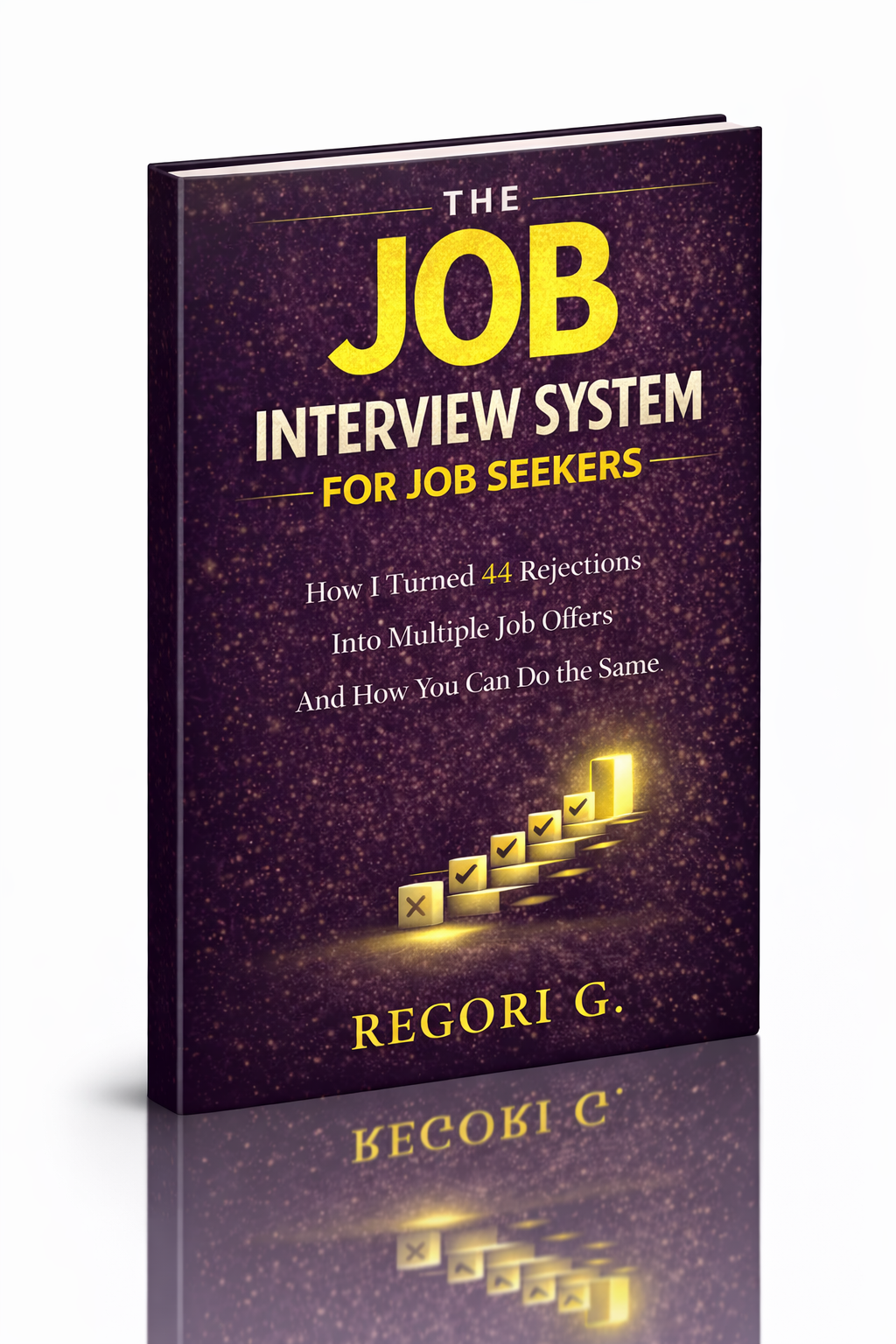
Guide 01
The Job Interview System
Step-by-step interview prep that turns nerves into confidence.
Get it →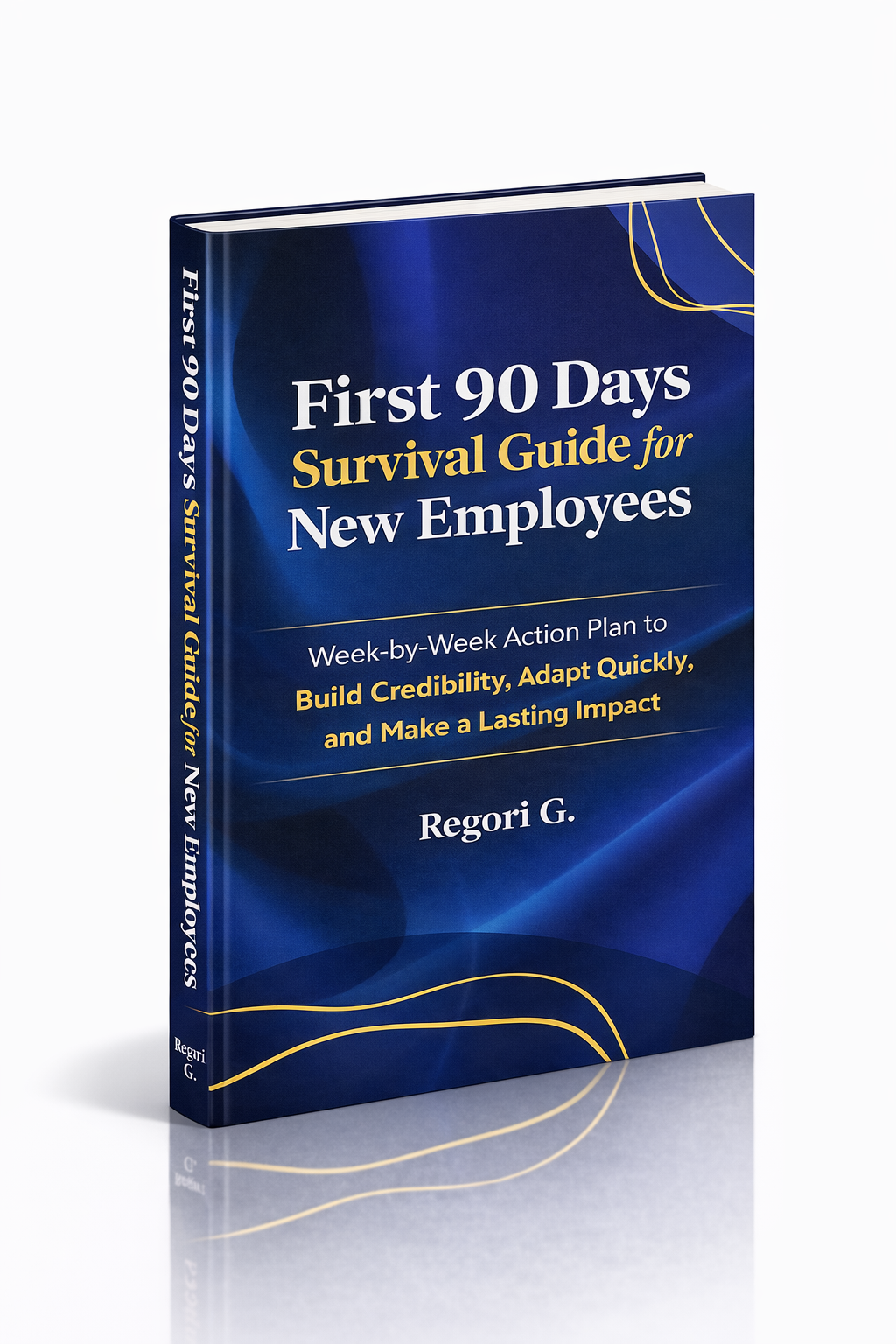
Guide 02
First 90 Days Survival Guide
Hit the ground running and make your mark from day one.
Get it →
Guide 03
Interview Success for Introverts
7 proven steps to shine in interviews — even if you hate the spotlight.
Get it →