

The 5 Interview Mistakes That Cost You the Job
What's silently killing your chances — and what top candidates do instead. Delivered instantly to your inbox.
No spam. Unsubscribe anytime. Privacy Policy & Terms
- Why "I'm a hard worker" destroys your chances
- What interviewers decide in the first 90 seconds
- How to handle tough questions with confidence
- The salary mistake almost every candidate makes
Video Interview Tips to Look and Sound Professional
Video interviews have become a vital part of the hiring process, offering a convenient way for employers to connect with candidates. To stand out in a crowded field, you need to look and sound professional during your video interview. Here are some essential tips to ensure you make the best impression possible.
Prepare Your Environment
Your surroundings significantly affect how you are perceived during a video interview. Start by finding a quiet, well-lit space. Natural light is your friend, so face a window if possible. If natural light isn’t available, use a lamp to brighten your face without creating harsh shadows.
- Choose a clean, uncluttered background.
- Avoid distractions like pets or noisy appliances.
- Test your location in advance to ensure there are no surprises.
Dress Appropriately
Your attire plays a critical role in how professional you appear. Dress as you would for an in-person interview, opting for business attire that is both comfortable and appropriate.
- Choose solid colors over busy patterns.
- Ensure your clothing is clean and pressed.
- Avoid overly casual clothing, like t-shirts or pajamas.
Check Your Technology
Nothing disrupts an interview like technical difficulties. Days before your scheduled interview, check all of your equipment.
- Test your camera and microphone.
- Ensure you have a stable internet connection.
- Familiarize yourself with the video platform you will be using.
Practice Your Speaking Skills
How you communicate is just as important as what you communicate. To appear more professional, practice speaking clearly and at a moderate pace. Consider recording yourself during practice interviews to identify areas for improvement.
- Keep your answers concise and to the point.
- Avoid filler words like “um” and “uh.”
- Engage in active listening, responding thoughtfully to the interviewer’s questions.
Utilize Body Language
Your body language can convey confidence and professionalism. Make sure to maintain good posture—sit up straight and avoid slumping. Use hand gestures to emphasize points, but don’t overdo it.
- Maintain eye contact by looking at the camera, not the screen.
- Nod and smile to show engagement.
- Avoid crossing your arms, which can seem defensive.
Control Your Voice
Sound quality matters just as much as visual appearance. Speak clearly and at a volume that can be easily heard. Monitor your tone; a friendly yet professional demeanor can make a big difference in how you are perceived.
- Use a headset for better audio quality if necessary.
- Avoid speaking too fast; take a breath between sections.
- Practice varying your tone to keep the interviewer engaged.
Prepare for Common Questions
Knowing what questions to expect can help you prepare confident answers. Some common video interview questions include:
| Question | Tips |
|---|---|
| Tell me about yourself. | Give a brief overview focusing on your professional background and goals. |
| What are your strengths and weaknesses? | Be honest but strategic—mention strengths that align with the job and weaknesses you are working to improve. |
| Why do you want this job? | Reflect on your interest in the company and how your skills can benefit them. |
Follow Up After the Interview
After the video interview, send a thank-you email to express your appreciation for the opportunity. This not only reinforces your professionalism but also keeps you in the interviewer’s mind.
- Thank the interviewer by name.
- Mention specific points from the interview to show your engagement.
- Express your enthusiasm for the position.
For more tips and tricks on acing your video interview, check out The Balance Careers or Glassdoor. By preparing thoroughly and presenting yourself professionally, you can make a significant impact during your video interview.
Preparing Your Space for a Virtual Interview
Preparation is key when it comes to virtual interviews, and one of the most crucial steps is creating an appropriate space. A well-prepared environment not only helps you look professional but also enables you to communicate effectively. Let’s dive into some essential tips for setting up your space for a virtual interview.
visit The Job Interview System for Job Seekers on Gumroad. A practical guide built for people who are serious about landing the job they want. For more interview guides, career tips, and job search resources, visit the Love PDF Guides home page.
Choose the Right Location
Select a quiet spot in your home that is free of distractions. Ideally, this should be a room where you can control the noise levels. Here are some locations to consider:
- Home office
- Spare bedroom
- Quiet corner in the living room
Avoid high-traffic areas in your house, such as kitchens or living rooms where family members might interrupt. Inform your household members about your interview schedule so they can avoid noise during that time.
Lighting Matters
Good lighting can significantly impact how you appear on camera. Here are tips to ensure your lighting is just right:
- Use natural light whenever possible. Position yourself facing a window to achieve a well-lit look.
- If natural light isn’t available, invest in a ring light or softbox lighting to get a professional glow.
- Avoid overhead lights that can create unflattering shadows.
Remember to test your lighting before the interview to find the best configuration.
Background Setup
Your background should be tidy and professional. Here are steps to set up an ideal background:
- Keep it simple: A plain wall, bookshelf, or a neatly organized office space works best.
- Remove clutter or personal items that might distract the interviewer.
- If you want to add some personality, choose artwork or plants that won’t overpower the focus on you.
Make sure that your background is not overly bright or dark, as this can distract from your appearance.
Check Your Technology
Ensuring all technology is functioning well is vital. Follow this checklist:
- Test your computer and internet connection to avoid any interruptions.
- Check that your camera is clean and centered at eye level.
- Make sure your microphone is working and provides clear sound.
Use [Speedtest.net](https://www.speedtest.net) to gauge your internet speed and confirm it meets the necessary requirements for a smooth video call.
visit The Job Interview System for Job Seekers on Gumroad. A practical guide built for people who are serious about landing the job they want. For more interview guides, career tips, and job search resources, visit the Love PDF Guides home page.
Dressing the Part
Your attire can have a significant impact on your confidence and the impression you leave. Here’s how to dress appropriately for a virtual interview:
- Choose professional clothing, just as you would for an in-person interview.
- Avoid busy patterns; solid colors work best on camera.
- Wear clothes that fit well and make you feel comfortable.
Don’t forget to dress from head to toe; you never know if you might need to stand up during the call!
Practice Makes Perfect
One of the most effective ways to prepare is to rehearse. Here’s how:
- Hold a mock interview with a friend or family member to practice your responses.
- Record yourself to analyze your body language and speaking voice.
- Familiarize yourself with the interview platform and ensure you know how to share your screen if needed.
Practicing not only makes you feel more confident but also helps iron out any technical issues you might face.
Final Checks Before the Interview
Just before the interview starts, make sure to do a quick check:
- Log in to the meeting platform a few minutes early to troubleshoot any last-minute issues.
- Turn off notifications on your devices to minimize distractions.
- Breathe and relax; remember, the interview is also an opportunity for you to learn about the company.
For additional resources on virtual interviewing and improving your remote presence, consider visiting The Balance Careers or check out Glassdoor’s tips. These sites provide expert advice that can greatly enhance your preparation.
With these essential tips on preparing your space for a virtual interview, you’ll be well on your way to making a positive and professional impression. Remember that practice and preparation will shine through, allowing your skills and personality to take center stage.
Mastering Your Body Language During Video Calls
In today’s digital era, video calls have become a primary means of communication in both personal and professional settings. Many people are successful at making a strong first impression simply by mastering their body language during these virtual encounters. Understanding the impact of your non-verbal communication can enhance your presence, convey confidence, and leave a lasting impression.
Posture Matters
Your posture plays a significant role in how others perceive you. Sitting up straight not only makes you appear more confident but also conveys that you are engaged and attentive. Avoid slouching, as it can signal disinterest. Here are a few tips for maintaining good posture:
visit The Job Interview System for Job Seekers on Gumroad. A practical guide built for people who are serious about landing the job they want. For more interview guides, career tips, and job search resources, visit the Love PDF Guides home page.
- Keep your back straight: Align your spine and shoulders to show confidence.
- Feet flat on the ground: Keep your feet planted to maintain stability.
- Avoid fidgeting: Minimize movements that might distract others from your message.
Facial Expressions
Your face is one of the most expressive tools you have. A warm smile can set a positive tone for the conversation, making you more approachable. Here’s how to leverage your facial expressions:
- Be mindful of your expressions: Ensure they align with what you’re saying.
- Use eye contact: Look directly into the camera to simulate eye contact, making the interaction feel more personal.
- Show enthusiasm: Nod and smile at appropriate times to demonstrate engagement.
Hand Gestures
Using your hands can help emphasize points and convey enthusiasm. However, it’s essential to use them effectively. Here’s how:
- Don’t overdo it: Use natural gestures that complement your speech.
- Keep your hands visible: Avoid crossing arms, as it can seem defensive.
- Practice moderation: Ensure your gestures don’t become distracting.
Creating a Suitable Environment
A tidy background can enhance your professionalism during video calls. Here are a few things to consider:
- Choose a quiet space: Minimize background noise to focus on the conversation.
- Proper lighting: Use natural light or a ring light to illuminate your face.
- Keep it clean: A clutter-free space helps maintain attention on you rather than distractions behind you.
Mind Your Tone of Voice
Your body language works hand-in-hand with your voice. Pay attention to the tone and pitch of your speech. Speak clearly and at a moderate pace to ensure your message is understood. Here are some additional tips:
- Vary your tone: Change the intonation to maintain interest.
- Use pauses: Pausing can emphasize key points and provide your audience time to absorb the information.
- Practice clarity: Articulate your words, especially during important discussions.
Practice Makes Perfect
Before an important video call, practice your body language. Record yourself or conduct a mock interview with a friend. This will help you identify any habits to improve. Remember, confidence often stems from preparation. Consider using these video interview tips from Indeed to further refine your skills.
Ultimately, mastering your body language on video calls can dramatically influence your effectiveness and professionalism. By focusing on posture, facial expressions, hand gestures, your environment, voice tone, and ample practice, you can enhance your virtual presence. Your ability to engage with others through these non-verbal cues will help you stand out, whether in a job interview, a client meeting, or a casual conversation.
For further resources on improving your video communication skills, visit The Balance Careers for expert advice.
The Importance of Dressing for Success in Video Interviews
In today’s digital age, video interviews have become a standard part of the hiring process. This shift from in-person meetings highlights the need for candidates to present themselves professionally, even from the comfort of their own homes. One crucial aspect of making a lasting impression during a video interview is dressing for success. The way you dress can significantly impact how you are perceived by potential employers.
First impressions are formed within seconds. When you appear on screen, your attire speaks volumes about your professionalism and seriousness regarding the opportunity. Here are some reasons why dressing appropriately is essential in video interviews:
visit The Job Interview System for Job Seekers on Gumroad. A practical guide built for people who are serious about landing the job they want. For more interview guides, career tips, and job search resources, visit the Love PDF Guides home page.
- Confidence Boost: Wearing professional attire can help you feel more confident. When you look good, you feel good, and this can translate into how you present yourself throughout the interview.
- Professional Image: Your outfit can convey your understanding of the company culture and the role you are applying for. Each industry has its expectations for professional attire, and dressing accordingly can help you fit into that image.
- Minimize Distractions: A polished look draws the interviewer’s attention to what you are saying rather than what you are wearing. Avoid clothing that may be distracting or inappropriate for the interview context.
- Preparation and Effort: Taking the time to dress appropriately shows that you are taking the interview seriously. This effort can indicate to employers that you value their time and the opportunity they are offering you.
To help you choose the right outfit, consider the following tips:
- Research Company Culture: Understand the company’s dress code. Is it business formal, casual, or somewhere in between? Look for clues on their website or social media profiles.
- Opt for Solid Colors: Solid colors tend to work better on camera than patterns, which can be distracting. Choose colors that complement your skin tone and convey professionalism.
- Limit Accessories: Simple accessories can enhance your look, but avoid anything that might distract the interviewer. A clean and neat appearance is key.
- Dress from Head to Toe: Even if the interviewer can only see your upper half, dressing completely in professional attire keeps you in the right mindset. You never know when you might need to stand up, so be prepared!
Another critical factor is the maintenance of cleanliness and grooming. Ensure your clothes are clean, pressed, and fit well. Take the time to groom yourself by ensuring that your hair is neat and facial hair is well-trimmed. For more tips on preparing for video interviews, visit Forbes.
Lighting and background also play an important role in how your appearance comes across during a video interview. Aim for a well-lit area and a plain background to keep the focus on you. Choose a spot in your home that is free from distractions and clutter. This setup will enhance your professional appearance.
When it comes to footwear, while it may not be visible, wearing professional shoes can contribute to your overall confidence and mindset. In a situation where you may need to stand up unexpectedly, it’s important that your whole outfit is professional. Keep in mind, these details add to the overall impression you make during your video interview.
Here’s a quick visual reference of what to wear based on different job industries:
| Industry | Attire Suggestions |
|---|---|
| Corporate/Finance | Suit and tie or professional dress with cardigan |
| Technology/Startups | Smart casual, polo shirt, or blouse with blazer |
| Creative | Fashionable yet professional outfit, consider bold colors |
Follow up your video interview with a thank-you note, reiterating your interest in the position. This gesture shows appreciation and professionalism, further reinforcing the positive impression you’ve made. If you’re looking for more detailed insights on interview preparation, check out Harvard Business Review.
Dressing for success in a video interview is not just about the clothes you wear; it’s about signaling to your potential employer that you are right for the job. By putting thought into your appearance, you can set yourself up for success in the competitive job market.
Technical Checks to Ensure a Smooth Interview Experience
When preparing for a video interview, it’s essential to ensure all technical aspects are in place for a smooth experience. Technical difficulties can disrupt the flow of your conversation and might even affect the impression you leave on your interviewer. Here are crucial technical checks you should perform before your big day.
Testing Your Equipment
Before your interview, it’s vital to ensure your equipment functions properly. Follow these steps:
visit The Job Interview System for Job Seekers on Gumroad. A practical guide built for people who are serious about landing the job they want. For more interview guides, career tips, and job search resources, visit the Love PDF Guides home page.
- Camera: Test the camera on your device. Make sure the image is clear and well-framed. Position the camera at eye level to create a natural interaction.
- Microphone: Your voice should come through clearly. Use an external microphone if possible, and test levels using software like Audacity to adjust settings.
- Headphones: Wearing headphones can minimize audio feedback and enhance sound quality for both you and the interviewer.
Connection Stability
An unstable internet connection can lead to a frustrating interview experience. Here’s how to ensure stability:
- Wi-Fi Connection: If possible, connect to a wired Internet source. If you must use Wi-Fi, position yourself as close to the router as possible.
- Speed Test: Run a speed test using a service like Speedtest to check your upload and download speeds. Aim for at least 3 Mbps upload speed to ensure clear video and audio.
- Close Unnecessary Applications: Before your interview, close any unrelated applications that may consume bandwidth, like streaming services or large downloads.
Video Conferencing Platform
Familiarize yourself with the software used for your video interview. Check these elements:
- Download Necessary Software: If the interview uses a specific platform (like Zoom or Microsoft Teams), download and install it beforehand. Make sure it’s the latest version.
- Practice: Set up a mock interview with a friend or family member using the same platform. This practice can help familiarize you with its features, such as screen sharing or muting/unmuting.
- Account Settings: Verify that your account settings are correct, including your profile picture and display name, to make a good impression.
Lighting and Background
The right lighting and background can enhance your professional appearance. Consider the following:
- Lighting: Natural light is your best friend. Position yourself facing a window to get adequate light. If that’s not feasible, use soft lighting from lamps positioned at eye level.
- Background: Choose a clean, uncluttered space for your interview. A plain wall or a bookshelf can work well. Ensure the background reflects professionalism.
Sound Check
Last but not least, ensure your audio is clear. Follow these tips:
- Quiet Environment: Conduct your interview in a quiet place where you won’t be interrupted. Inform anyone at home about your interview to minimize distractions.
- Use Test Calls: Make a test call with a friend or use the platform’s feature to test your sound levels. Adjust your microphone volume if necessary.
- Be Mindful of Echo: Avoid having sound reflections by eliminating hard surfaces around you or using noise-canceling equipment.
Preparing technically for your video interview is just as important as dressing well and practicing your responses. By focusing on these technical checks, you’ll ensure that you look and sound your best.
For further tips and resources, consider visiting Glassdoor for insights on video interviews and The Balance Careers for articles that provide broader guidance on job seeking strategies.
Using Effective Communication Techniques in Video Interviews
Video interviews have gained significant traction in recent years, making effective communication techniques more crucial than ever. When you step into a virtual interview, you want to present yourself as professional and articulate. Here are some smart strategies that will help you communicate more effectively during a video interview.
Prepare Your Environment
Your surroundings can impact how effectively you communicate. Here are steps to create a professional atmosphere:
- Choose a Quiet Location: Find a calm space that minimizes distractions. This includes background noise and interruptions.
- Check Your Setup: Ensure your camera and microphone work well ahead of time. Poor audio or video quality can distract from what you’re saying.
- Good Lighting: Natural light is best, but make sure it’s in front of you to avoid shadows. You can also invest in affordable ring lights.
- Neutral Background: A tidy, uncluttered environment looks professional and allows the focus to remain on you.
Practice Active Listening
Listening is just as important as speaking in a video interview. Make sure to:
visit The Job Interview System for Job Seekers on Gumroad. A practical guide built for people who are serious about landing the job they want. For more interview guides, career tips, and job search resources, visit the Love PDF Guides home page.
- Be Fully Engaged: Nod your head and use verbal affirmations like “I see” or “That makes sense” to show you are paying attention.
- Pause Before Responding: This demonstrates that you’re considering the question carefully, rather than rushing to answer.
Use Clear and Concise Language
During your video interview, simplicity and clarity are essential. To ensure you’re communicating effectively:
- Avoid Jargon: Unless you are sure the interviewer understands industry-specific terms, stick to clear language.
- Be Brief: Aim to answer questions directly, giving relevant examples while avoiding overly long explanations.
- Practice Key Points: Before the interview, think about the qualities and experiences that make you a great candidate. Prepare to discuss these clearly.
Build Rapport with the Interviewer
Establishing a connection with your interviewer can make the process smoother. You can:
- Smile and Maintain Eye Contact: This creates a welcoming atmosphere and shows confidence.
- Use the Interviewer’s Name: Mentioning their name during the conversation builds a personal connection.
- Share Personal Insights: Relating a bit about yourself beyond your resume can make you more memorable.
Control Your Body Language
Since video interviews capture your non-verbal signals, it’s vital to manage your body language. Here are some tips:
- Sit Up Straight: Good posture shows that you are attentive and confident.
- Avoid Crossing Your Arms: This can appear defensive. Keep your hands visible or use gestures to emphasize points.
- Maintain Natural Movements: Small movements and gestures can enhance communication, but avoid excessive fidgeting.
Utilize Technology to Your Advantage
Being tech-savvy can bolster your communication effectiveness. Make sure to:
- Familiarize Yourself with the Platform: Whether it’s Zoom, Skype, or any other platform, test your setup before the interview.
- Use Headphones: This can improve audio quality and helps you hear the interviewer clearly.
- Keep a Copy of Your Resume Nearby: Having your resume handy can help you recall your experiences and qualifications quickly.
For more advanced tips on video interviews, you can check out resources from reputable sites like Forbes and The Balance Careers.
By applying these effective communication techniques in your next video interview, you will enhance your professional image and increase your chances of success. Remember, preparation is key, and practicing these strategies can make you confident and articulate.
Following Up After Your Video Interview: Best Practices
After completing a video interview, it’s important to follow up with professionalism and intention. A well-timed follow-up can help reinforce your interest in the position and keep you on the interviewer’s radar. Here are some essential best practices to keep in mind as you navigate this crucial step in your job search.
Timing Your Follow-Up
Your follow-up should be sent within 24 to 48 hours after your interview. This timeframe shows enthusiasm and respect for the interviewer’s time. A timely message can also help keep your discussion fresh in their mind. However, avoid sending a follow-up just hours after the interview as it may come off as overly eager or pushy.
visit The Job Interview System for Job Seekers on Gumroad. A practical guide built for people who are serious about landing the job they want. For more interview guides, career tips, and job search resources, visit the Love PDF Guides home page.
Crafting a Thoughtful Email
Your follow-up email should be concise yet meaningful. Here are the key elements to include:
- Subject Line: Use a clear and professional subject line like “Thank You – [Your Name] – [Position Title]” to ensure the recipient knows the email’s purpose.
- Gratitude: Start by thanking the interviewer for the opportunity to speak with them. Be specific about what you appreciated, whether it was their insight into the company culture or the role itself.
- Key Takeaway: Mention a memorable moment from the interview that resonated with you. This can reinforce your connection and demonstrate your attentiveness.
- Reiterate Interest: Clearly express your continued interest in the position and the company. This helps remind them why you’re a strong candidate.
- Availability: Offer your availability for any further questions or clarifications. This showcases your willingness to engage further in the hiring process.
- Closing: End with a professional closing. Something as simple as “Looking forward to hearing from you” can convey positive anticipation.
Personalize Your Message
Generic emails often lack impact. Personalizing your message shows that you value the conversation and the interviewer’s experience. Consider referencing specific topics discussed during the interview. For example, if you talked about a project or initiative, mention how your skills align with that particular focus.
Consider a Handwritten Note
In addition to your email, consider sending a handwritten note if you’re interviewing in a formal or professional setting. This old-fashioned touch can stand out and demonstrates a deeper level of thoughtfulness. Just make sure it arrives in a reasonable amount of time.
Tracking Your Follow-Up
Keep a record of your follow-up communications. This ensures that you don’t overwhelm the interviewer with multiple messages. It also allows you to gauge when it may be appropriate to reach out again if you haven’t heard back. Create a simple table or use a spreadsheet to track:
| Date Sent | Communication Type | Notes |
|---|---|---|
| MM/DD/YYYY | Follow-up after interview | |
| MM/DD/YYYY | Handwritten Note | Sent to office address |
Be Prepared for a Longer Wait
If you don’t hear back immediately, don’t panic. Recruitment processes can be lengthy, and numerous factors can delay a decision. Give it a week or two before sending a polite inquiry. In your inquiry, you can express your continued interest and ask if there are any updates on the hiring timeline.
Maintain Professionalism
No matter the outcome, remain professional in all your communications. If you receive an offer, congratulate them on the effectiveness of their hiring process. If you don’t get the position, politely thank them for letting you know and express hope for future opportunities.
Following these best practices after your video interview can help you stand out as a candidate who is not only qualified but also genuinely interested in the role. For additional tips and resources, consider visiting The Muse or Indeed for more in-depth guides on the follow-up process.
Key Takeaway:
In today’s digital landscape, video interviews have become a standard practice for employers and job seekers alike. To stand out in this competitive environment, it’s crucial to harness key video interview tips that will help you look and sound professional. This article covers vital aspects of preparing for a video interview, ensuring you present the best version of yourself to potential employers.
Firstly, establishing a suitable interview space is paramount. A clean, quiet, and well-lit environment sets the stage for a professional interaction. Ensure that your background is tidy and free from distractions, as this helps keep the focus on you. Furthermore, mastering your body language during video calls plays a significant role in conveying confidence and engagement. Maintaining good posture, making eye contact with the camera, and using natural gestures can enhance your overall presence.
visit The Job Interview System for Job Seekers on Gumroad. A practical guide built for people who are serious about landing the job they want. For more interview guides, career tips, and job search resources, visit the Love PDF Guides home page.
Dressing appropriately for a video interview cannot be overstated. Choose professional attire that reflects the job you’re applying for, as it not only shows respect for the interviewer but also boosts your own confidence. Moreover, a few technical checks—such as testing your internet connection, camera, and microphone—prior to the interview can prevent disruptions and ensure a smooth experience.
Effective communication techniques are essential during your video interview. Speaking clearly, listening actively, and asking thoughtful questions create a productive dialogue that can leave a positive impression. Remember that non-verbal cues, like nodding and smiling, also contribute to a more engaging conversation.
Combining these strategies with a well-crafted follow-up message after your interview demonstrates your continued interest and professionalism. Whether it’s a short thank-you email or a more detailed note expressing appreciation, this small effort can set you apart.
Video interviews are not just about what you say but also how you present yourself. By preparing your space, body language, appearance, technology, and communication approach, you can navigate the virtual interview landscape with confidence and poise. This comprehensive approach will help you make a lasting impression and increase your chances of landing the job you desire.
Conclusion
As you prepare for your upcoming video interview, remember that professionalism encompasses both your appearance and your demeanor. By thoughtfully curating your space to minimize distractions, you set a supportive backdrop for your conversation. Pay attention to your body language; maintaining eye contact and a confident posture can significantly influence the impression you leave. Choosing the right attire not only shows respect for the opportunity but also boosts your own confidence.
Technical checks are non-negotiable. Ensuring your equipment functions properly and that your internet connection is stable can help you avoid unnecessary interruptions. Likewise, clear and effective communication techniques—such as speaking slowly and articulately—are essential for conveying your ideas with clarity.
Don’t forget the importance of following up after your interview. A simple thank-you email can leave a lasting impact and demonstrate your eagerness for the position. With the right preparation, attention to detail, and a mindset geared toward success, you can navigate the virtual interview landscape with confidence. Embrace these tips, and you will be well on your way to making a favorable impression that resonates with potential employers. By focusing on these aspects, you position yourself as a strong candidate who is not only capable but also ready to adapt to the evolving landscape of professional interactions.
Your Next Chapter
Starts with the Right Guide
Three straight-talking PDF guides to help you win interviews, beat the first 90 days and thrive as an introvert. Instant download on Gumroad.
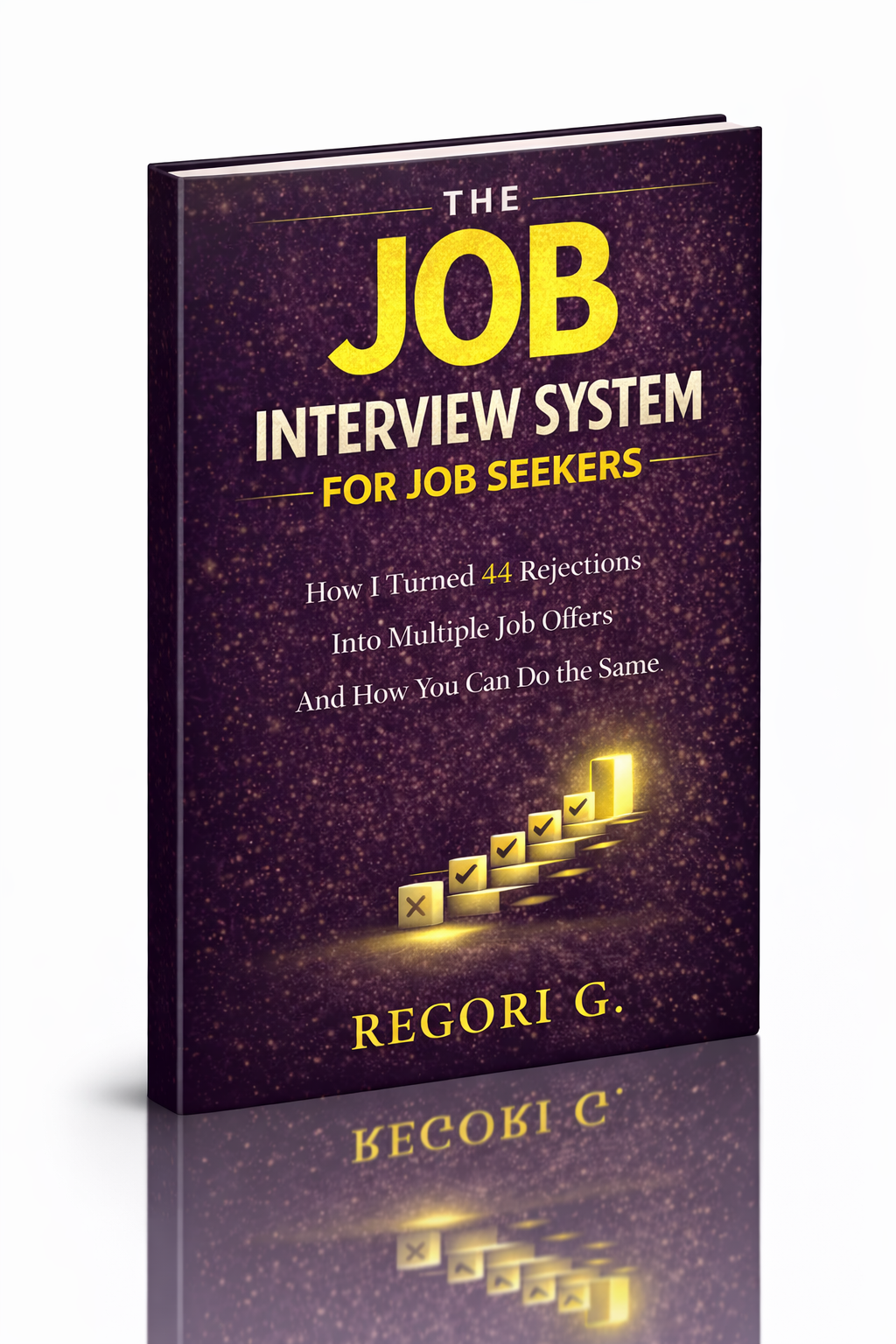
Guide 01
The Job Interview System
Step-by-step interview prep that turns nerves into confidence.
Get it →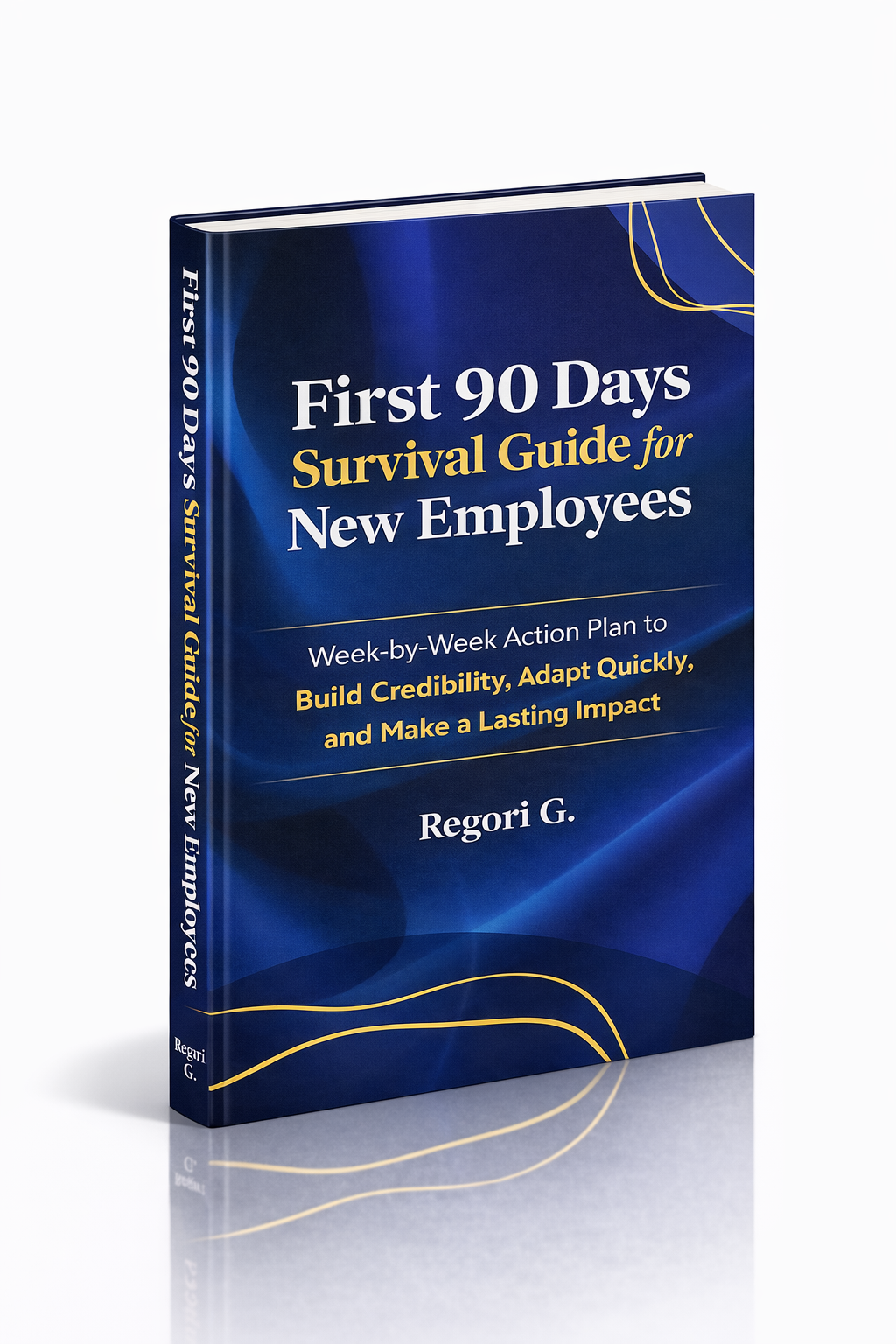
Guide 02
First 90 Days Survival Guide
Hit the ground running and make your mark from day one.
Get it →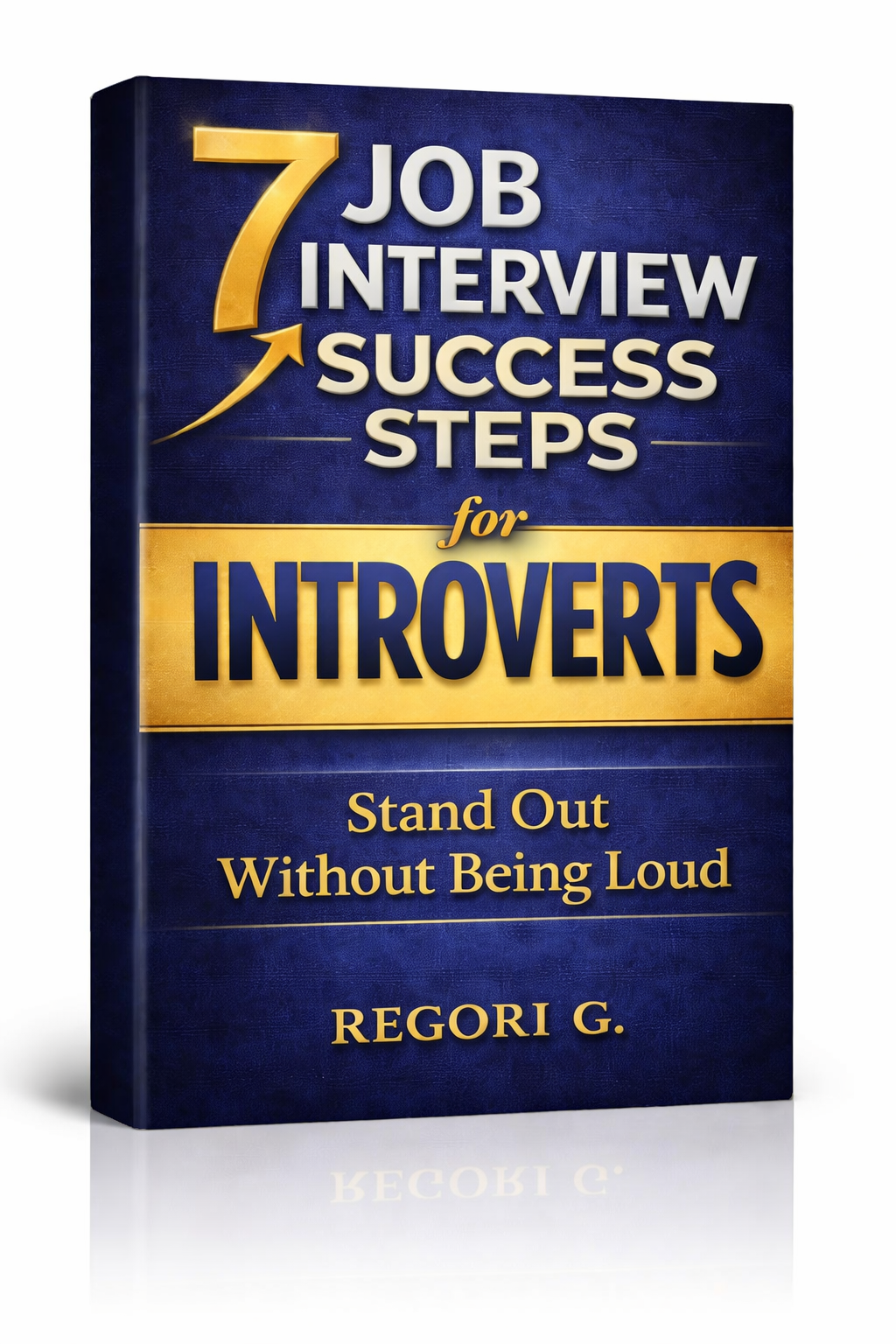
Guide 03
Interview Success for Introverts
7 proven steps to shine in interviews — even if you hate the spotlight.
Get it →