
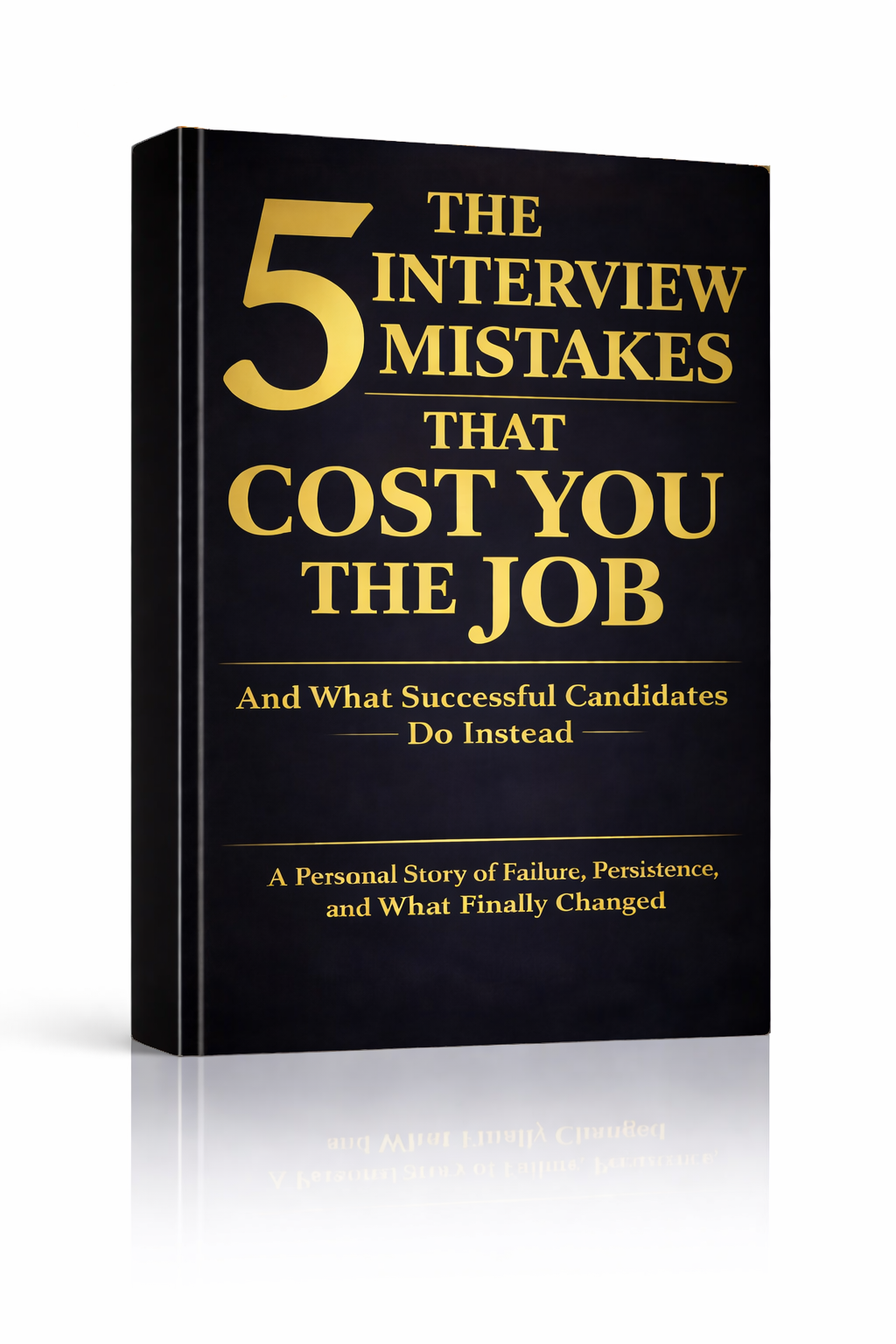
The 5 Interview Mistakes That Cost You the Job
What's silently killing your chances — and what top candidates do instead. Delivered instantly to your inbox.
No spam. Unsubscribe anytime. Privacy Policy & Terms
- Why "I'm a hard worker" destroys your chances
- What interviewers decide in the first 90 seconds
- How to handle tough questions with confidence
- The salary mistake almost every candidate makes
Understanding ATS: What Is an ATS and How Does It Screen Your CV?
In today’s job market, many employers use software known as an Applicant Tracking System (ATS) to manage the avalanche of resumes they receive. Understanding what an ATS is and how it screens your CV is crucial if you want to improve your chances of landing an interview.
An ATS is designed to filter job applications based on specific criteria. It scans resumes for keywords, qualifications, and relevant experience. The primary goal of this technology is to simplify the hiring process by ensuring only the most qualified candidates reach the hiring manager’s desk. Here’s how it works:
How an ATS Works
The ATS follows a straightforward process:
- Submission: Candidates submit their CVs online, often in a variety of formats.
- Scanning: The system scans the document for specific keywords related to the job description.
- Ranking: Candidates are then ranked based on how well their resumes match the required criteria.
- Shortlisting: The ATS will filter out candidates who do not meet the minimum qualifications or keyword matches and pass the appropriate resumes to the hiring team.
Key Features of an ATS
To better understand how your CV is evaluated, consider some key features of ATS:
| Feature | Description |
|---|---|
| Keyword Filtering | Looks for specific terms listed in the job description. |
| Ranking System | Ranks candidates based on the relevance of their qualifications. |
| Formatting Requirements | Some ATS can misread complex formatting, which can lead to important information being overlooked. |
| Data Extraction | Extracts data such as skills, experience, and contact details from CVs. |
The Importance of Keywords
Using keywords effectively in your CV is crucial. ATS systems look for the exact words used in the job description. Here’s how to integrate keywords into your CV:
- Read the job posting carefully and note the keywords.
- Include these keywords in your experience and skills sections.
- Avoid overly complex synonyms that the ATS might not recognize.
For example, if the listing asks for “project management skills,” ensure that phrase appears in your CV, perhaps under a section detailing your previous roles.
Common Mistakes to Avoid
There are several pitfalls that candidates frequently encounter when crafting a CV for ATS:
- Using Unconventional Formatting: Fancy fonts or graphics can confuse the ATS, leading to missed information.
- Ignoring Keywords: Not including relevant terms can result in being filtered out.
- Long or Complicated Sentences: Simple and clear language is preferable for better scanning.
A well-structured CV can significantly increase your visibility within an ATS. It’s important to understand that while your ultimate goal is to appeal to a human reader, your first hurdle is passing the ATS filters.
Additional Resources
If you want to dive deeper into understanding ATS and refining your CV, check out these helpful resources:
- The Balance Careers – What Is an Applicant Tracking System
- Forbes – The Ultimate Guide to Applicant Tracking Systems
- JobScan – Optimizing Your Resume for ATS
By understanding how ATS works and what it looks for, you can tailor your CV accordingly. This increases your chances of making it through the initial screening process and landing that important interview.
The Role of Keywords in ATS Applications
Understanding the function of keywords in Application Tracking Systems (ATS) is essential for job seekers today. An ATS is software used by employers to filter job applicants by scanning CVs and resumes for specific keywords related to the job description. This means that if your CV lacks the necessary keywords, it may not even make it to a human recruiter’s desk.
To successfully navigate through these systems, it’s crucial to identify and include appropriate keywords in your resume. Typically, these keywords are derived from the job description itself. They could be job titles, skills, or industry jargon that are relevant to the specific role you are applying for.
One strategy to effectively use keywords is:
- Analyze the Job Description: Read the job posting carefully. Identify repeating words or phrases that highlight crucial qualities or skills the employer is looking for.
- Research Common Keywords: Look for common terms in your industry. Websites like Indeed offer insights into what keywords are often emphasized in various fields.
- Use Synonyms and Variations: Different employers might use different terms for the same skill. For instance, “Project Management” and “Program Management” may refer to overlapping responsibilities. Make sure your CV covers all bases.
Including these keywords strategically across different sections of your resume can significantly increase your chances of passing through the ATS filters. Here’s where to effectively place these keywords:
- Summary Section: Use keywords to clearly state your expertise and what you bring to the table.
- Skills Section: List relevant skills using the specific terminology reflected in the job description.
- Work Experience: When describing your past job responsibilities and achievements, integrate keywords organically without sounding forced.
Here’s an example to visualize how keywords can be embedded into your CV:
| Job Description Keywords | Your CV Example |
|---|---|
| Digital Marketing | Managed various digital marketing campaigns that increased website traffic by 30%. |
| SEO Optimization | Implemented SEO optimization strategies that improved our clients’ search engine rankings. |
| Content Creation | Produced engaging content for multiple platforms, resonating with target audiences. |
Having the right balance of keywords is essential, though. Excessive keyword stuffing can trigger the ATS to disqualify your resume, as it often recognizes when content reads artificially. Strive for a natural flow while ensuring your CV is rich in relevant terms.
Additionally, it can be beneficial to tailor your CV for each job application. Customizing your resume may seem tedious, but it pays off. When you take the time to adjust keywords to match the specific job, it greatly boosts your chances of ranking higher in ATS scans.
For more in-depth tips on optimizing your resume for ATS, refer to resources like Forbes, which highlights successful strategies from expert coaches.
Remember, keeping up with ATS advancements is important. As these systems evolve, so too should your approach. Understanding how they work and the essential role keywords play is the first step towards crafting a winning resume. By utilizing the right keywords, you not only enhance your visibility but also articulate your candidacy more effectively.
In the competitive landscape of job applications, you want your CV to shine brightly. Being keyword-smart could be the ticket to moving from behind the ATS barrier to securing that coveted interview. Consider investing time into learning more about effective keyword placement and optimization techniques by visiting sites like Jobscan, where you can find tailored advice to fine-tune your application process.
Common Mistakes That Cause Your CV to Fail ATS Screening
In today’s competitive job market, optimizing your CV for Applicant Tracking Systems (ATS) is critical. Many candidates unknowingly make common mistakes that can lead to their CV being overlooked by these systems. To help you avoid these pitfalls, let’s explore the most frequent errors that can cause your CV to fail ATS screening.
Failure to Use Keywords Effectively
ATS software scans CVs for specific keywords relevant to the job description. If your CV lacks these keywords, it may not make it past the initial screening. Here’s how to effectively integrate keywords:
- Review the job description for critical terms.
- Incorporate these terms naturally into your skills, experience, and achievements sections.
- Aim for a balance; keyword stuffing can trigger a red flag.
Using Uncommon File Formats
Most ATS can read standard file formats like .docx or .pdf. However, some candidates attempt to submit their CVs in less common formats, which may not be ATS-friendly. Stick to widely accepted formats to ensure your CV gets read without issue.
Overly Complex Designs
While a visually appealing CV can capture the attention of a recruiter, complex designs can confuse ATS. Here are some design tips to keep your CV ATS-friendly:
- Avoid tables and text boxes, as they may disrupt the scanning process.
- Use standard fonts like Arial, Calibri, or Times New Roman.
- Keep your layout simple with clear headings and bullet points.
Neglecting to Customize Your CV
Sending the same CV to every job application can hurt your chances. Customization helps you align your experiences with the specific needs of each position. Focus on tailoring elements such as:
- Your objective statement or professional summary.
- Relevant skills that match the job description.
- Work experiences that directly apply to the position.
Inaccurate Job Titles and Dates
When listing your work history, ensure that job titles and employment dates are accurate. ATS looks for consistency and may flag discrepancies as errors. Double-check that your job titles align with what was used in each position you held. Misrepresenting your title can also lead to mistrust with potential employers.
Excessive Use of Acronyms
While industry-specific acronyms might be familiar to you, they can confuse ATS. Always spell out acronyms at least once in your CV. For example, instead of just using “CRM,” write “Customer Relationship Management (CRM)” initially. This ensures that both the software and the human reader understand the terminology.
Ignoring Grammar and Spelling Errors
Even with the best content, poor grammar or spelling mistakes can be detrimental. ATS may struggle to parse poorly spelled words or incorrect grammar. To avoid this, make sure to:
- Use spell check tools.
- Read your CV out loud to catch errors you might not notice when reading silently.
- Consider having someone else review your CV for additional feedback.
Providing Incomplete Contact Information
Your CV should include complete and current contact information. Missing details can lead to missed opportunities. Ensure you provide:
- Your full name.
- Professional email address.
- LinkedIn profile (if relevant).
- Phone number.
Relying Solely on One Type of CV
Different industries and roles may require different styles of CVs. For instance, creative fields may value visually appealing formats, whereas corporate roles might prefer traditional styles. Research the norm for your industry before finalizing your CV format.
By avoiding these common mistakes, you can significantly improve your chances of having your CV pass ATS screening. For more insights on optimizing your CV, consider visiting The Balance Careers and Jobscan.
Formatting Your CV for ATS Compatibility
When applying for jobs today, your CV is often your first impression. However, many candidates are unaware that their documents may be screened by an Applicant Tracking System (ATS) before they even reach a human recruiter. To ensure your CV stands out in this digital selection process, it’s essential to format it for ATS compatibility.
ATS software is designed to automatically sort, scan, and filter job applications. This means that if your CV isn’t formatted correctly, it may be discarded even before a hiring manager gets a look at it. Here are some practical steps to help you create an ATS-friendly CV:
- Use Standard Formatting: Stick to a straightforward layout. Avoid using tables or text boxes, as many ATS cannot read these formats effectively. Instead, use traditional headings and simple bullet points.
- Choose a Common Font: Fonts such as Arial, Times New Roman, or Calibri are usually safe choices. These fonts are easy to read and are compatible with most ATS software.
- Save in the Right Format: Always save your CV as a .docx or .pdf file, as these formats are universally accepted by ATS. However, check the job application instructions; some may specify a particular format.
- Use Keywords Strategically: Analyze the job description and incorporate relevant keywords throughout your CV. This helps the ATS to recognize that you have the qualifications the employer is seeking. Highlight industry-specific terms that match the job description.
- Opt for Simple Headers: Use clear section headings like “Work Experience,” “Education,” and “Skills.” ATS scans these headings to organize information, so avoid creative titles that could confuse the software.
- List Your Work Experience Chronologically: Start with your most recent position and work backward. This chronological order is easier for ATS to parse and enables recruiters to quickly assess your career progression.
- Keep Contact Information Simple: Place your name, phone number, and email at the top. Avoid unnecessary details such as your full address, which can clutter the format.
Creating an ATS-compatible CV can feel daunting, but with careful consideration and strategic formatting, you can increase your chances of getting your foot in the door. Here’s a deeper dive into some essential formatting tips:
| Element | Best Practices |
|---|---|
| Font Style | Use a sans-serif font like Arial or Calibri |
| Font Size | Use 10-12 points for body text, and 14-16 for headings |
| File Type | Save as .docx or .pdf |
| Text Alignment | Use left alignment for all text; center only names and headings |
| Bullet Points | Use standard round or square bullet points and keep lists simple |
| Length | Keep it to 1-2 pages, depending on experience |
By following these tips, not only do you ensure that your CV avoids common pitfalls that could lead to rejection, but you also present your qualifications in the best possible light. After you’ve created your document, consider running it through an ATS scanner. Websites like Jobscan offer tools that can evaluate your CV against job descriptions. This can provide invaluable feedback on keyword usage and formatting.
As the job market continues to evolve, having an ATS-friendly CV is no longer optional; it’s a requirement. Protect your chances by making sure your first impression is formatted for success. For additional insights and tools, explore resources from The Balance Careers and Forbes Careers, which provide more guidance on crafting effective career documents.
Now that you know how to format your CV for ATS compatibility, you are better positioned to navigate the job application landscape. Focus on creating a clear, concise, and keyword-rich CV designed for machine readability, and watch your job prospects improve.
How to Tailor Your CV for Different Job Applications
When you’re applying for a job, your CV is your first impression, and tailoring it to fit each specific job application is vital. Personalizing your CV not only shows that you’re genuinely interested in the position, but it also highlights your skills and experiences that align closely with the job requirements.
The first step in customizing your CV is to carefully read the job description. Look for keywords and phrases that are commonly used. These often include specific skills, qualifications, and experiences that the employer is seeking. Make sure to integrate these keywords naturally into your CV to enhance the likelihood that your application will pass through Applicant Tracking Systems (ATS).
To help you create a compelling CV, consider the following strategies:
- Analyze the Job Description: Identify the main skills and qualifications required. Take note of the top three or four and ensure they are evident in your CV.
- Highlight Relevant Experience: Modify your work experience section. List achievements and responsibilities that are directly related to the job you’re applying for rather than a generic bullet list.
- Adjust Your Skills Section: Tailor the skills section to emphasize those that match the job. If the role emphasizes digital marketing skills, highlight your experience with social media, SEO, or Google Analytics.
- Update Your Objective or Summary: Reflect on what you hope to achieve in this role and how it aligns with your career goals. Make this section specific to the position.
- Formatting: Ensure your CV is visually appealing and easy to read. Utilize bullet points, bold text for key headings, and adequate white space to make your document approachable.
Next, here are some specific tips that can enhance your CV:
| Tip | Description |
|---|---|
| Use Action Verbs | Begin your bullet points with strong action verbs, such as “managed,” “developed,” or “designed” to convey a sense of proactivity. |
| Quantify Achievements | Where possible, include numbers to showcase your results. For example, “Increased sales by 20% in Q1” speaks volumes compared to a simple statement. |
| Limit Length | Keep your CV concise—ideally one page, especially if you have less than 10 years of experience. Only include crucial information relevant to the job. |
| Focus on Recent Experience | Emphasize recent roles as they are more relevant to your future opportunities. Older roles can be summarized briefly. |
Another important aspect is to customize your CV for the specific industry. Different sectors value different skills. For instance, if you’re applying for a job in finance, showcasing your analytical skills and experience with managing budgets is key. Conversely, for a role in IT, your technical proficiencies and problem-solving capabilities may be more critical.
Networking can also play a supplementary role in tailoring your CV. By connecting with individuals in your target industry, you can gain insights into what employers are looking for. Websites like LinkedIn can act as a great platform to engage with professionals, get recommendations, and even discover less formal skills that may be exceptionally appealing to your future employer.
Once you’ve customized your CV and are preparing for submission, consider how you will follow up. Engaging with the employer post-application can reinforce your interest. You might send a short email expressing your enthusiasm for the position a week after applying.
Remember, each job application is an opportunity to make a personal connection with potential employers. Your CV is a tool that, when tailored effectively, can open doors to interviews and ultimately, job offers.
For more information on creating a tailored CV, you can visit The Balance Careers and Monster’s formatting tips.
The Future of Recruitment: Trends in ATS Technology
Technology is reshaping the recruitment landscape at an astounding pace. More organizations are integrating Applicant Tracking Systems (ATS) into their hiring processes to streamline recruitment and enhance efficiency. Understanding the latest trends in ATS technology is essential for job seekers and recruitment professionals alike, as they navigate the evolving world of talent acquisition.
The sophisticated capabilities of modern ATS tools have transformed how companies attract, assess, and ultimately choose candidates. Here are some key trends shaping the future of recruitment technology:
AI-Powered Screening
Artificial intelligence is at the forefront of ATS evolution. Current systems are increasingly using AI algorithms to enhance candidate screening processes. AI can analyze resumes and cover letters, determining which applicants best meet job criteria more swiftly than human recruiters can.
- Improved matching: AI evaluates skills, experiences, and qualifications against job descriptions.
- Bias reduction: Algorithms can help eliminate unconscious bias by focusing purely on qualifications rather than demographic factors.
- Predictive analytics: Some systems can predict candidate success based on historical data, improving hiring decisions.
Integration with Other HR Tools
Integration is becoming a common feature among the latest ATS software. These platforms can now connect seamlessly with other human resource management tools, enabling comprehensive management of the employee lifecycle.
- Onboarding software: Smooth transition from hiring to onboarding reduces administrative tasks and improves first-day experiences for new hires.
- Performance management systems: Links between recruitment and performance allow recruiters to assess the quality of hires.
- Learning management systems: These connections can help in identifying training needs right from the recruitment process.
Data Security and Candidate Privacy
With increasing scrutiny on data privacy, ATS vendors are prioritizing robust security features. Compliance with regulations like GDPR is important for employers who handle candidate data. Ensuring data security not only protects organizations from legal repercussions but also builds trust with candidates.
Focus on Candidate Experience
Today’s candidates expect a seamless and engaging application process. User-friendly interfaces and mobile compatibility are becoming standard. Companies want to create a positive experience to attract top talent.
- Mobile applications: An increasing number of ATS solutions now offer mobile-friendly applications to meet candidate preferences.
- Transparent communication: Automated updates keep candidates informed about their application status.
- Feedback opportunities: Systems providing options for candidates to give feedback on the application process enhance engagement.
Emphasis on Diversity and Inclusion
Organizations are recognizing the importance of diversity in the workplace. ATS technology is adapting to ensure that companies can broaden their candidate pools. Features aimed at promoting diversity include:
- Blind recruitment tools: These remove identifiable information that could lead to bias in candidate evaluation.
- Targeted outreach: ATS tools allow recruiters to reach diverse networks and communities more effectively.
- Analytics dashboards: Track diversity metrics in hiring to assess progress and identify areas for improvement.
As the recruitment landscape evolves, so do the needs of job seekers and employers. Keeping up with ATS trends, such as AI integration and a focus on candidate experience, will be essential. Recruiters must adapt to these innovations to stay competitive in attracting top talent.
For more insights on hiring technology and trends, visit Recruitment Technology or HR Technologist.
In assessing these shifts, it’s clear that the future of recruitment technology is promising. As systems enhance efficiency and candidate experience, it’s a great time to be part of this evolving field.
Overcoming ATS Challenges: Tips for Job Seekers
Navigating the job market can be difficult, especially with the rise of Applicant Tracking Systems (ATS). These technology tools help employers manage the high volume of applications they receive. However, many job seekers find themselves frustrated as their resumes get filtered out before reaching human eyes. Understanding how ATS works can help you tailor your applications effectively. Here are some essential tips to enhance your resume’s chances of passing through ATS.
Understand ATS Functionality
The first step in overcoming ATS challenges is to grasp how these systems scan and rank resumes. ATS software analyzes resumes for specific keywords related to the job description. If your resume lacks these keywords, it might not make it past the initial screening. Familiarize yourself with common industry terms and incorporate them naturally into your resume.
Optimize Your Resume Format
ATS systems can struggle with overly complex formatting. Here are a few tips to ensure your resume is ATS-friendly:
- Use standard fonts like Arial or Times New Roman.
- Avoid tables, images, or graphics, as these can confuse the system.
- Ensure proper headings to label sections clearly (e.g., Work Experience, Skills).
- Use bullet points for lists to enhance readability.
Tailor Your Resume for Each Job Application
To boost your resume’s chances of passing through ATS, customize it for each job application. Read through the job description carefully and highlight crucial skills and requirements.
After identifying these keywords:
- Include them within your resume, preferably in your skills and experience sections.
- Use synonyms for common industry terms, allowing for variations that ATS could be looking for.
Prioritize Relevant Experience
When listing your work experience, focus on the positions most relevant to the job you are applying for. Elaborate on achievements and responsibilities that align closely with the job description. Instead of listing all past jobs, concentrate on those where you gained relevant skills.
Utilize a Skills Section
A well-defined skills section can help ATS quickly identify your qualifications. Include both hard and soft skills that the job posting mentions. For example, if a job listing emphasizes “team collaboration,” ensure that this phrase appears in your skills section. This increases the likelihood of being ranked higher on the ATS.
Networking Can Open Doors
While an optimized resume increases your chances of getting through ATS, networking remains a powerful tool. Direct connections may help bypass initial screenings. Reach out to people in your industry through LinkedIn or professional associations.
When engaging with your network:
- Ask for advice or insight about the company culture.
- Inquire if they would be willing to refer you for open positions.
Track Your Applications
Keeping a record of the jobs you’ve applied for can streamline your job search. Create a simple table to help you organize this information:
| Job Title | Company | Date Applied | Status |
|---|---|---|---|
| Position A | Company X | 01/01/2023 | Applied |
| Position B | Company Y | 01/05/2023 | Interview |
Tracking your applications helps ensure you follow up appropriately and can refine your resume over time based on feedback.
To learn more about ATS systems and their impact on your job search, check resources like The Balance Careers or Undercover Recruiter.
By employing these strategies, you can enhance the visibility of your resume and increase your chances of successfully landing a job interview. Remember that while an ATS may screen your resume, your skills and experience will ultimately show employers what you bring to the table.
Key Takeaway:
In today’s competitive job market, understanding the intricacies of Applicant Tracking Systems (ATS) is crucial for job seekers aiming to make a lasting impression. This article delves into the essential elements of ATS, breaking down how it screens your CV and what you can do to ensure your application successfully passes this digital gatekeeper.
Firstly, knowing what an ATS is and its function sets the groundwork. An ATS is software used by employers to filter resumes and applications, helping them manage large pools of candidates. As a job seeker, recognizing how ATS screens your CV is vital; it primarily looks for specific keywords that align with the job description, determining if your experience and qualifications match the role.
Keywords are the heart of ATS applications. Using industry-specific terms related to the position can enhance your chances of getting noticed. It’s beneficial to analyze job descriptions thoroughly and incorporate relevant keywords into your CV and cover letter. However, a common pitfall many applicants encounter is failing to understand the importance of formatting. Standard formatting ensures ATS can read your CV correctly; unusual designs, graphics, or complex layouts may confound the software, leading to missed opportunities.
Moreover, tailoring your CV for different job applications can significantly increase your chances of being selected for an interview. Each application should reflect the specific requirements and skills requested by the employer, allowing your qualifications to shine through effectively.
As technology continues to advance, trends in ATS are evolving. Innovations such as AI-driven systems may personalize candidate evaluation further, underscoring the importance of staying updated on ATS advancements.
Overcoming ATS challenges is possible with practical tips. Utilizing online resume builders that specialize in ATS compatibility or seeking feedback from career experts can provide a competitive edge.
Navigating the ATS landscape is an essential skill for job seekers. By understanding how these systems work, strategically using keywords, avoiding common mistakes, ensuring compatibility through proper formatting, and adapting your CV for each job application, you can enhance your chances of landing interviews in today’s tech-driven recruitment era. Embracing these strategies empowers you to effectively overcome ATS challenges and improve your job search success.
Conclusion
Navigating the world of job applications can be daunting, especially when it comes to understanding how an Applicant Tracking System (ATS) works. By grasping the purpose of an ATS, you can tailor your CV to increase your chances of moving forward in the hiring process. Remember, keywords play a crucial role; without incorporating relevant terms from the job description, your CV may get lost in the digital shuffle.
Common mistakes, such as using inappropriate formatting or failing to customize your CV for each job, can lead to missed opportunities. Prioritize ATS compatibility by keeping your formatting simple and ensuring that your document can be easily parsed by automated systems.
Tailoring your CV for different applications not only makes you a stronger candidate but also shows potential employers that you understand their needs. As ATS technology continues to evolve, staying updated on trends will benefit your job search efforts. Embrace these changes, and don’t shy away from utilizing tools and resources that can simplify the process for you.
If you encounter challenges with ATS, consider these setbacks as learning experiences. Keep refining your approach, seeking feedback, and adjusting your CV strategy based on the insights you gather. With determination and smart preparation, you can successfully navigate the intricacies of ATS and improve your prospects in securing that desired job interview.
visit The Job Interview System for Job Seekers on Gumroad. A practical guide built for people who are serious about landing the job they want. For more interview guides, career tips, and job search resources, visit the Love PDF Guides home page.
Your Next Chapter
Starts with the Right Guide
Three straight-talking PDF guides to help you win interviews, beat the first 90 days and thrive as an introvert. Instant download on Gumroad.
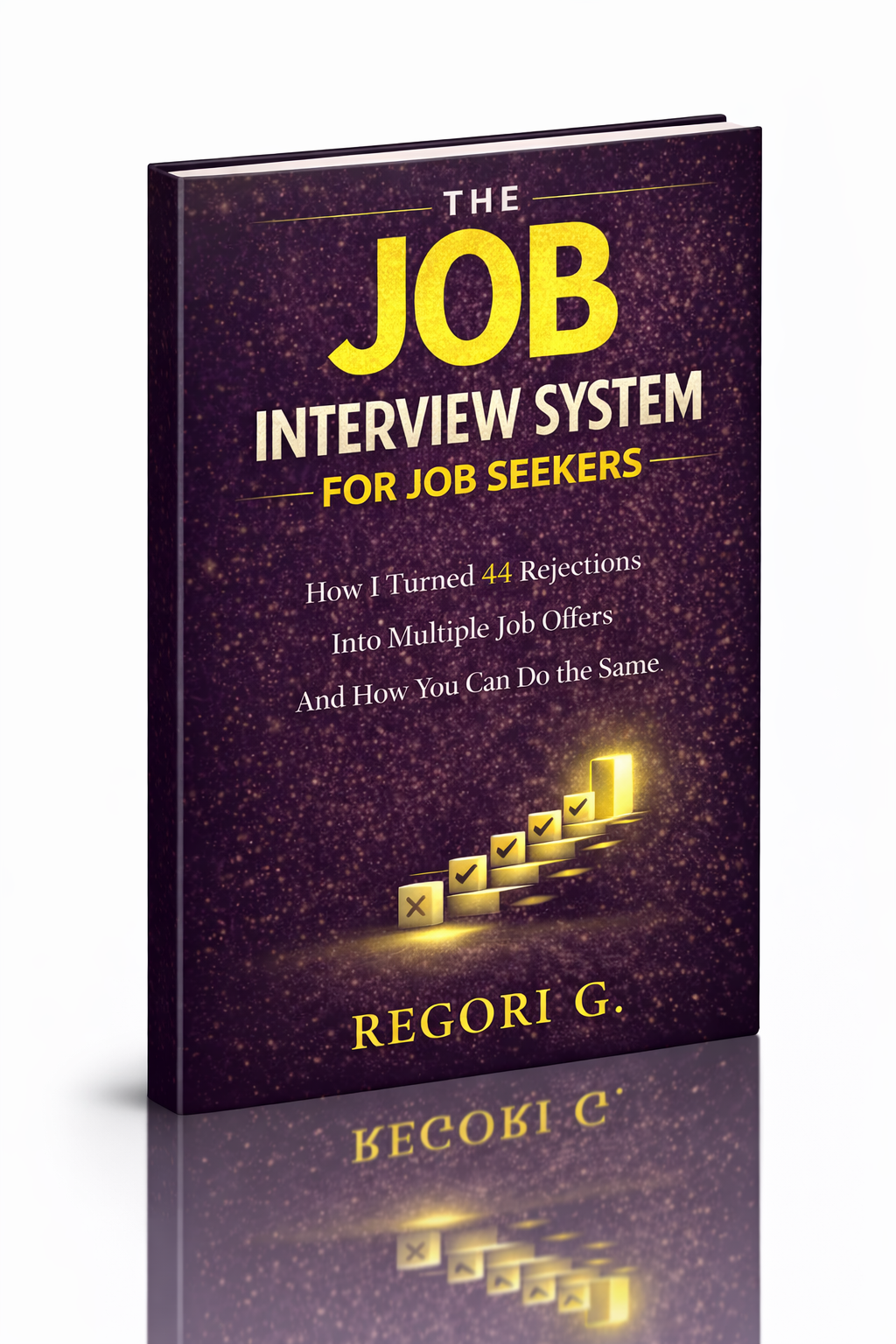
Guide 01
The Job Interview System
Step-by-step interview prep that turns nerves into confidence.
Get it →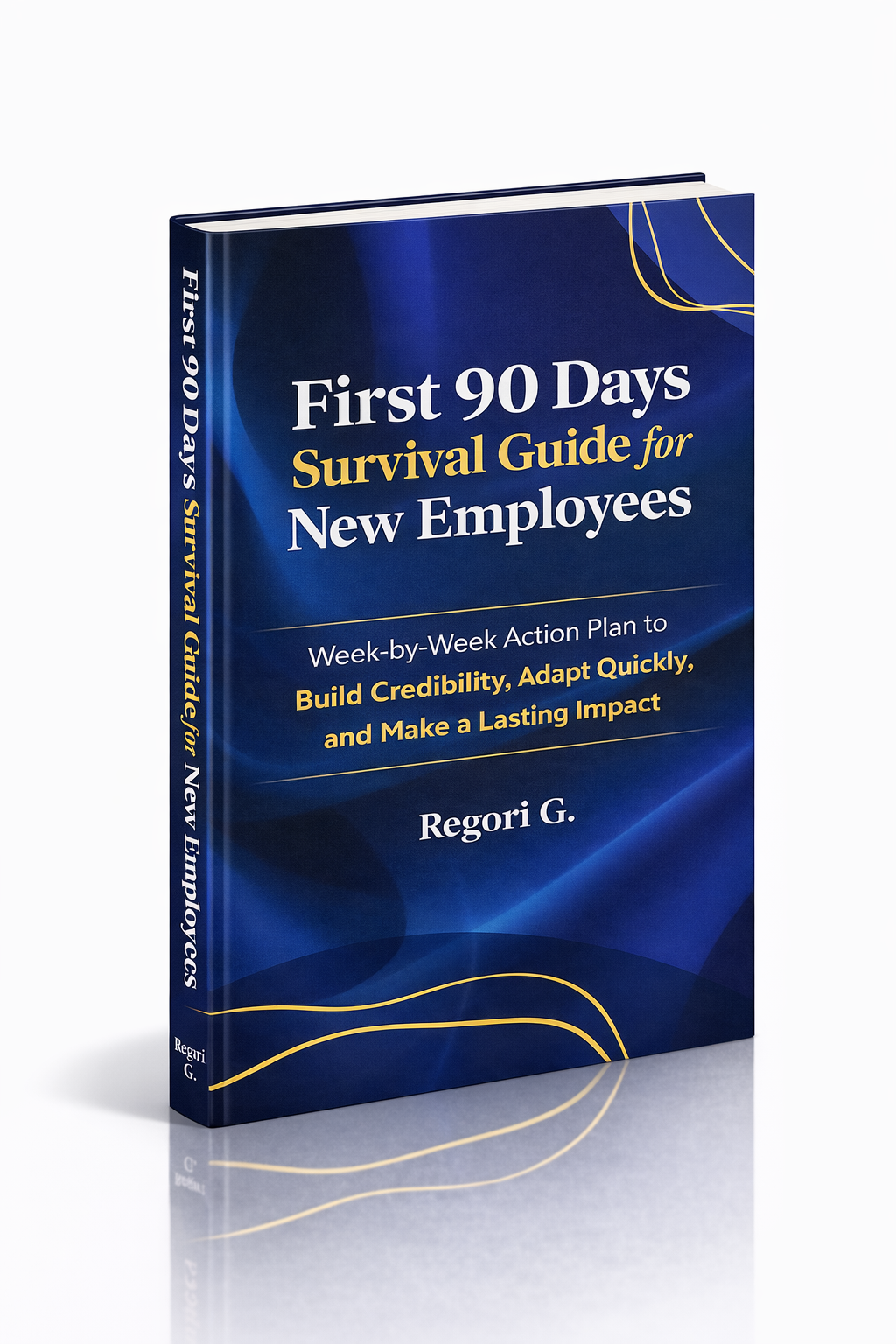
Guide 02
First 90 Days Survival Guide
Hit the ground running and make your mark from day one.
Get it →
Guide 03
Interview Success for Introverts
7 proven steps to shine in interviews — even if you hate the spotlight.
Get it →