

The 5 Interview Mistakes That Cost You the Job
What's silently killing your chances — and what top candidates do instead. Delivered instantly to your inbox.
No spam. Unsubscribe anytime. Privacy Policy & Terms
- Why "I'm a hard worker" destroys your chances
- What interviewers decide in the first 90 seconds
- How to handle tough questions with confidence
- The salary mistake almost every candidate makes
visit The Job Interview System for Job Seekers on Gumroad. A practical guide built for people who are serious about landing the job they want. For more interview guides, career tips, and job search resources, visit the Love PDF Guides home page.
Crafting Effective Subject Lines: The Key to Professional Emails
When it comes to professional emails, the subject line can make or break your chances of receiving a response. An effective subject line not only draws attention but also sets the tone for the entire message. Here are some strategies to help you craft compelling subject lines that encourage readers to engage with your emails.
First and foremost, keep your subject lines concise. Aim for around six to ten words. Short and clear subject lines are easier to grasp quickly and are more likely to catch the recipient’s eye amidst a crowded inbox. For example, instead of writing, “I would like to discuss the quarterly project results,” simply use, “Quarterly Project Results Discussion.” This not only condenses the message but also specifies the email’s purpose.
Next, personalize the subject line when possible. Addressing the recipient by name or mentioning relevant details can significantly increase engagement rates. A subject line like, “Sarah, Your Input is Needed on Project X” shows that you value the recipient’s opinion and encourages them to open the email. You can use tools like Mailchimp to create personalized emails more efficiently.
Additionally, create a sense of urgency without being overly pushy. Using phrases like “Looking for Your Feedback by Friday” gives the reader a clear timeframe, prompting immediate action. Urgency can often lead to quicker responses, but it’s important to strike a balance; make sure your request is genuine and relevant.
Use action-oriented language in your subject lines. Words such as “Join,” “Discover,” or “Apply” encourage the recipient to take action. Instead of “Meeting Request,” consider “Join Us for a Strategy Meeting.” This approach makes the purpose clear and energizes the reader.
Furthermore, avoid using all caps or excessive punctuation. Subject lines like “IMPORTANT MEETING NOTICE!!!” can come off as spammy and may decrease your chances of getting a response. Instead, opt for capitalization only for the first word or key terms—which maintains professionalism.
Consider using questions in your subject lines to spark curiosity. Phrasing like “What’s Next for Our Marketing Strategy?” hints that the email contains valuable information the recipient won’t want to miss. Questions invite engagement and may prompt immediate replies.
Here’s a quick checklist for crafting effective subject lines:
- Keep it short and specific.
- Personalize when possible.
- Create a sense of urgency.
- Use action-oriented language.
- Avoid all caps and excessive punctuation.
- Incorporate questions to encourage curiosity.
Another effective method for creating subject lines is to always consider the recipient’s perspective. What would catch your attention? Think about the value proposition of your email. For instance, if you’re sharing important information, frame it in a way that encourages the recipient to recognize the benefits of opening your email.
When crafting your emails, testing different subject lines can yield valuable insights. Consider experimenting with A/B testing to see which subject lines garner more opens and responses. By analyzing metrics, you can refine your strategy and improve your email communication over time.
Consider reviewing resources that delve deeper into email marketing and writing effective subject lines. Websites such as HubSpot and Campaign Monitor offer great insights and examples to help enhance your email writing skills.
Effective subject lines play a crucial role in email communication. By implementing these strategies, you can improve the likelihood of receiving responses to your professional emails. Remember, the subject line is your first impression—make it count!
The Importance of Personalization in Email Communication
Email communication plays a vital role in our professional lives. To enhance this communication, personalization has emerged as a key factor in capturing attention and encouraging engagement. Customizing your emails can significantly increase response rates, foster relationships, and enhance your brand’s reputation. Let’s delve into why personalization matters and how you can implement it in your emails.
The Power of Personalization
One of the main reasons personalization works is that it makes the recipient feel valued. People appreciate when their needs and interests are recognized. Instead of receiving a generic message, a personalized email can create a connection that increases the chances of a reply.
- Increased Engagement: Emails tailored to an individual are more likely to be opened and read.
- Building Trust: Personalization can create a sense of intimacy, showing that you understand the recipient’s situation.
- Enhanced Brand Loyalty: When recipients feel valued, they’re more likely to stay engaged with your brand.
Understanding Your Audience
Before you can personalize an email, it’s crucial to understand your audience. This involves gathering data on their preferences, interests, and previous interactions with your brand. You can collect this information through various sources:
- Email Sign-ups: Encourage users to provide information when they sign up for your newsletters.
- Surveys: Send out periodic surveys to gain insights into what your audience values.
- Social Media: Analyze user engagement on social media platforms to gauge interests.
Key Elements of Personalization
Effective personalization goes beyond simply addressing the recipient by their name. Here are some essential elements to consider while crafting your emails:
| Element | Description |
|---|---|
| Greeting | Use the recipient’s name and possibly their title to make the greeting personal. |
| Relevant Content | The email content should relate to the recipient’s interests or previous interactions. |
| Tailored Offer | Provide customized solutions or offers that address the recipient’s specific needs. |
| Follow-Up | Follow up with personalized questions or additional information that is relevant to the initial email. |
Techniques for Personalization
Implementing successful personalization techniques can dramatically improve your email communication. Here are some strategies to enhance your emails:
- Segment Your Audience: Divide your email list into segments based on demographics, their behavior, or interests. This way, you can send targeted messages that resonate with each group.
- Use Dynamic Content: Utilize email marketing tools that allow for dynamic content tailoring. This way, each email can reflect varying messages for different recipients.
- Personalized Subject Lines: Craft subject lines that capture attention and hint at personalized content inside. For example, “John, check out these tailored solutions for your business!”
Examples of Personalization
Here are some practical examples of successful personalization strategies in email communication:
- An online retailer sending discounts on products a customer has previously browsed.
- A newsletter that includes articles based on the reader’s past interests or interactions.
- A SaaS company sending reminders about feature updates based on the tools the customer uses most.
Measuring the Impact
Once you implement personalized email strategies, measuring their effectiveness is essential. Use key metrics such as:
- Open Rates: Check how many recipients opened your personalized emails.
- Click-Through Rates: Evaluate if recipients engaged with the content or offers in the email.
- Response Rates: Monitor how many replies or actions are generated from your emails.
These metrics will guide you in refining your personalization strategies further.
The importance of personalization in email communication cannot be overstated. By understanding your audience and tailoring your emails accordingly, you can foster stronger connections and improve your response rates.
For more insights on effective email strategies, visit Mailchimp or Constant Contact.
Structuring Your Email for Clarity and Impact
Email communication is a vital skill in today’s professional world. The way you structure your email can significantly influence whether you receive a prompt response. Here are some proven techniques to help you write clear and impactful emails that encourage replies.
Start with a Clear Subject Line
Your subject line should provide a snapshot of your email’s content. A concise, relevant subject line captures the recipient’s attention and sets the tone. Consider the following tips:
- Be specific: Instead of “Meeting,” opt for “Request for Meeting on Project X.”
- Keep it brief: Limit your subject to five to seven words for better readability.
- Use action words: Begin with words like “Request,” “Follow-Up,” or “Reminder” to convey urgency.
Greet the Recipient Professionally
Your greeting introduces the tone of your email. Use the recipient’s name for a personal touch, but keep it professional. If you’re unsure of the person’s gender or title, using full names can avoid assumptions. For example:
- Dear [First Name],
- Hello [Full Name],
- Hi Team,
Get Straight to the Point
After your greeting, open with a brief statement that sets the context. This part should pique interest while directly leading to your main message or request. Here’s how to do it:
- Use the first sentence to introduce your purpose.
- Limit background information to what’s necessary.
- Avoid filler words; get to your point within a couple of sentences.
Use Bullet Points for Clarity
When detailing your message, especially when sharing lists or multiple points, bullet points can enhance readability. Here’s a simple format for presenting information:
- Key Point 1
- Key Point 2
- Key Point 3
For instance, if you’re outlining questions, use bullet points to separate each question. This makes it easier for the reader to process and respond to each point.
Be Clear About What You Need
State your expectations clearly. After outlining your points, make your request explicit. Consider including:
- What you need: Be straightforward about your request.
- A deadline: If applicable, mention a timeline for your request.
- An invitation for dialogue: Encourage the recipient to ask questions if they need clarification.
Use a Professional Closing
Your closing paragraph should summarize your request briefly and thank the recipient for their time. Example closings include:
Best regards,
Thank you,
Sincerely,
Follow your closing with your full name, job title, company name (if applicable), and contact information. This not only maintains professionalism but also provides the recipient with necessary details for responding.
Proofread Before Hitting Send
Take a moment to read through your email before sending. Check for:
- Spelling and grammar errors: Even minor mistakes can undermine professionalism.
- Clarity: Ensure your message is easy to understand.
- Relevance: Confirm that all information is pertinent to the recipient.
Utilizing a structured approach makes your emails clearer and more impactful. Understanding how to write professional emails that get responses is essential in nurturing productive communication. To improve your email writing skills further, consider visiting resources such as Business News Daily or The Balance Careers.
By implementing these strategies, you will not only enhance your email clarity but also increase your chances of getting timely responses. Remember, a well-structured email is an open door to effective communication.
Using a Professional Tone: Finding the Right Balance
When crafting emails, especially in a professional setting, the right tone is crucial. Finding the balance between being too formal and too casual can impact how your message is received. A professional tone is not merely about using proper grammar or avoiding slang; it’s about ensuring clarity, respect, and engagement. Here are essential strategies for achieving the right balance in your emails.
Understand Your Audience
Your email tone should depend on who you are writing to. Understanding the audience can guide how you express your thoughts. Ask yourself these questions:
- Is your recipient a colleague, a client, or a superior?
- What is the nature of your relationship with them?
- What is the context of your message – casual check-in or formal request?
By answering these questions, you can better tailor your email to suit your reader’s expectations.
Be Clear and Concise
In professional communication, clarity is vital. Avoid convoluted language and stick to straightforward expressions. Here are some tips:
- Use short sentences to convey your message effectively.
- Avoid jargon unless certain that your audience will understand.
- Emphasize the main point early in the email.
By keeping your message simple, you increase the likelihood of receiving a timely response.
Use Appropriate Greetings and Closings
Your greeting and closing contribute significantly to your email’s tone. Choose greetings that match the level of formality required. For instance:
| Scenario | Greeting | Closing |
|---|---|---|
| To a superior | Dear [Title] [Last Name], | Sincerely, |
| To a colleague | Hello [First Name], | Best regards, |
| To a client | Hi [First Name], | Thank you, |
These choices reflect your professionalism while maintaining warmth.
Keep It Professional but Relatable
A professional email shouldn’t feel robotic. You can inject a bit of personality into your message to make it memorable. Here are some tips to do this effectively:
- Use a positive tone that reflects your enthusiasm.
- Share a relevant personal tidbit if appropriate, such as hoping they had a good weekend.
- Include compliments or expressions of gratitude when applicable.
Maintaining a human touch while being professional can foster better relationships.
Proofread Before Sending
Nothing undermines professionalism more than typos or grammatical errors. Take time to proofread your emails before hitting send. This process helps:
- Catch mistakes that may change your message’s meaning.
- Ensure the wording flows smoothly and is appropriate for the recipient.
- Confirm that you’re expressing your points respectfully.
Investing this time shows that you value your communication and your reader’s time.
Follow Up Respectfully
If you don’t receive a response to your email, don’t hesitate to follow up. A polite reminder can encourage a reply without seeming pushy. When you draft follow-up messages, remember to:
- Reference the original email to provide context.
- Keep your tone courteous and understanding.
- Express appreciation for their time.
This approach demonstrates professionalism and respect for the other person’s busy schedule.
Leveraging a professional tone in your emails is vital in ensuring effective communication. By understanding your audience, being clear and concise, using appropriate greetings and closings, maintaining relatability, proofreading your emails, and following up respectfully, you can achieve the right balance in your professional correspondences. For more insights on email etiquette, check resources from Grammarly’s Blog and MindTools. Remember, professionalism in your communication reflects your commitment and respect towards your recipients.
Strategies for a Compelling Call to Action in Emails
Creating a compelling call to action (CTA) in your emails is essential for driving engagement and achieving your business goals. A well-crafted CTA can transform a passive reader into an active participant, whether you’re looking for responses, sales, or sign-ups. Here are some strategies to help you develop effective CTAs that will encourage recipients to take action.
Understand Your Audience
Before you can create a compelling CTA, you need to understand who your audience is. Knowing their preferences, needs, and pain points will allow you to tailor your messaging accordingly. Consider the following:
- Demographics: Age, gender, location, etc.
- Interests: What topics resonate with them?
- Prior interactions: What have they responded to in the past?
By aligning your CTA with your audience’s interests, you can increase the chances of receiving a response.
Make It Clear and Concise
Effective CTAs are clear and straightforward. Use actionable language that leaves no room for confusion. Here are some examples of strong CTA phrases:
- “Get Started Now”
- “Join Our Webinar”
- “Download Your Free E-Book”
Avoid vague language and ensure that your CTA clearly communicates the benefit of taking action. This helps recipients understand exactly what they gain by clicking your button or link.
Use Visual Cues
Visual elements can significantly enhance the effectiveness of your CTAs. Here are some tips for using design to your advantage:
- Color Contrast: Choose colors that stand out but still align with your brand.
- Button Shape: Use rounded corners or distinctive shapes to draw attention.
- Whitespace: Ensure there’s enough space around your CTA so it doesn’t feel cramped.
By making your CTA visually appealing, you increase the likelihood of capturing the reader’s attention.
Create Urgency
Adding a sense of urgency can compel your audience to act quickly. Here’s how you can incorporate urgency into your CTAs:
- Use time-sensitive phrases such as “Limited Time Offer” or “Only 2 Spots Left.”
- Incorporate countdown timers in your emails to create a visual urgency.
- Offer exclusive benefits for those who act swiftly.
Urgency can trigger a fear of missing out (FOMO), which is a powerful motivator for action.
Personalize Your Approach
Personalization increases engagement. Use the recipient’s name in the CTA to make it feel more tailored:
- “Sarah, Claim Your Discount Today!”
- “John, Join Us for a Free Workshop!”
By addressing the recipient directly, you foster a connection that can lead to a higher response rate.
Test Different Variations
To discover what resonates best with your audience, don’t hesitate to experiment with different CTA versions. A/B testing is an effective strategy for refining your approach:
- Vary the message: Test different phrases and wording.
- Change the design: Alter colors, sizes, and placements.
- Assess the timing: Send emails at different times to see when your audience is most responsive.
By testing these variations, you can gather data to optimize your future CTAs.
Follow Up After the CTA
Don’t forget to follow up after your initial CTA. If someone engages with your email, consider sending a secondary email to nurture that interaction:
- Thank them for their interest.
- Provide additional resources or information connected to the CTA action.
- Encourage further questions or conversations.
Follow-ups can help maintain momentum and deepen the relationship with your audience.
Effective CTAs in your emails can lead to higher engagement rates and ultimately achieve your objectives. By understanding your audience, being clear, using visual cues, creating urgency, personalizing, testing variations, and following up, you can enhance the effectiveness of your emails.
For more insights and resources on email marketing and effective CTAs, visit Mailchimp or HubSpot.
Common Email Mistakes to Avoid for Better Responses
When you send an email, you’re often hoping for a quick response. However, many people miss the mark due to common email mistakes. By avoiding these pitfalls, you can improve your chances of getting replies and enhance your professional communication.
Neglecting the Subject Line
Your subject line is the first thing the recipient will see. A vague or uninteresting subject can lead to your email getting lost in a crowded inbox. Aim for clarity and relevance. Here are some tips:
- Be specific about the email’s content.
- Avoid using all caps or excessive punctuation.
- Keep it short but informative, ideally under 50 characters.
Using a Generic Greeting
Starting your email with “Dear Sir/Madam” or “To Whom It May Concern” can come across as impersonal. Whenever possible, address the recipient by name. A personalized greeting not only captures their attention but also shows that you value them as an individual. If you’re unsure of the name, consider using their title along with their last name.
Writing Long-Winded Messages
Time is precious, so keep your messages concise and to the point. Avoid lengthy paragraphs or overly complex explanations. Here’s how to improve clarity:
- Use bullet points to highlight important information.
- Limit your email to one main topic.
- Be direct in your requests or questions.
Failing to Proofread
Typos and grammatical errors can undermine your professionalism. Always take a moment to proofread your email before hitting send. Look for:
- Spelling mistakes.
- Punctuation errors.
- Incorrect or misunderstood words.
Using tools like Grammarly can help catch these mistakes.
Forgetting to Include a Call to Action
If you don’t specify what you need from the recipient, they might not respond. Always include a clear call to action. For example, instead of saying, “Let me know your thoughts,” try “Could you please reply by Friday with your thoughts?” This clarity prompts a definitive response.
Excessive Use of Jargon or Technical Language
While you might be familiar with your industry’s terminology, your recipient might not be. Avoid unnecessary jargon that could confuse the reader. Use simple language to express your ideas, ensuring everyone can understand your message without feeling overwhelmed.
Neglecting to Follow Up
If you haven’t heard back after a few days, sending a polite follow-up can keep your email at the forefront. A follow-up not only reminds the recipient but also demonstrates your interest in obtaining their response.
Overlooking Time Zones
If you’re emailing someone in a different time zone, be mindful of their working hours. Sending an email late at night in your locale might mean it gets buried the next morning. Try to send emails when they would most likely be checked.
Ignoring Email Etiquette
Respect for email etiquette can significantly influence your email’s effectiveness. This includes:
- Using a professional email address.
- Replying promptly when someone reaches out to you.
- Being courteous and using polite language.
- Avoiding emotional language or unnecessary complaints.
Not Formatting the Email Properly
A cluttered email can confuse readers. Use paragraphs wisely, along with proper whitespace to allow easy reading. Here’s a simple formatting guide:
| Formatting Element | Best Practice |
|---|---|
| Font Choice | Stick to common fonts like Arial or Times New Roman. |
| Font Size | Keep it readable; a size of 11-12pt is generally good. |
| Line Spacing | 1.5 line spacing helps with readability. |
By avoiding these common email mistakes, you will enhance your chances of eliciting prompt responses. Consider reviewing resources from ThoughtCo and Business Insider for additional strategies that can elevate your email writing skills. Remember, a well-crafted email can open doors to new opportunities.
Following Up: Best Practices for Email Reminders and Responses
Following up on emails can be challenging, yet it is essential for effective communication. Whether you’re checking in on a project status or seeking a response to a question, knowing how to carry out email reminders is key. Here are some of the best practices for crafting effective email follow-ups that increase your chances of getting a response.
Why Follow Up?
Many people receive dozens of emails daily, and sometimes important messages slip through the cracks. Following up not only serves as a gentle reminder but also demonstrates your commitment and professionalism. Here are a few reasons why following up is crucial:
- It keeps the conversation alive.
- It shows you are proactive.
- It allows you to reinforce your message.
Timing Your Follow-Up
Timing plays a significant role in the effectiveness of your follow-up emails. Sending them too soon can come off as pushy, while waiting too long may result in your email being forgotten. Here are general guidelines:
- 24-48 hours: For urgent matters, a follow-up within a day or two works well.
- 3-5 days: For standard requests or inquiries, this is a reasonable timeframe.
- 1 week or more: If it’s not urgent and you haven’t heard anything back, a follow-up after a week is appropriate.
Crafting Your Follow-Up Email
The structure of your follow-up email significantly affects its reception. Remember to keep it short, clear, and courteous. Here’s a basic template you can follow:
| Section | Details |
|---|---|
| Subject Line | Keep it clear, e.g., “Follow-Up: [Original Subject]” |
| Greeting | Use the person’s name to personalize the message. |
| Reference Your Previous Email | Mention the date and topic briefly for context. |
| Make Your Request Clear | Ask your question or state your request directly. |
| Express Appreciation | Thank them for their time and consideration. |
Example Follow-Up Email
Here’s how you can structure your follow-up email:
Subject: Follow-Up: Meeting Request

Hi [Recipient's Name],

I hope this message finds you well. I wanted to follow up on my previous email from [insert date] regarding the proposed meeting to discuss [brief topic]. I understand that your schedule may be busy, but I would appreciate any update you can provide.

Thank you for your attention to this matter, and I look forward to your response.

Best regards,
[Your Name]
The Art of Politeness
Being polite is essential in any follow-up communication. You want the recipient to feel valued and not pressured. Use phrases like:
- “I hope you are doing well.”
- “I would appreciate your feedback.”
- “Thank you for considering this.”
Ending on a Positive Note
Close your email with a friendly tone. You want to leave the door open for further communication. Options include:
- “Looking forward to hearing from you!”
- “Please let me know if you need any more information.”
- “Have a great day!”
For more best practices in email follow-ups, you can visit Business News Daily or check out Forbes for insightful articles and tips.
Following up effectively requires a fine balance of timing, tone, and clarity. By structuring your emails well and conveying your messages politely, you increase your chances of receiving a timely response.
Key Takeaway:
Writing professional emails that generate responses is crucial in today’s fast-paced communication landscape. There are several key components to crafting emails that not only look professional but also engage your readers.
Firstly, crafting effective subject lines is essential. A compelling subject line catches the recipient’s attention and prompts them to open your email. It should be concise yet descriptive enough to give a clear indication of what the email entails. Aim to stir curiosity or highlight a benefit to increase open rates.
Next, personalization plays a significant role in email communication. When you address the recipient by name and tailor your message to their specific interests or needs, it creates a sense of connection. Remember, people are more likely to respond when they feel acknowledged and valued, so make your efforts genuine.
Structuring your email is equally important, as clarity enhances readability. Start with a brief introduction, move on to the main points, and conclude with a clear call to action (CTA). Keep paragraphs short and use bullet points where necessary. This organized approach helps recipients pick up key information quickly, making them more likely to respond.
Maintaining a professional tone is crucial, but it should also resonate with the recipient. Finding the right balance between formality and friendliness can foster a positive relationship. Your tone should reflect your personality while upholding professionalism, ensuring your message aligns with the recipient’s expectations.
Speaking of the call to action, it is vital that your CTA is both compelling and clear. You want to guide the reader towards your desired outcome, whether it’s scheduling a meeting, providing feedback, or clicking on a link. A well-crafted CTA can significantly increase your email response rates.
Additionally, be aware of common email mistakes that can hinder your chances of getting a response. These include typos, unclear messages, and overly long paragraphs. Proofreading your emails can help you avoid these pitfalls and maintain a professional image.
Don’t forget about following up. Best practices for email reminders include waiting a reasonable amount of time before reaching out again and ensuring your follow-up is polite and concise. By doing so, you demonstrate your interest and determination.
Mastering these elements can transform your emailing technique, leading to increased engagement and better communication outcomes. By focusing on these strategies, you can write professional emails that not only get responses but also build stronger relationships.
Conclusion
When writing professional emails that get responses, it’s essential to remember that every element matters. Start with an effective subject line that captures attention and clearly reflects the content of your email. Personalization can make a significant difference; addressing the recipient by name and tailoring your message to their needs fosters connection and engagement.
Structuring your email effectively enhances clarity and impact. Use short paragraphs and bullet points to make your message digestible. Maintaining a professional tone while still being approachable helps you strike the right balance between formality and friendliness.
A compelling call to action (CTA) guides your reader on what to do next. Whether it’s scheduling a meeting or requesting information, make your CTA clear and specific. Additionally, be mindful of common email mistakes, such as typos or vague language, which can undermine your professionalism.
Following up is equally crucial. A well-timed reminder can prompt responses and keep the conversation going. Periodic follow-ups, without being overly persistent, show your dedication and interest.
By integrating these strategies into your email writing, you can significantly improve the likelihood of receiving prompt and positive responses. Ultimately, professional emails are about establishing relationships and fostering open communication. Focus on being clear, concise, and courteous, and you’ll find that writing professional emails can be both effective and rewarding.
Your Next Chapter
Starts with the Right Guide
Three straight-talking PDF guides to help you win interviews, beat the first 90 days and thrive as an introvert. Instant download on Gumroad.
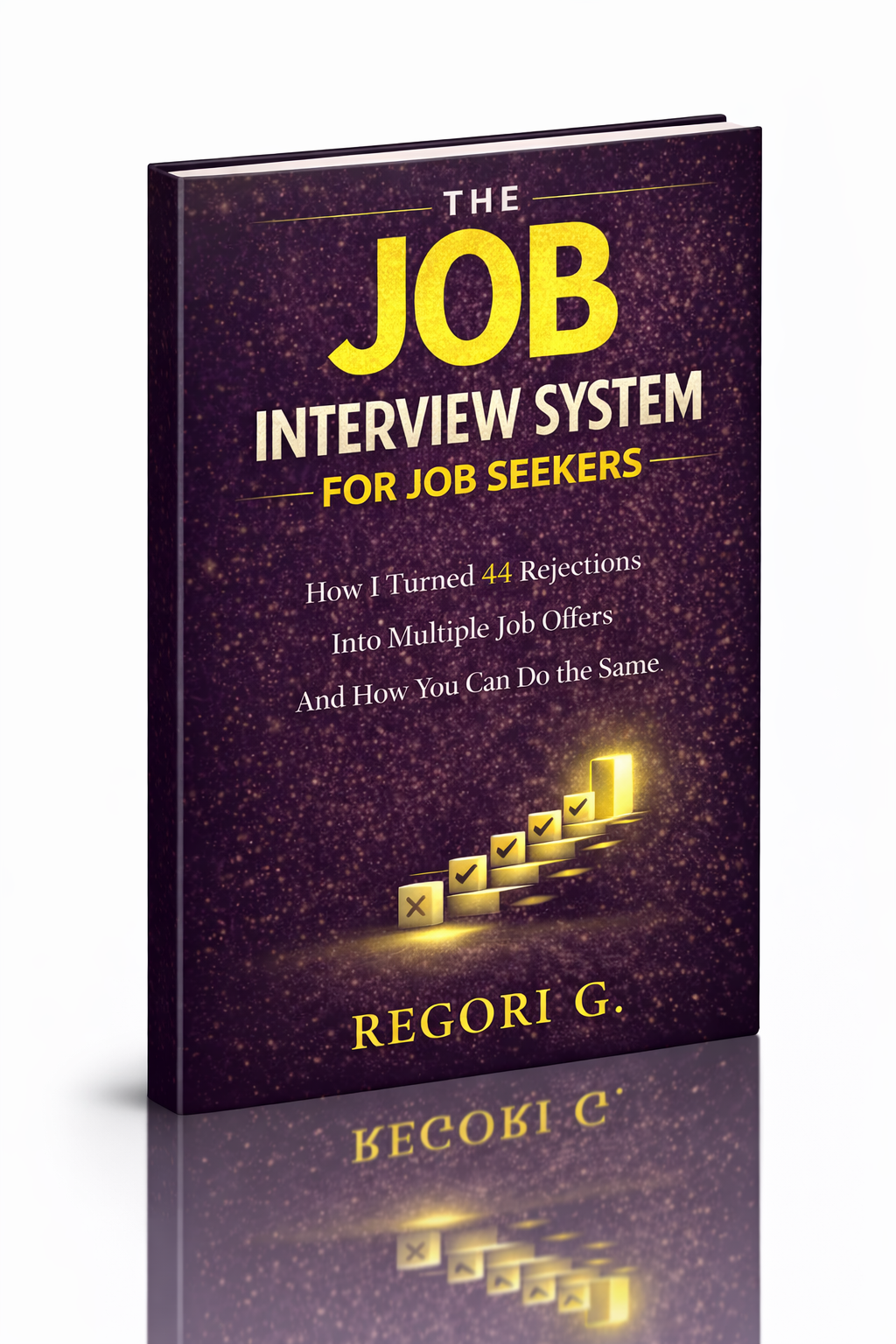
Guide 01
The Job Interview System
Step-by-step interview prep that turns nerves into confidence.
Get it →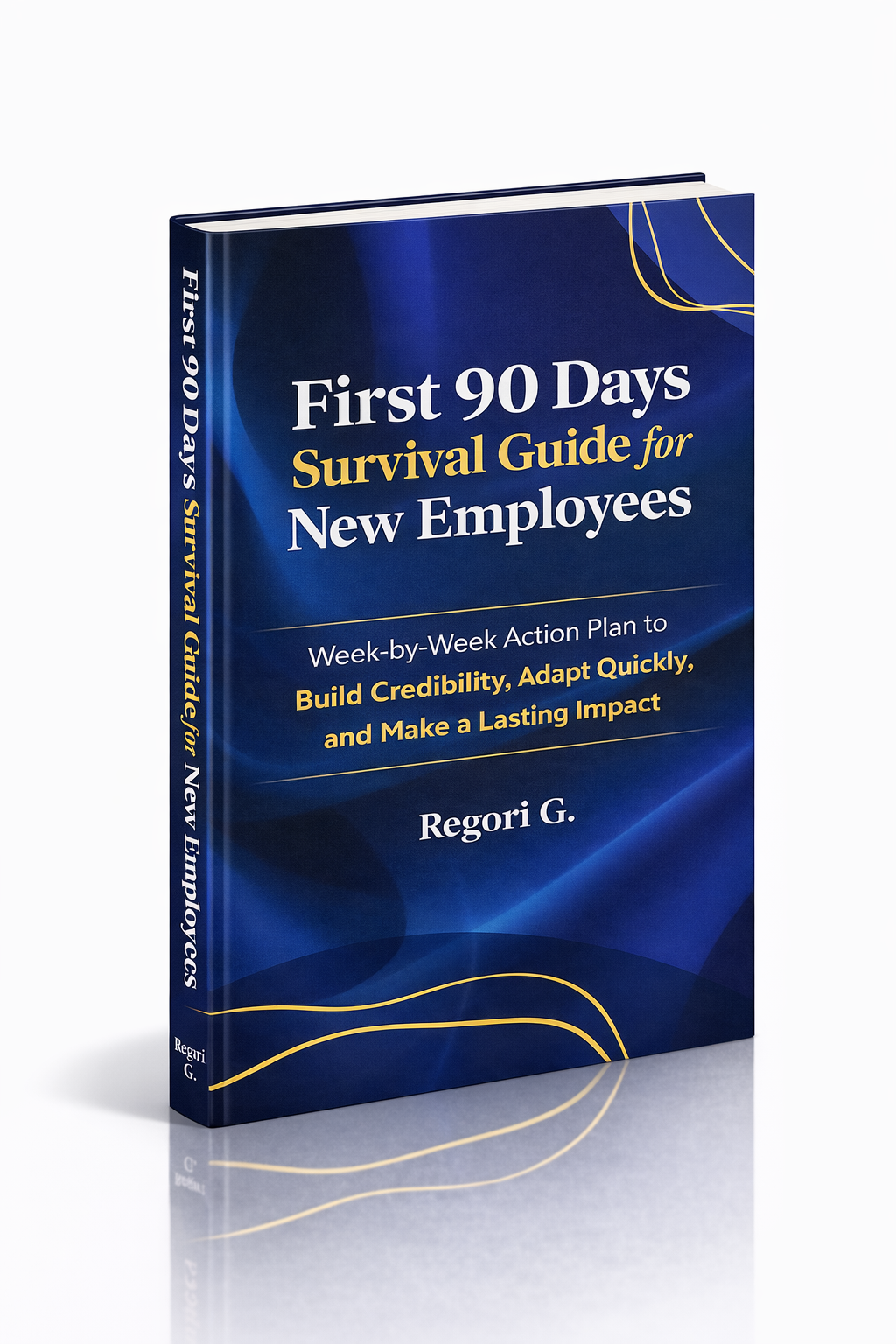
Guide 02
First 90 Days Survival Guide
Hit the ground running and make your mark from day one.
Get it →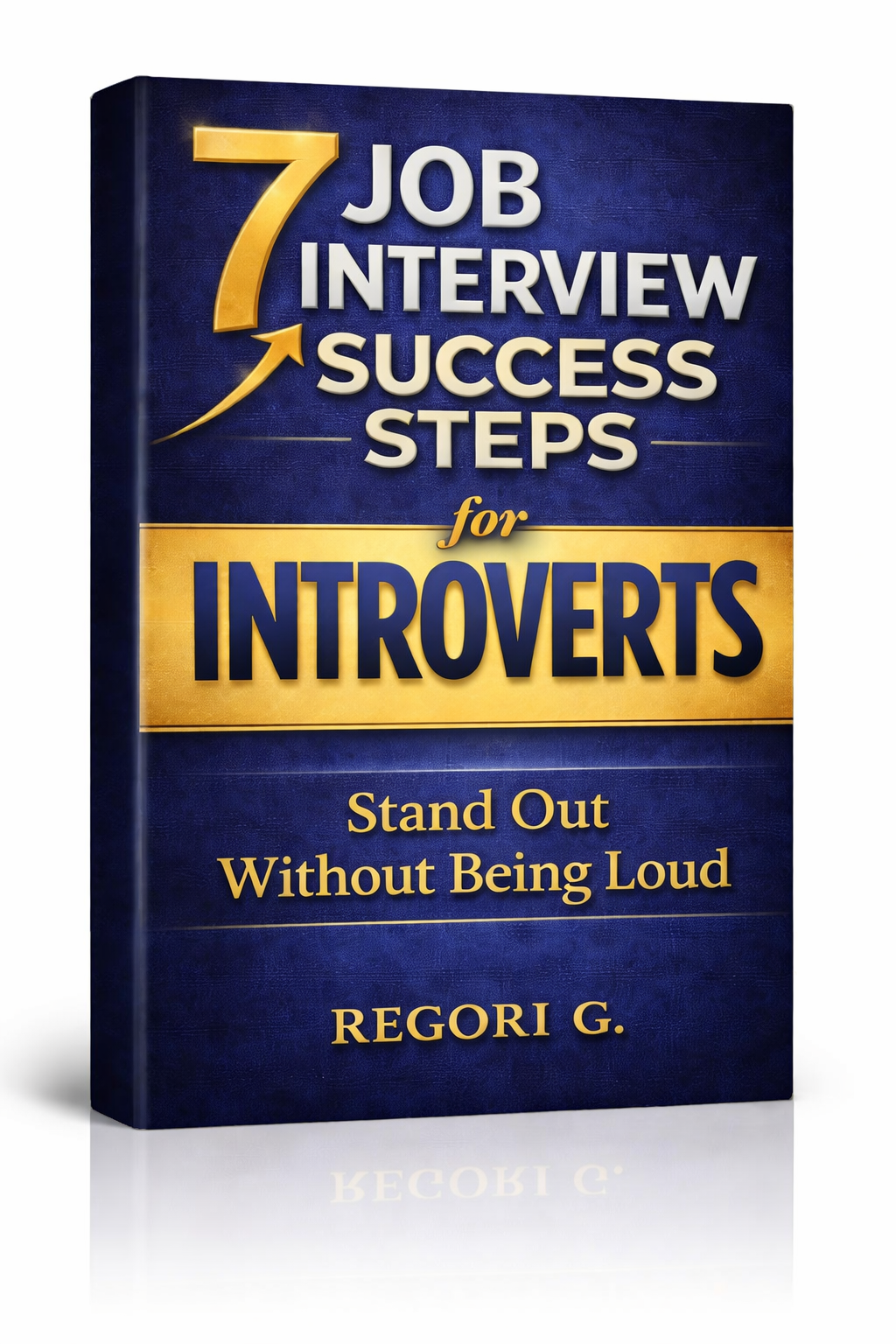
Guide 03
Interview Success for Introverts
7 proven steps to shine in interviews — even if you hate the spotlight.
Get it →